Preferences Channel Alias

Emily Lane
March 25, 2025
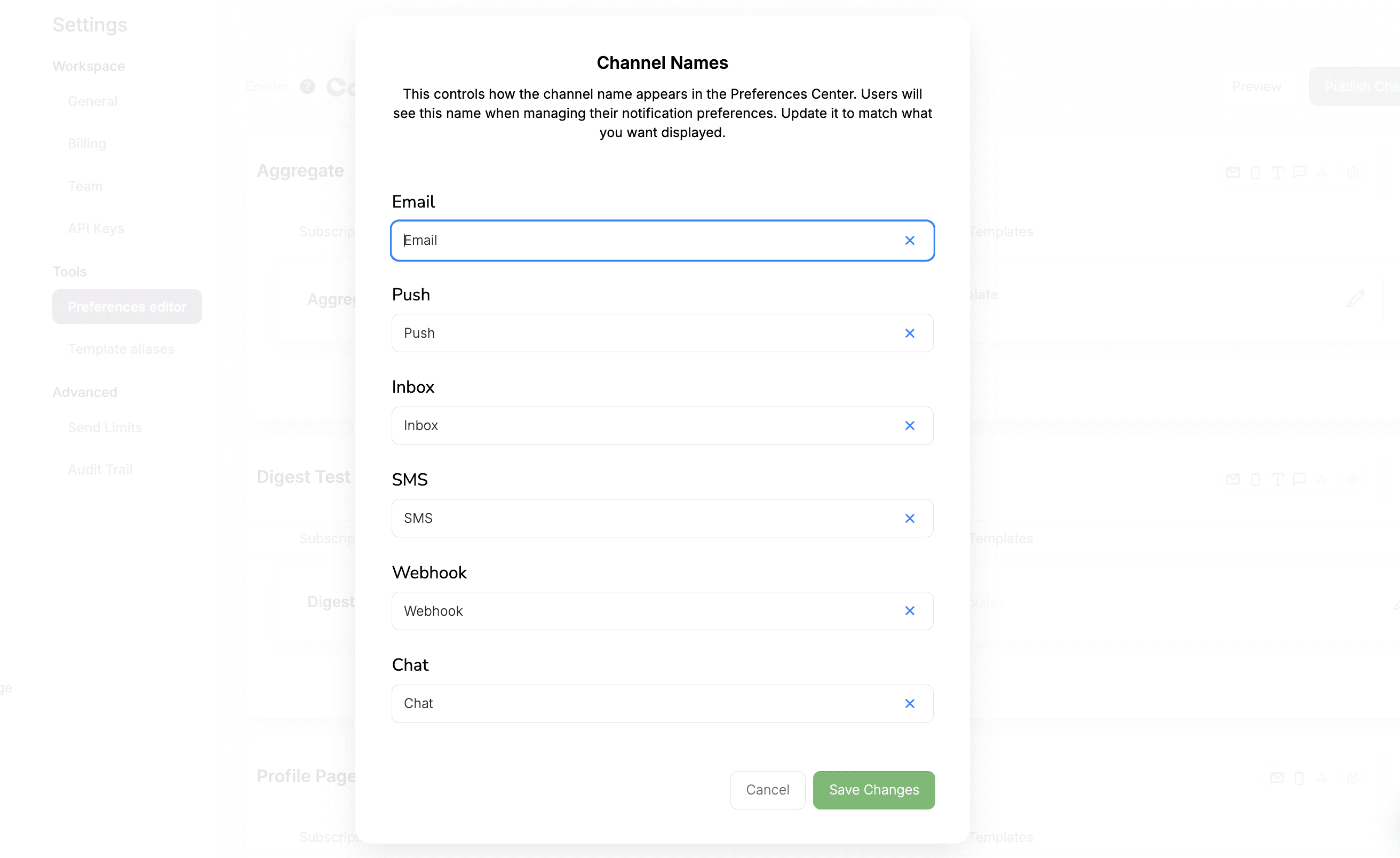
You now have full control over how notification channels appear to your users. Whether it’s Email, Push, SMS, Webhook, or Direct Messages. Each channel name can be updated so it aligns with your brand voice, terminology, or audience expectations.
Key Highlights:
Rename any system channel (e.g., Email, Push, Inbox, etc.) to a more user-friendly label.
Updated names will appear in the Preferences Center interface, helping users manage notifications more intuitively.
Edits are instantly reflected, no coding required.
📍 Find this update under Settings → Preferences Editor → Channel Names.
Learn more: Rename channels in the Preferences Editor · See renamed channels in the Hosted Preference Center · See how teams white-label notifications for their brand
More updates
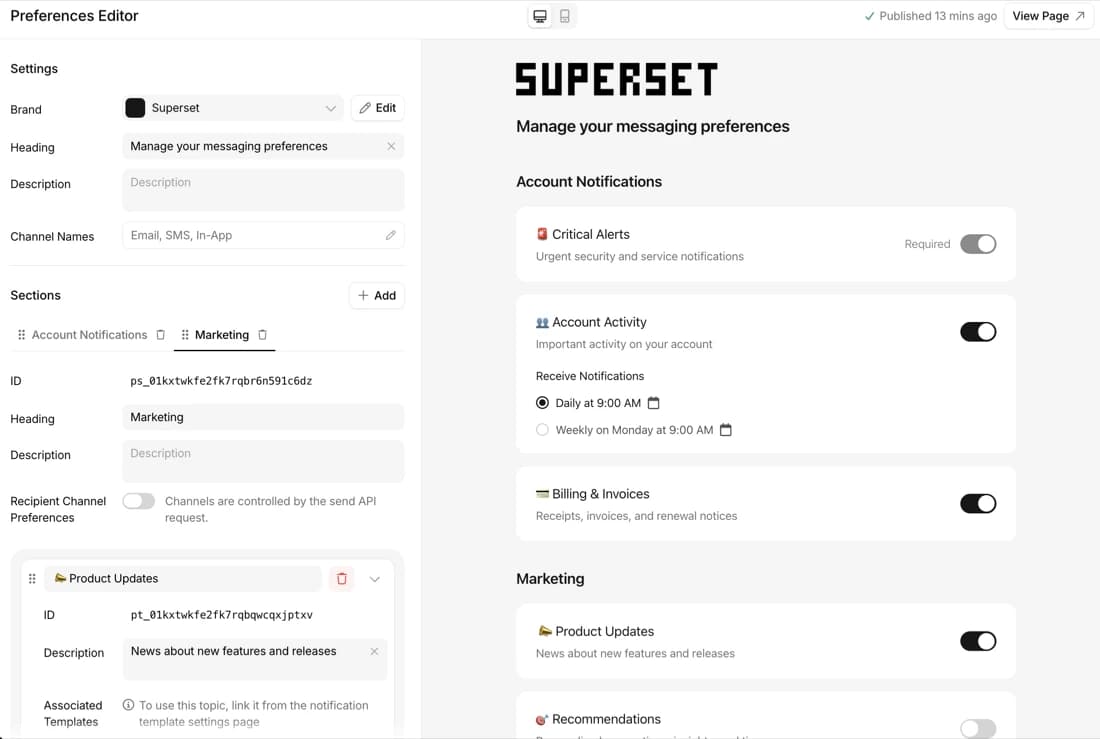
Preference webhooks and change history API
Get every preference change as a webhook, and read the full history by API.
By Emily Lane
October 14, 2026
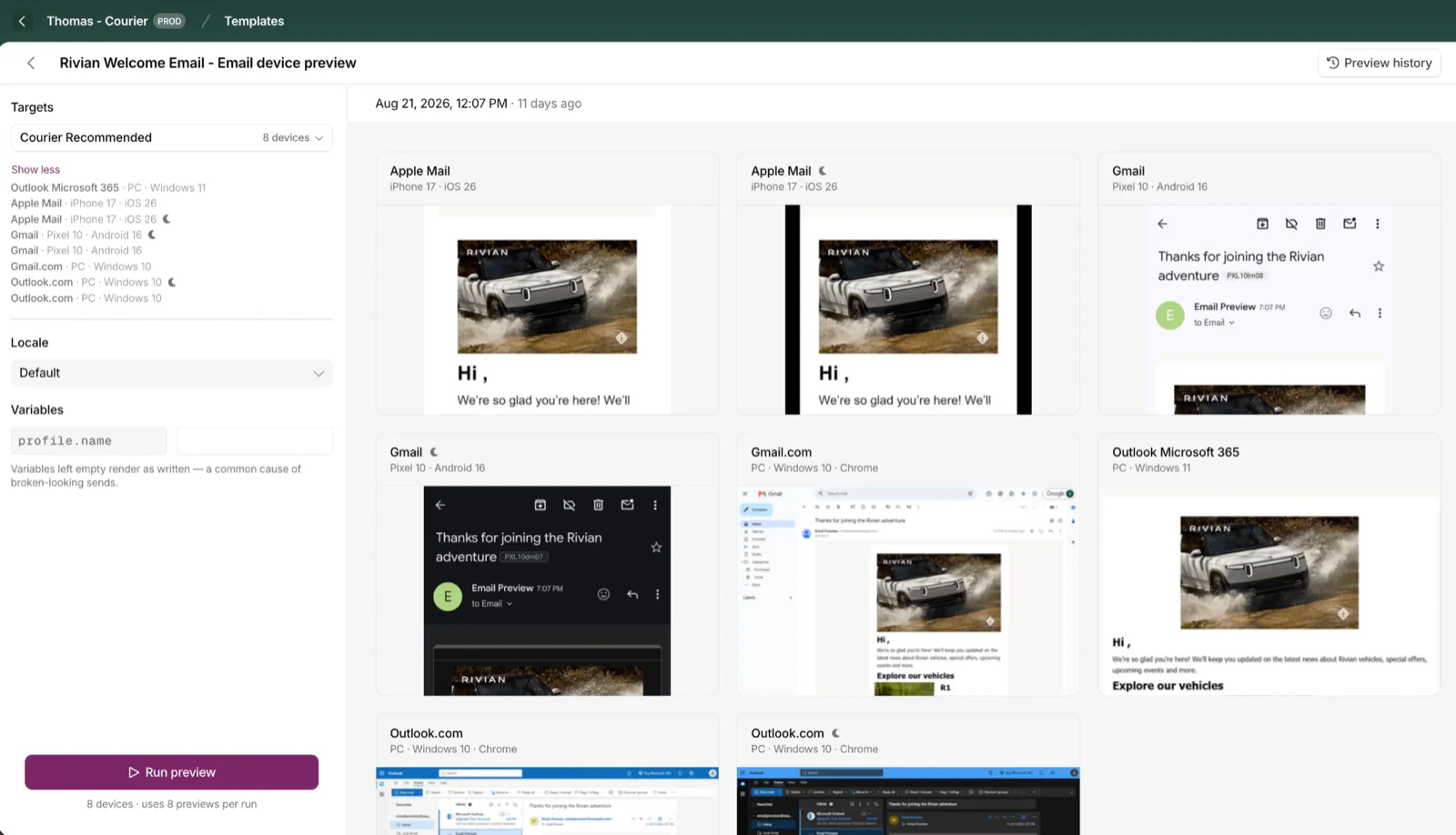
Cross-Device Email Preview
Preview email templates on real devices, 96 clients across 21 apps, right from Design Studio.
By Emily Lane
September 01, 2026
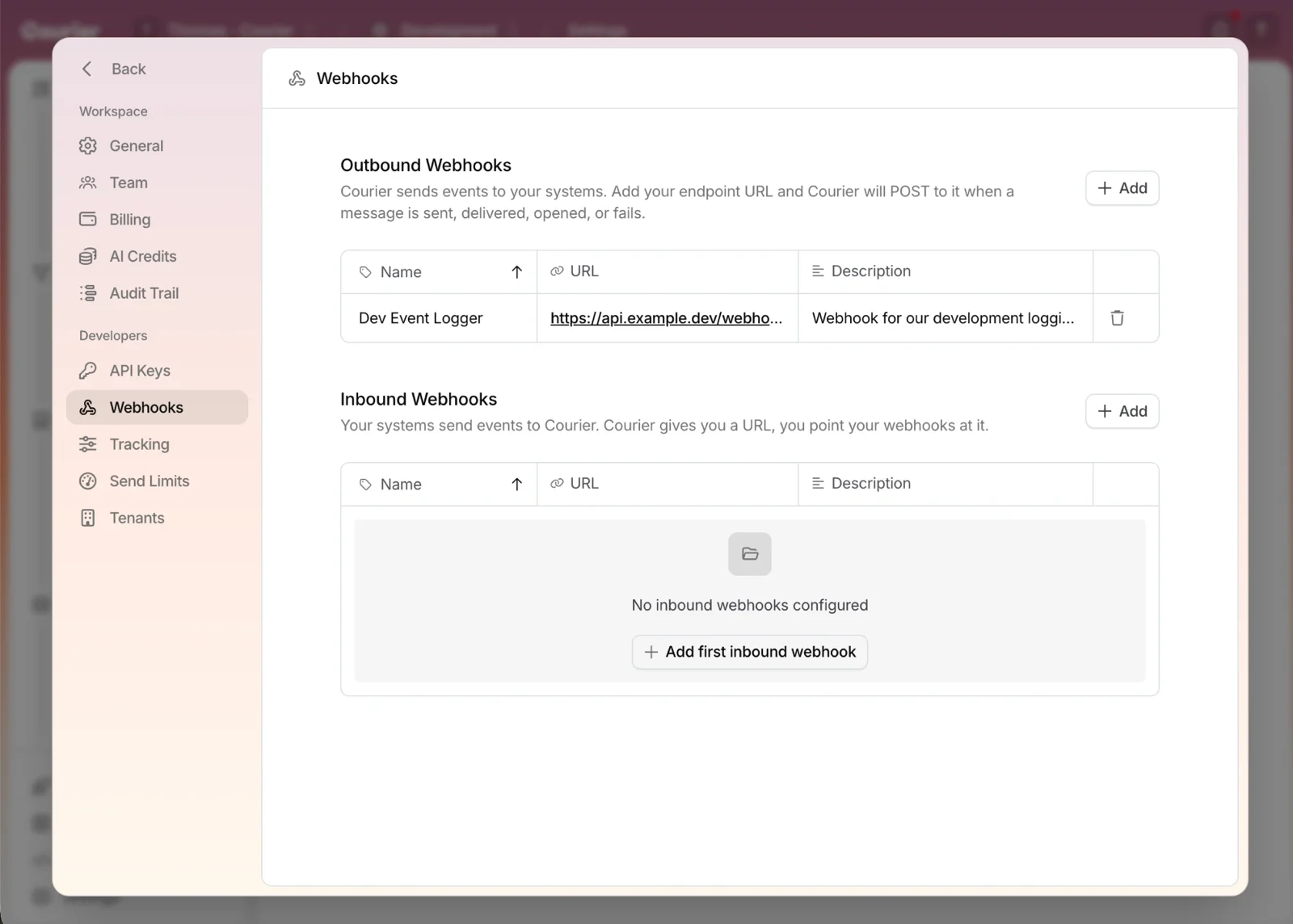
Redesigned Settings Page
Settings is redesigned, with workspace and developer pages in separate sections and nine background colors.
By Emily Lane
August 18, 2026