Topic
Engineering
109 articles
How notification systems are actually built: architecture, delivery guarantees, retries, and the tradeoffs behind each.

Let your agent check every email before it ships
Courier Device Preview gives your coding agent real screenshots from Outlook, Gmail, and Apple Mail. Here's the prompt and workflow to have it check every email, fix the draft, and check again before you publish.

React Native solved a problem nobody had. Use Flutter.
Shopify moved back to Swift and Kotlin because coding agents made two codebases affordable. That kills React Native's reason to exist. It does not touch Flutter's, and the canvas is why.
How to send Slack notifications from your app
Slack is where your customers already work, which makes it a product surface rather than only an internal alerting channel. Posting an approval request or a status change into a customer's own Slack means working in workspaces you don't own, addressing people by email rather than Slack ID, and holding a separate credential for every customer.
Your notification analytics are now available by API
If it's in the Courier dashboard, it's on the API. Analytics was one of the last screens where that wasn't true. GET /notifications/{id}/metrics returns sends, deliveries, opens, clicks, errors, and undeliverable counts per template as a time series, broken out by provider and channel, so the numbers can live in your own product or go straight to an agent.

Dark mode email design: a primer for every major email client
Dark mode is three different behaviors, not one. Apple Mail needs an explicit opt-in before it reads your dark CSS, Gmail ignores it entirely and rewrites your colors on its own, and classic Outlook gives you no control at all. This guide covers what each client actually does, the CSS that reaches the ones you can influence, and the design rules that survive the ones you cannot.
A developer's alternative to Intercom for product notifications
Intercom renamed itself Fin and agreed to be acquired by Salesforce, both around its AI support agent. If you're using it to send your product's notifications, it's fair to ask what the platform was actually built for. Its API answers the question: there is no push or SMS send endpoint, and the campaign builder has no API at all. Here's the architecture, the cost math, and how to migrate transactional and marketing sends.

Product notifications API: what it handles and how to build
A product notifications API sits between your product's events and every channel you send on. You post an event, and the API decides what message goes out, to whom, on which channel, at what time, with that user's preferences applied. This post covers the ten things one has to handle, what building it yourself costs, and how to wire your event feed into Courier.
A developer's alternative to Salesforce Marketing Cloud
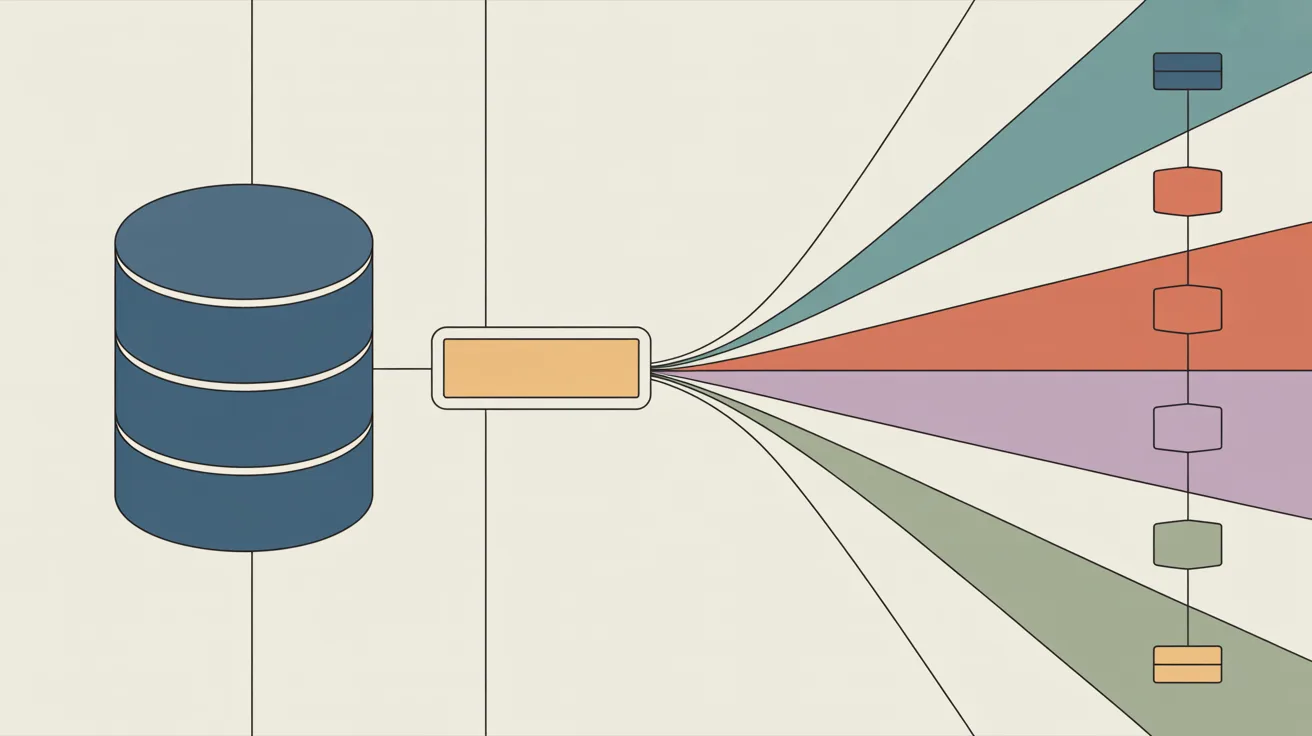
Salesforce Marketing Cloud is expensive, hard to navigate, and needs its own specialist developers to run. The answer isn't leaving Salesforce. It's keeping your CRM as the system of record and moving message delivery to a surface your own engineers, marketers, and AI agents can build on. Here's the architecture, the cost math, and an honest look at when to stay.

Courier Skills: teach your AI agent to build with Courier
Courier Skills is a free, open-source knowledge base that teaches your AI coding agent how to build and debug notifications with Courier: the right primitive for each use case, the exact payload shapes, and the mistakes that produce unhelpful errors. The rebuilt version is smaller, leads every reference with the failure modes, and installs on any agent that reads skills with one command: `npx skills add trycourier/courier-skills`.