Topic
Notifications Landscape
75 articles
The state of the notification market: provider comparisons, what sending costs at scale, and where the platforms are heading.

WhatsApp pricing changes on October 1, 2026
On October 1, 2026, two things become billable on the WhatsApp Business Platform: free-form replies inside the 24-hour customer service window, and utility templates sent in response to a customer. If your WhatsApp volume is conversations rather than campaigns, this is not a rate tweak. It adds a line to your invoice where there used to be a zero. Here is what changes, a worked example of the cost, and what to check.

Clinical alert and notification systems: how escalation works
A clinical alert is easy to send and hard to close. This is how alerting works inside a hospital: where alerts come from, how routing by role and shift works, and how the acknowledge, timeout, escalate loop is actually built, including what happens when nobody answers.

Courier vs Customer.io: 2026 messaging platform comparison
Courier and Customer.io both send across email, push, SMS, and in-app, but they are not priced or built the same way. Courier bills by the send, puts journeys, experiments, broadcasts, an in-app inbox, preferences, and 50+ delivery providers on one platform, and exposes all of it through an API, a CLI, and an MCP server. Customer.io bills by the number of profiles in your database and fits a marketing team that needs deep behavioral segmentation. This comparison covers pricing, journeys, channels, in-app messaging, localization, and preferences, with every competitor figure linked to Customer.io's own pages.

Email preview tools compared: 6 that render on real devices
Most "email preview" features are simulations. These six open your email in the actual client and send back a screenshot. Here’s what each costs per preview, how much work sits between your template and the result, and which ones you can drive from code.
A developer's alternative to Intercom for product notifications
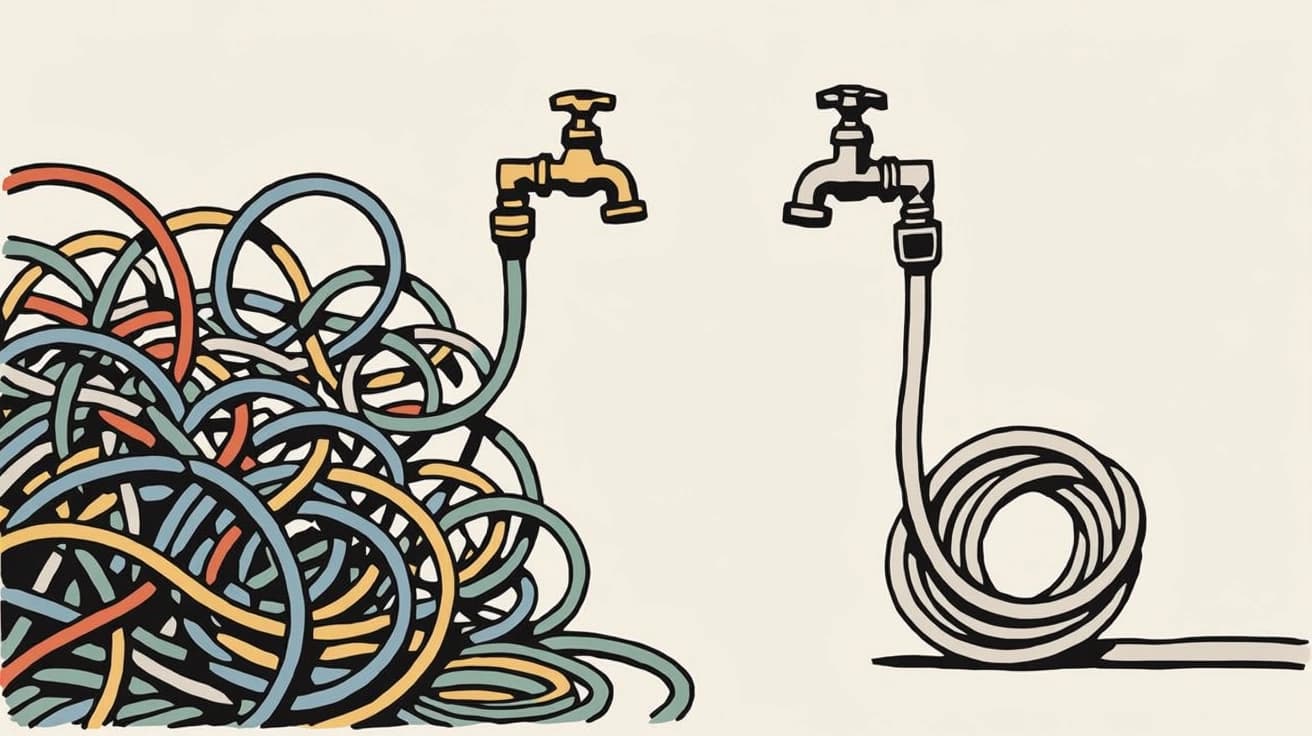
Intercom renamed itself Fin and agreed to be acquired by Salesforce, both around its AI support agent. If you're using it to send your product's notifications, it's fair to ask what the platform was actually built for. Its API answers the question: there is no push or SMS send endpoint, and the campaign builder has no API at all. Here's the architecture, the cost math, and how to migrate transactional and marketing sends.

Top 11 push notification platforms compared for 2026
Push starts as the whole job, then product wants an email fallback, legal wants a preference center, and support wants a searchable log. This guide compares 11 push notification platforms on channels, free tiers, and pricing, and shows why Courier's single API for push, email, SMS, in-app inbox, Slack, and Microsoft Teams fits that arc better than a push-only tool. Includes 2026 opt-in and open-rate benchmarks, a full-stack cost comparison, and what each platform leaves you to build.

Customer messaging tools that don't need engineers
Most companies run two systems: a marketing tool for campaigns, and something else for product notifications. Here are nine tools product and growth teams can run without engineering, what still needs a developer, and what each one costs.
A developer's alternative to Salesforce Marketing Cloud
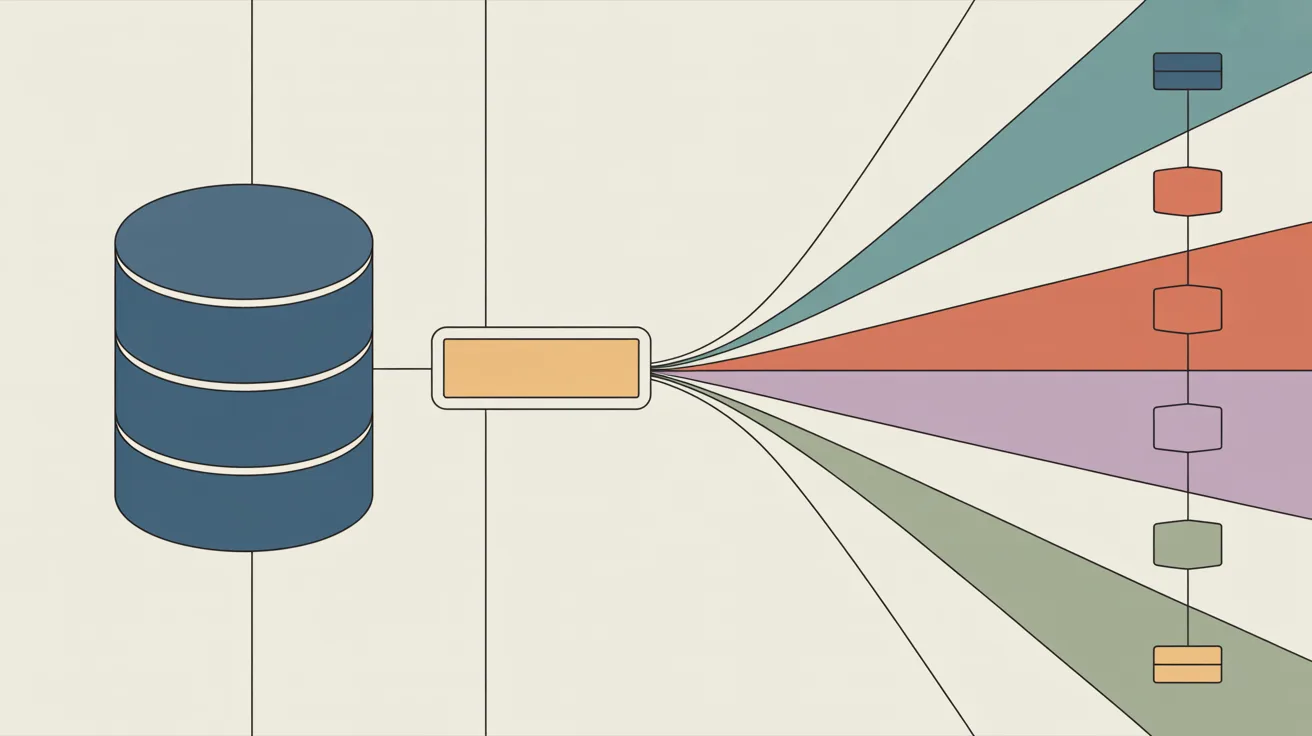
Salesforce Marketing Cloud is expensive, hard to navigate, and needs its own specialist developers to run. The answer isn't leaving Salesforce. It's keeping your CRM as the system of record and moving message delivery to a surface your own engineers, marketers, and AI agents can build on. Here's the architecture, the cost math, and an honest look at when to stay.

How to send messages and not piss off your customers
Every notification looks reasonable in isolation. Your customers don't experience them one at a time, they experience all of them before lunch. Here's why sending less beats sending more.