

Adding a divider block
- In Design Studio, select a channel.
- Add a Divider block from the block sidebar or toolbar.
- Place it between blocks where you want a horizontal line.
- Adjust color, thickness, or style in the block settings.
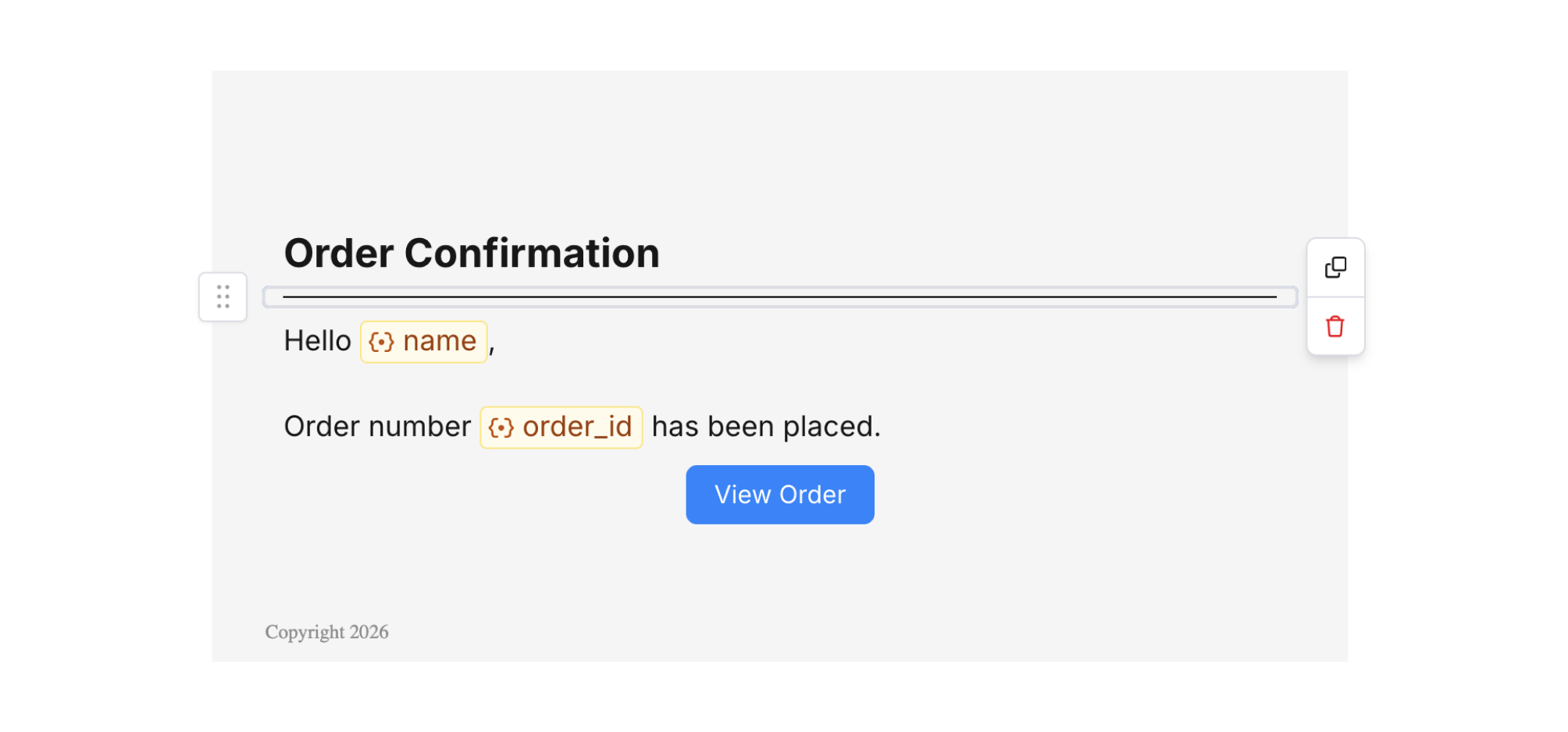
Divider Block
Divider settings
- Color – Line color. You can use brand or channel-specific colors.
- Size / thickness – Line thickness.
- Radius – Optional rounded corners or style variants.
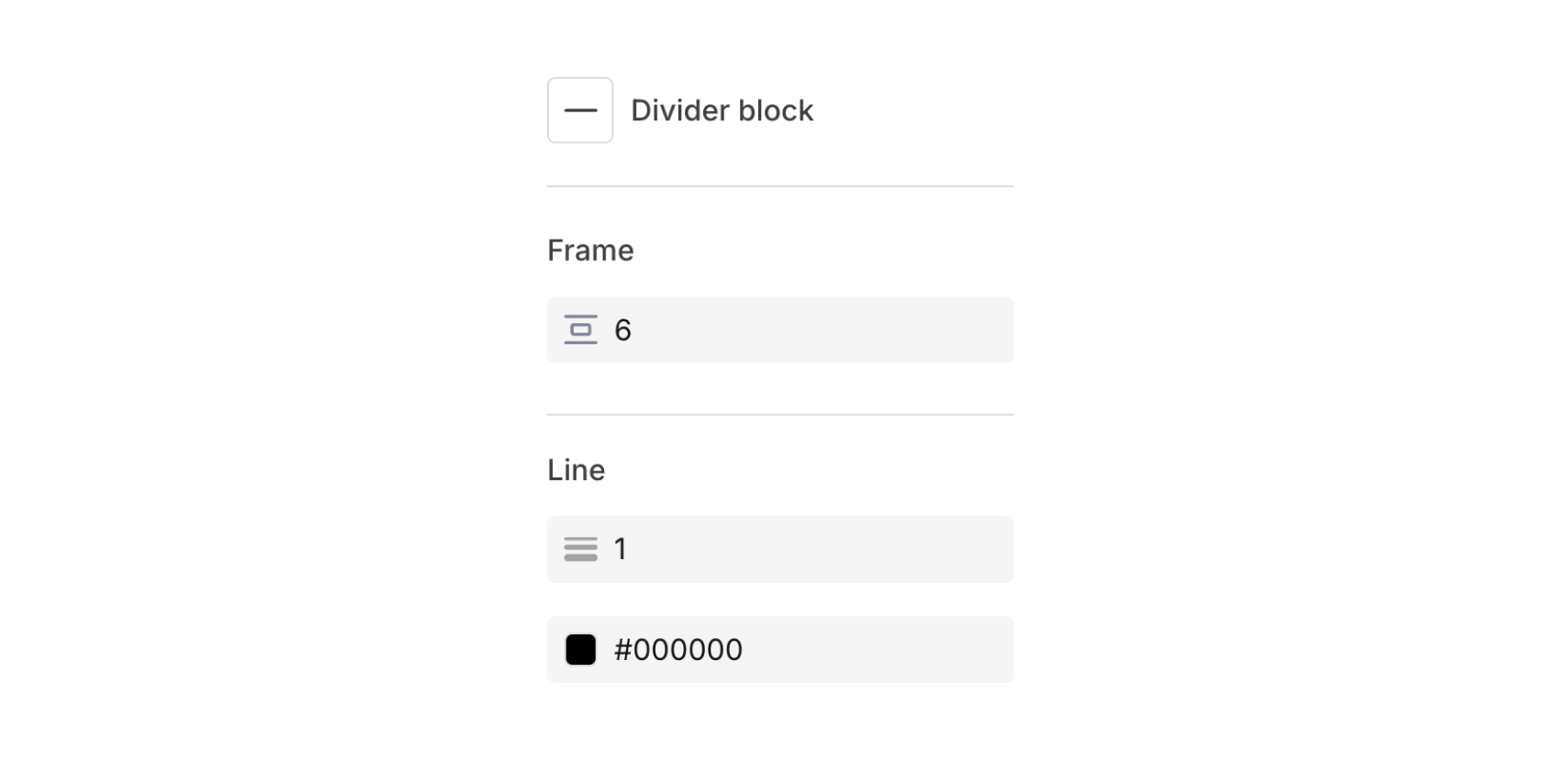
Divider Settings