

Adding a spacer block
- In Design Studio, select a channel.
- Add a Spacer block from the block sidebar or toolbar.
- Place it between blocks where you want extra space.
- Adjust the spacer height in the block settings.
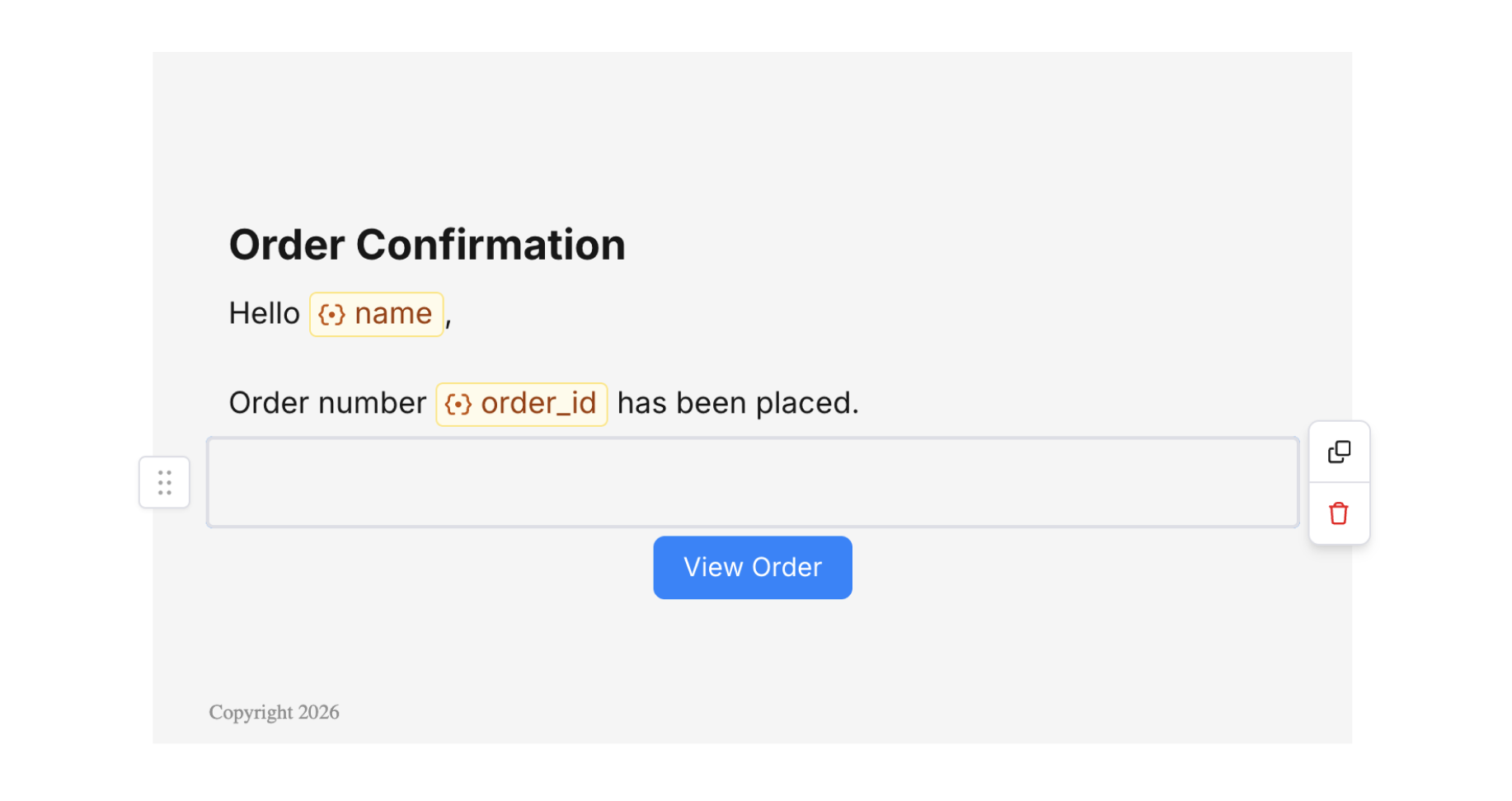
Spacer Block
Spacer settings
Control how much vertical space the spacer adds.
Spacer Settings