

Adding an image block
- In Design Studio, select a channel.
- Add an Image block from the block sidebar or toolbar.
- Set the image URL (or upload an image, or use a variable for dynamic images).
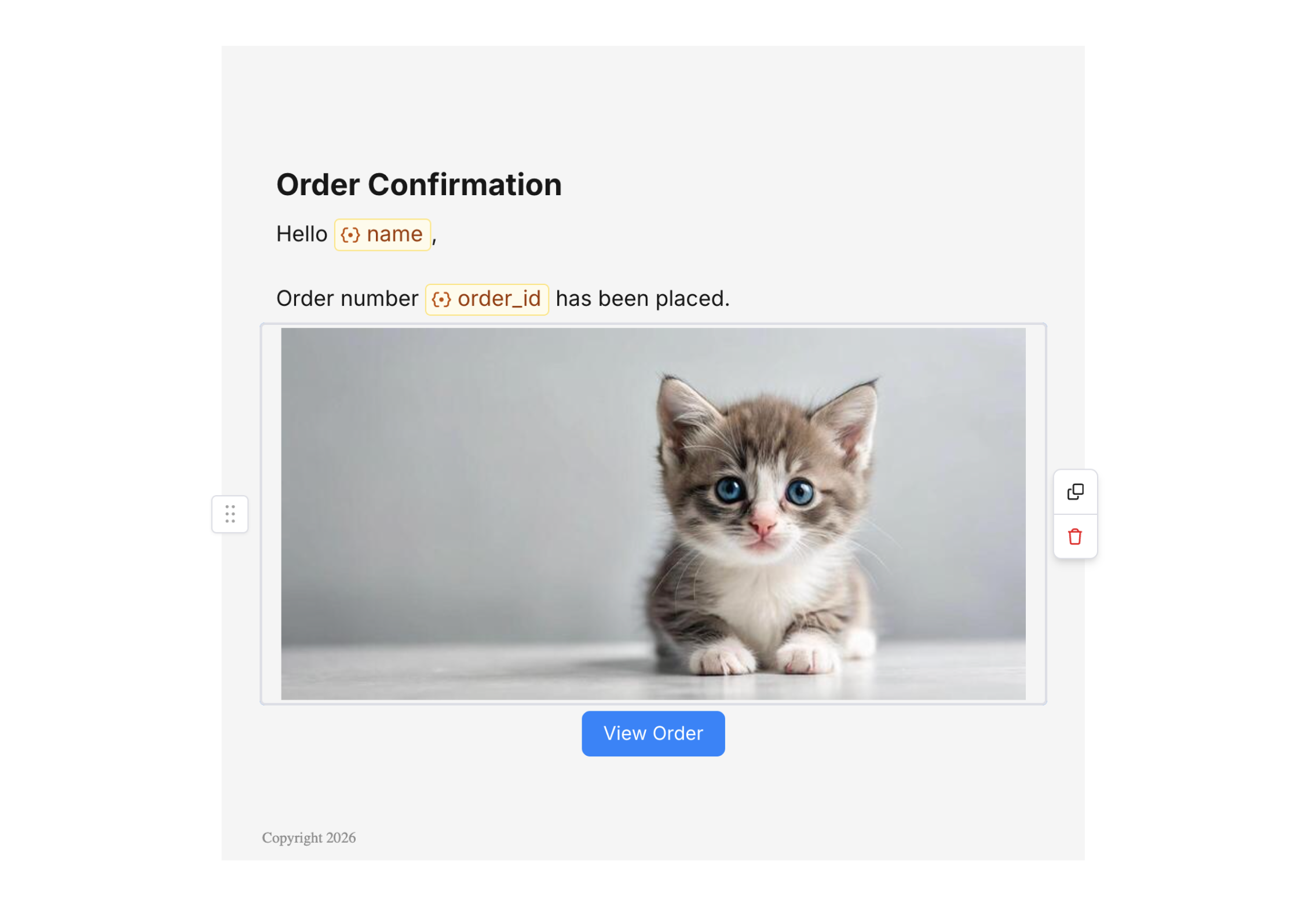
Image Block
Image settings
- Image URL – Source URL. You can use a variable for per-recipient images.
- Alt text – Description for accessibility and when images don’t load.
- Link URL – Optional; make the image clickable.
- Width / alignment – Control size and alignment in the block settings.
- Border – Configure border color and thickness.
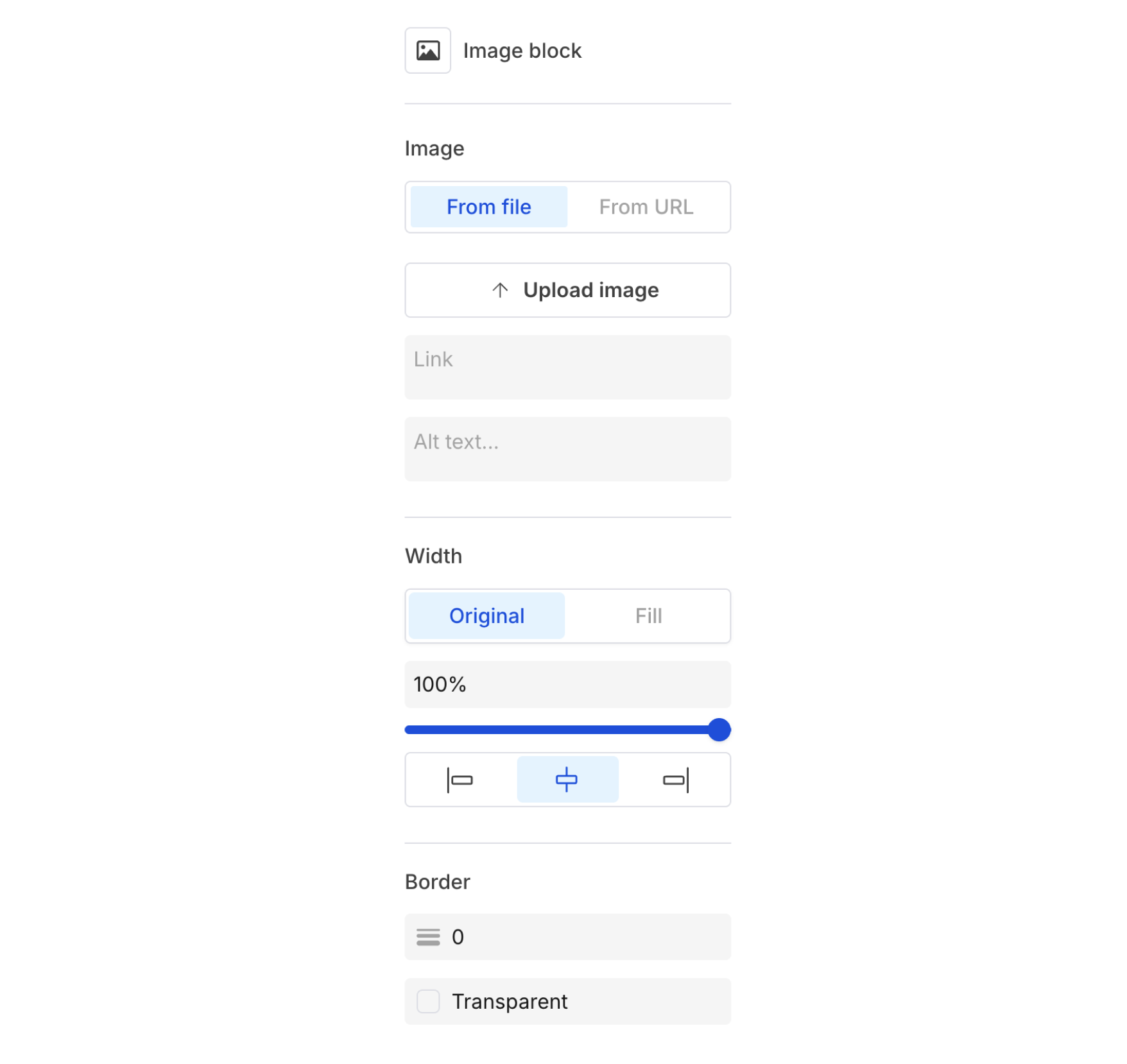
Image Settings