Topic
AI
29 articles
What changes when software, not a person, decides to send the message: agents, MCP, human-in-the-loop approvals, and on-device models.
Your Entire Lifecycle Marketing Department, Run from Claude Fable 5
With the rollout of Claude' Fable model, one thing is becoming increasingly clear. Marketing execution (especially the long-tail work), will be done in an AI editor. In Courier, connect your agent to the MCP server or CLI, install Courier Skills, and keep a small folder of markdown context files. From there, one person with a coding agent covers the work that used to require a lifecycle marketer, an email designer, a marketing ops hire, and an engineer: building journeys, shipping templates, auditing every notification, and debugging delivery without opening a dashboard.

Human-in-the-loop for AI payment agents: building approval notifications that work
AI agents need human approval before taking consequential actions: financial commitments, irreversible changes, decisions that affect other people. This post covers how to design those checkpoints and build the notification infrastructure: multi-channel delivery, live context, escalation, and a back-and-forth question loop between reviewers and the agent.

What we shipped this month: May 2026 Edition
Courier shipped five launches in May 2026: AI Agent in Journeys (GA), the new Journeys API for code-driven flows, Custom Environments, Design Studio styling controls, and Courier Console v3. Each one closes a gap between writing software and shipping the messages that go with it.

Create a customer journey from AI coding agent
Use Courier's Journey API to create multistep customer engagement workflows from your coding agent of choice. Describe the kind of journey you'd like to create, answer a few questions, and publish to the platform.

Introducing the AI Node in Courier Journeys
The AI node is a new step inside Courier Journeys that classifies users, branches on the result, and writes per-channel copy from a single prompt. Here's what it does, how to set one up, and when it's worth using over a regular condition node.

AI Tools for Product Managers: The Modern PM Stack
The modern PM stack runs on AI at every step: Cursor and Claude Code for build, Pencil and Claude Design for prototyping, Courier for notifications and agent communication, Segment for routing product events and engagement data, PostHog for analytics and LLM evals, and a knowledge system like Notion for shared memory across humans and agents.

The AI Node in Journeys: Smarter Branching, Personalized Messages, and Live Enrichment
Courier Journeys now includes an AI node that you can drop into any customer journey. Use it to branch on logic too nuanced for if/then, generate message copy shaped by each user's context, enrich profiles with live data mid-flow, and batch activity into recurring digests. Existing deterministic journeys keep working. The AI node is additive, not a replacement, and it lets you unlock the kind of personalization that used to require a dedicated ML team. Here's what it does and how to use it.
Using Claude Design, Claude Code, and Courier AI to Create a Multichannel Onboarding Series in 30 Minutes
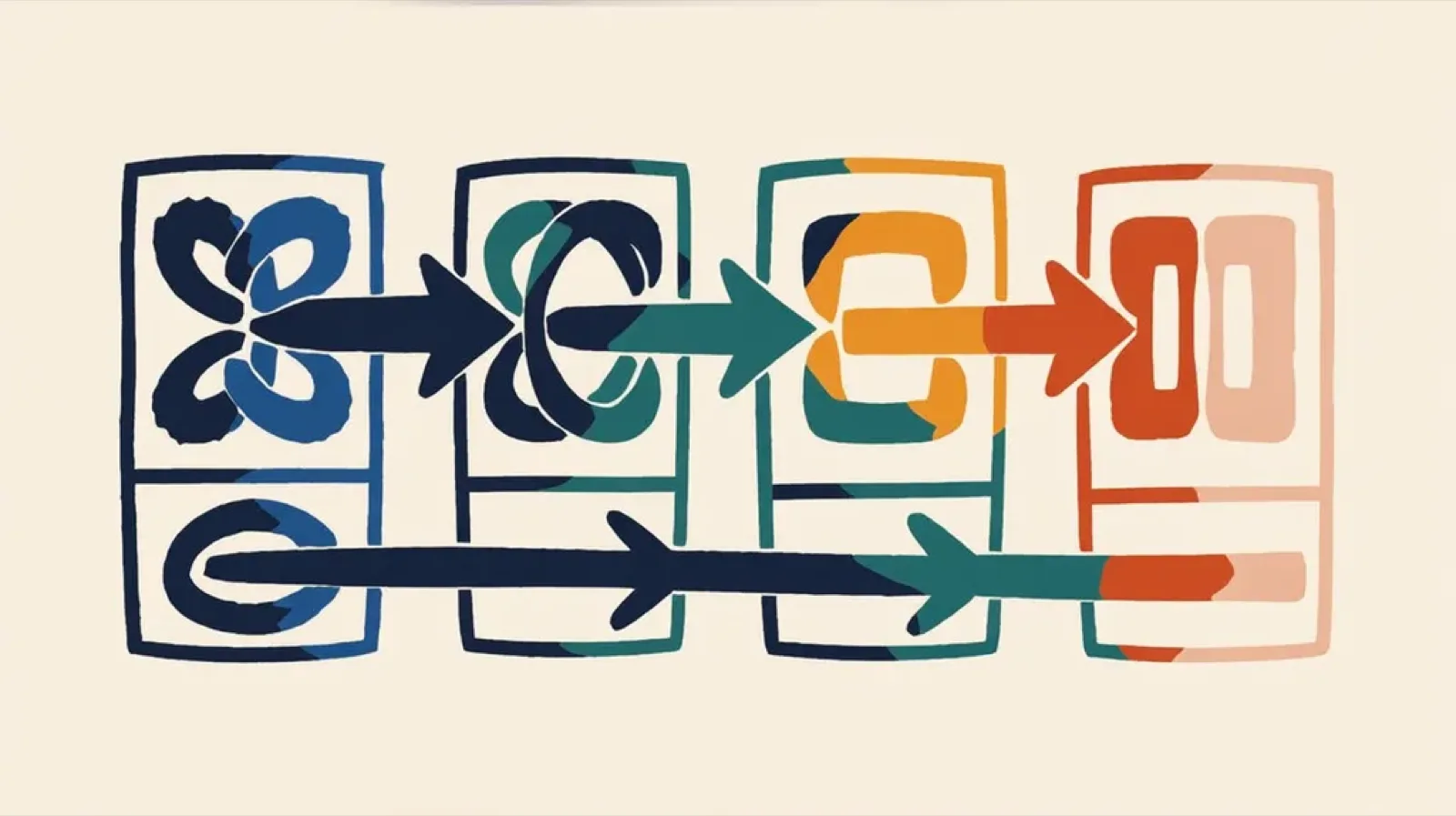
A walkthrough of building a four-part multichannel onboarding series (email, in-app inbox, mobile push, and Slack) in 30 minutes using Claude Code and Cowork to orchestrate, Claude Design to mock each channel, the courier-template-builder skill to translate mocks into Elemental JSON, the Courier MCP to publish templates, and the Courier CLI to test sends. Covers the strategy behind the sequence and recommendations for anyone doing the same.

Throttling notifications across product, transactional, and marketing streams
A notification throttle that drops every event over a limit works fine for marketing nurtures and fails for product notifications, because product events carry context users actually need. The fix is pairing throttling with auto-batch: overflow events feed a batch node that rolls them up into a single digest, optionally rewritten by an AI node that prioritizes and summarizes the contents. This guide covers per-stream throttle setups for transactional, product, and marketing flows, and how the Courier Journeys AI node and fetch-data node fit into the pattern.