Topic
Tutorial
27 articles
Step-by-step tutorials with working code for sending notifications across email, SMS, push, and in-app.
Build with AI: let your agent handle notifications end to end
Courier's Build with AI toolkit gives coding agents direct access to your notification infrastructure. Four integration points, one goal: let your agent send messages, debug deliveries, manage users, and follow notification best practices without context-switching. Works with Claude Code, Cursor, and any agent that can run shell commands or call MCP tools.

How to Use Claude Code on Mobile to Design, Test, and Ship Multichannel Notifications
A walkthrough of using Claude Code's mobile app with Courier's MCP server and CLI to design, test, and ship a multichannel product announcement from a phone. Covers the full workflow: drafting the content outline, creating notification templates using Courier's elemental format, building channel-specific variants for email, Slack, push, and SMS, customizing brand styling through the API, iterating on design with test sends, getting team approval, and publishing with custom routing rules. The whole thing took a couple hours, mostly cold start and design iterations.
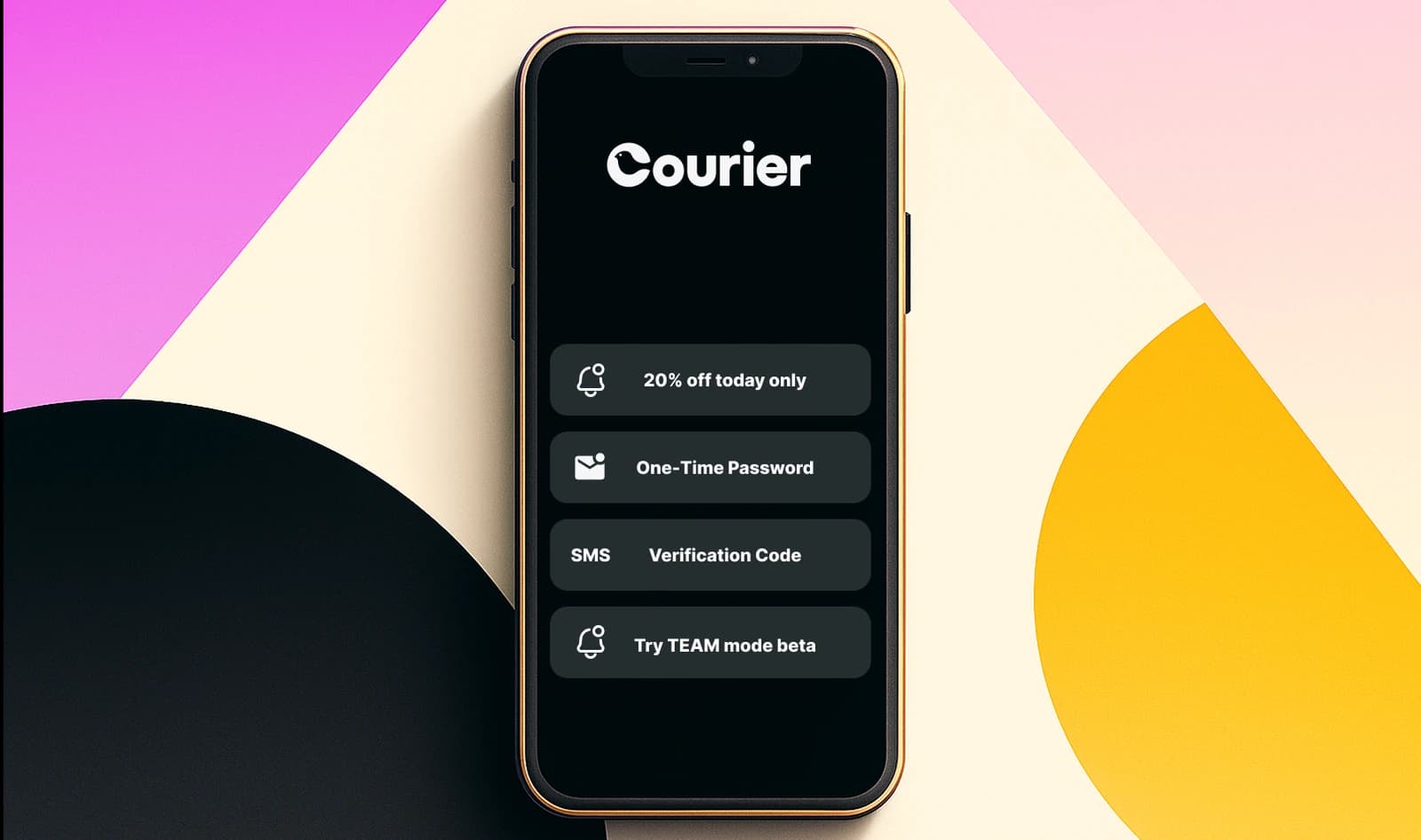
Transactional, Product, and Marketing Notifications: What Are the Differences?
Understanding the difference between transactional, product, and marketing notifications is essential for developers building notification infrastructure. Transactional notifications confirm user actions and require no opt-in. Product notifications drive feature adoption through education. Marketing notifications promote sales and require explicit consent. This guide explains the legal requirements, best practices, and when to use each notification type to build compliant systems users trust.Retry
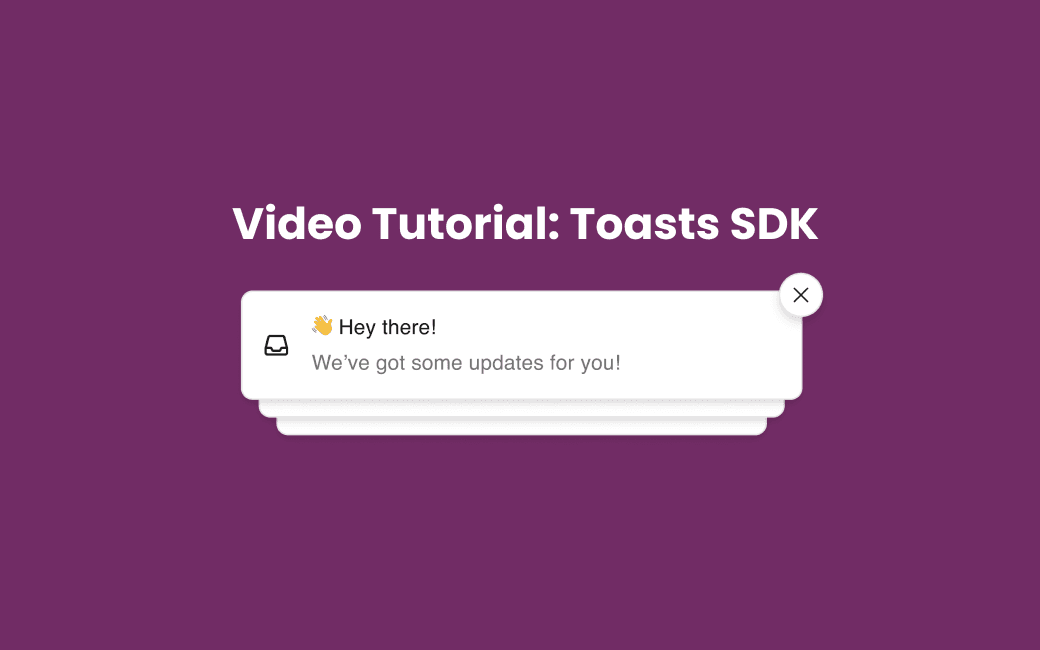
How to Add Toast Notifications with the New Courier Toasts SDK
Learn how to add real-time, customizable toast notifications to your app with the Courier Toasts SDK. This quick tutorial shows how to integrate toasts using Web Components or React and sync them with your notification center for a seamless, modern UX.
What is the Twilio Messaging API?
Twilio's Messaging API enables developers to send and receive SMS, MMS, WhatsApp, and RCS messages at scale across 180+ countries. While Twilio excels at reliable message delivery through carrier networks, modern applications need more than single-channel messaging. Courier acts as a provider-agnostic orchestration layer that activates messaging across Twilio and other channels from a single platform. You get intelligent routing, user preference management, and fallback logic without vendor lock-in.
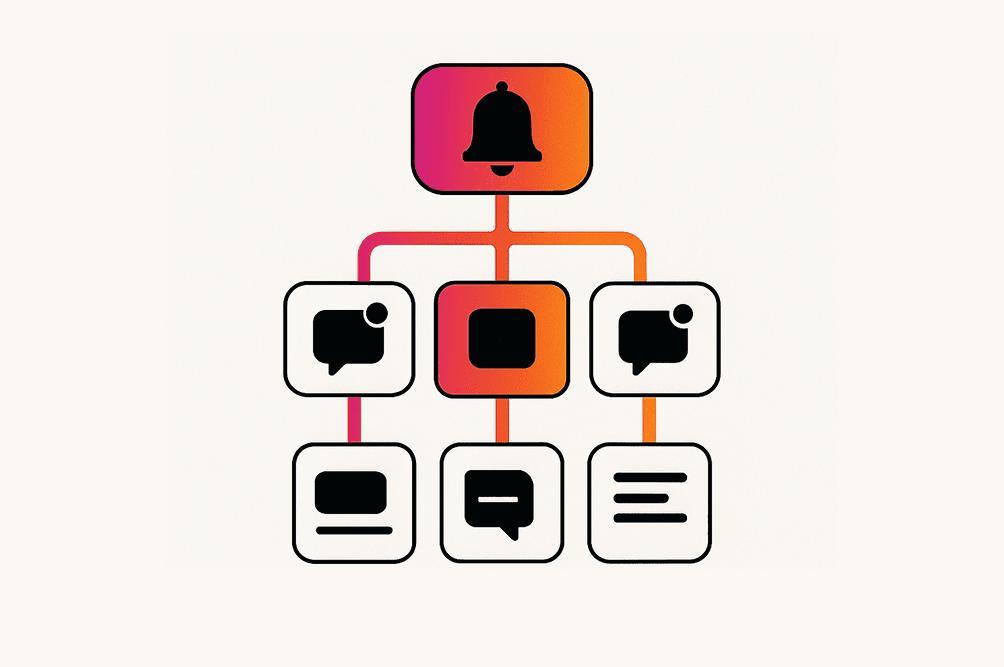
Why You Need Multi-Tenant Infrastructure for Notifications
Need to send notifications for many customers without mixing data or losing brand identity? This practical guide walks you through mapping a tenant hierarchy, carrying context in every call, setting up layered preferences, and adding dynamic branding. It pairs code samples with checklists so you can choose to build from scratch or plug in Courier when you are ready to scale

How to Send an SMS in Java
Send an SMS in Java using the Courier SDK with your existing Twilio account as the provider. Complete working code, step-by-step setup, and a direct Twilio comparison for when the orchestration layer is overkill.
Build Custom In-App Notifications in 15 Minutes with Courier and ChatGPT
When a customer asked for a fully custom in-app inbox that looked like an email client, Courier’s sales engineer Jon turned to ChatGPT. Using Courier’s React Hooks SDK and a simple prompt, he built a working prototype in just 15 minutes. This post walks through how AI and flexible tooling helped solve a real implementation request—fast.
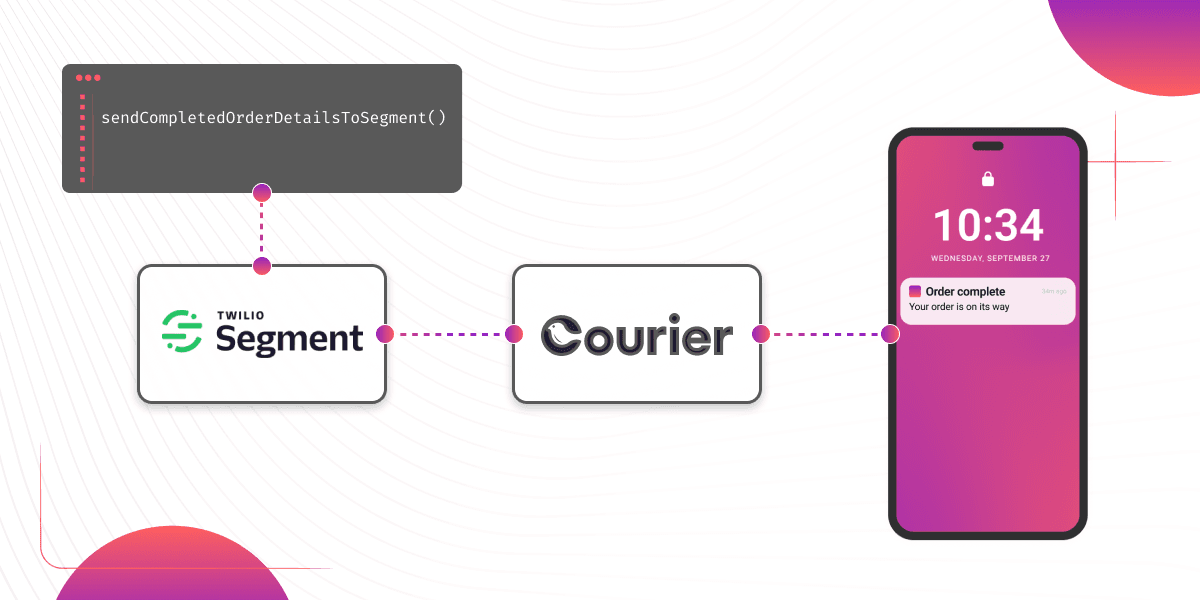
How to Set Up Automatic Push Notifications Based on Segment Events
Push notifications have carved their own niche as a powerful tool for continuous user engagement. Regardless of whether an app is actively in use, they deliver your messages straight to your user's device. Two key players that can combine to enhance your push notification strategy are Segment and Courier. In this tutorial, we show you how to set up Courier to listen to your Segment events and then send push notifications to an Android device based on data from these events.