The Courier Blog

Courier vs Customer.io: 2026 messaging platform comparison
Courier and Customer.io both send across email, push, SMS, and in-app, but they are not priced or built the same way. Courier bills by the send, puts journeys, experiments, broadcasts, an in-app inbox, preferences, and 50+ delivery providers on one platform, and exposes all of it through an API, a CLI, and an MCP server. Customer.io bills by the number of profiles in your database and fits a marketing team that needs deep behavioral segmentation. This comparison covers pricing, journeys, channels, in-app messaging, localization, and preferences, with every competitor figure linked to Customer.io's own pages.

Email preview tools compared: 6 that render on real devices
Most "email preview" features are simulations. These six open your email in the actual client and send back a screenshot. Here’s what each costs per preview, how much work sits between your template and the result, and which ones you can drive from code.
Your notification analytics are now available by API
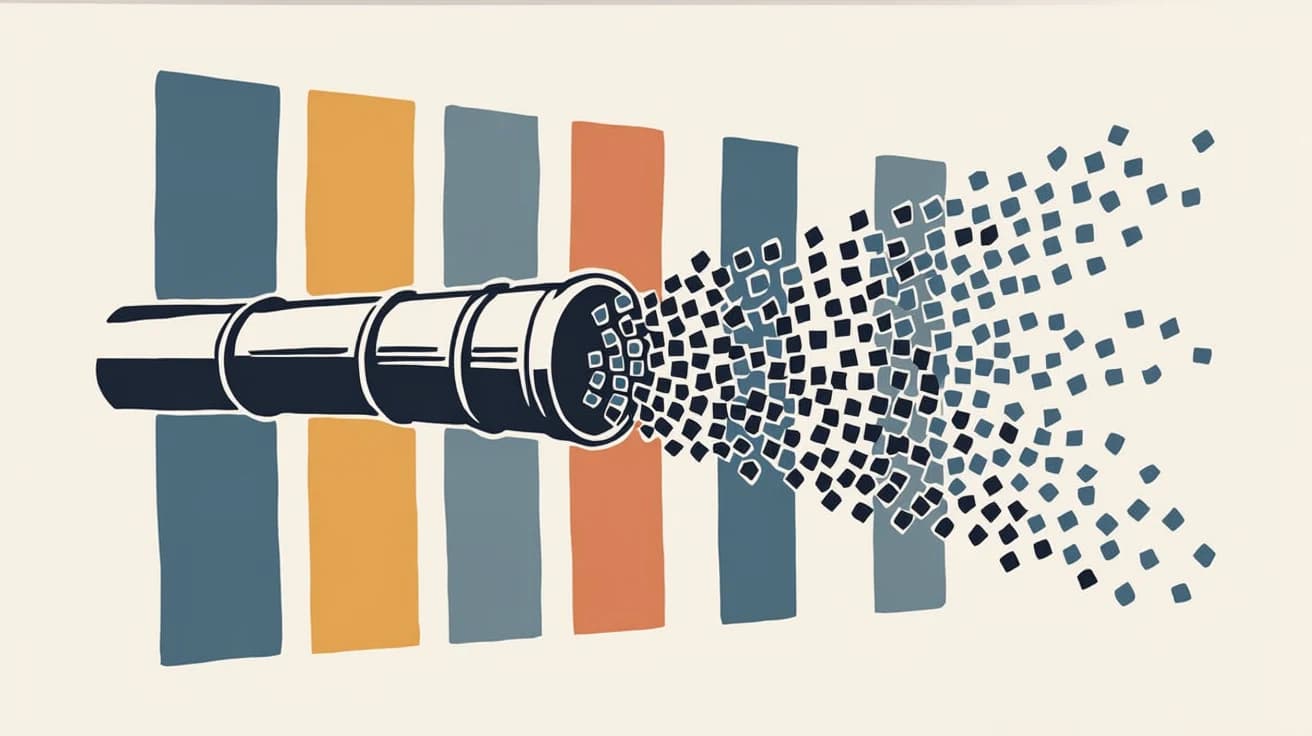
If it's in the Courier dashboard, it's on the API. Analytics was one of the last screens where that wasn't true. GET /notifications/{id}/metrics returns sends, deliveries, opens, clicks, errors, and undeliverable counts per template as a time series, broken out by provider and channel, so the numbers can live in your own product or go straight to an agent.
Introducing Cross-Device Email Preview: see your email on real devices before you send
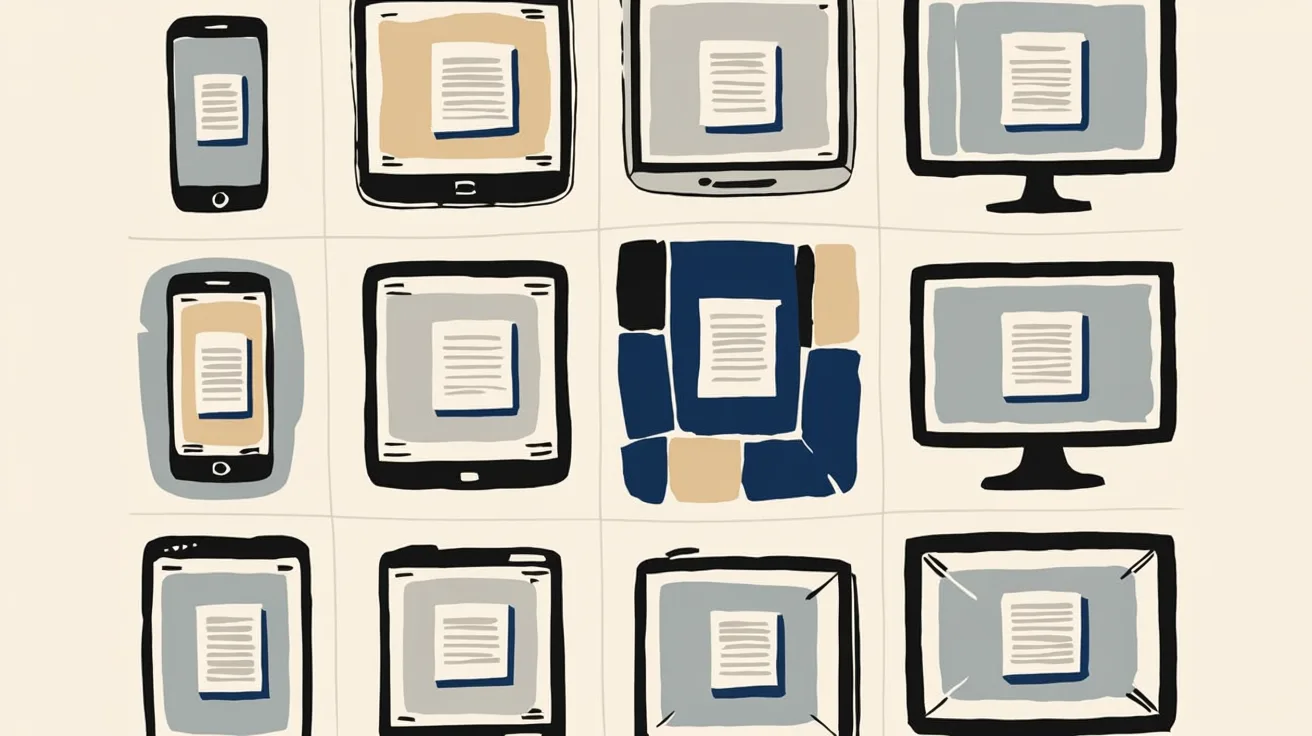
Cross-Device Email Preview renders your template on the real clients you pick, from Outlook on Windows to dark mode on iPhone, and returns a screenshot of each one. Pick from 96 clients across 21 apps without leaving Design Studio.

Dark mode email design: a primer for every major email client
Dark mode is three different behaviors, not one. Apple Mail needs an explicit opt-in before it reads your dark CSS, Gmail ignores it entirely and rewrites your colors on its own, and classic Outlook gives you no control at all. This guide covers what each client actually does, the CSS that reaches the ones you can influence, and the design rules that survive the ones you cannot.
A developer's alternative to Intercom for product notifications
Intercom renamed itself Fin and agreed to be acquired by Salesforce, both around its AI support agent. If you're using it to send your product's notifications, it's fair to ask what the platform was actually built for. Its API answers the question: there is no push or SMS send endpoint, and the campaign builder has no API at all. Here's the architecture, the cost math, and how to migrate transactional and marketing sends.

New settings page, easier to use, with new background colors
Courier settings has been redesigned. Workspace pages and developer pages are grouped separately, every page says what it's for, and the app now comes in light or dark with nine background colors.

Product notifications API: what it handles and how to build
A product notifications API sits between your product's events and every channel you send on. You post an event, and the API decides what message goes out, to whom, on which channel, at what time, with that user's preferences applied. This post covers the ten things one has to handle, what building it yourself costs, and how to wire your event feed into Courier.
Top 11 push notification platforms compared for 2026
Push starts as the whole job, then product wants an email fallback, legal wants a preference center, and support wants a searchable log. This guide compares 11 push notification platforms on channels, free tiers, and pricing, and shows why Courier's single API for push, email, SMS, in-app inbox, Slack, and Microsoft Teams fits that arc better than a push-only tool. Includes 2026 opt-in and open-rate benchmarks, a full-stack cost comparison, and what each platform leaves you to build.