Topic
Engineering
100 articles
How notification systems are actually built: architecture, delivery guarantees, retries, and the tradeoffs behind each.
Expo push notifications: the complete implementation guide
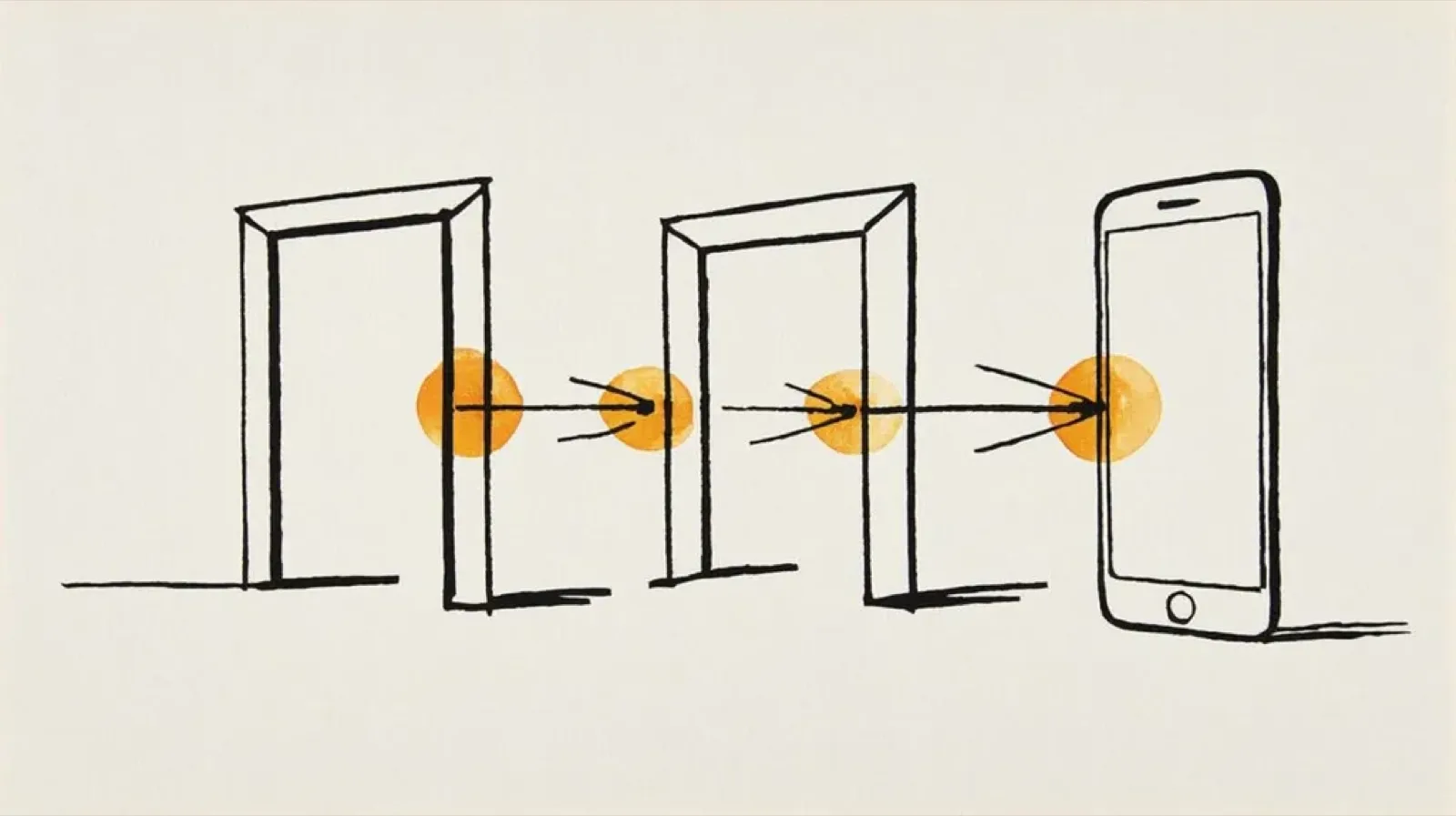
Expo push notifications are alerts sent from a server to a user's phone, even when the app isn't open. To set them up, install the expo-notifications library, ask the user for permission, and get a unique push token for their device. Your server sends a request to Expo's push service with that token, and Expo delivers it through Apple or Google. You can test on a physical device, an Android Emulator with Google Play services, or an iOS Simulator on a recent Xcode. Local notifications are different: the app schedules them itself, for things like reminders. You can also route Expo push through services like Courier to add email, SMS, and Slack fallbacks.

Best Email API Providers for Developers in 2026: SendGrid vs Postmark vs Mailgun vs SES vs Resend
Your email provider sticks with you longer than most technical decisions. Courier handles notification infrastructure for thousands of teams, so we went deep on the six email providers that show up most: SendGrid, Postmark, Mailgun, Amazon SES, Resend, and SMTP. This guide covers real API primitives, actual code from each provider's docs, Courier integration examples with provider overrides, and an honest read on where each developer experience holds up and where it breaks down. We also asked Claude to review every API and tell us which one it would wire up first. The answer surprised us.

Cross-Channel Notification State: Why Read Receipts Are Harder Than They Look
When a user opens your email, does your app know? For most products, the answer is no. Each channel tracks its own state. Email has read receipts. Push has delivery confirmation. In-app has its own unread count. They don't talk to each other. Users notice. This guide covers the three approaches to notification state management (channel-first, central-first, event-first), when to use each, and how to implement cross-channel sync without overengineering. Includes state diagrams and practical implementation patterns.

Terminal-First Development vs. IDE: Building Notification Infrastructure with Claude Code and Cursor
AI coding tools split into two camps: terminal agents (Claude Code) and IDE-augmented editors (Cursor). This guide compares both approaches using Courier's CLI and MCP server as the test case. Covers installation, configuration, and practical workflows for building multi-channel notifications. Includes code examples for user management, bulk operations, and automation triggers. Also explores agent-to-agent communication patterns where AI systems need notification infrastructure to coordinate tasks and escalate to humans.

Notification Platform for Developers: API, CLI, and MCP
One API for every channel. A native CLI and an MCP server your coding agent can use to test what it builds. Typed server SDKs in seven languages. Journeys for batching, throttling, and digests. Here's how Courier fits into your stack.

Build notifications with Claude Code, Cursor, and Courier
Ask an AI coding agent to add notifications and it starts building infrastructure. This tutorial sets up Courier Skills, the Courier MCP server, and the CLI in Claude Code or Cursor, then builds an order-shipped notification across Inbox, push, and SMS, tests it against a Test workspace, and hands the copy to your product team.

How Top Notification Platforms Handle Quiet Hours & Delivery Windows in 2026
No platform offers per-template delivery windows in 2026—it's either per-workflow (Customer.io, Knock), per-campaign (Braze), or global settings. This comparison shows exactly how six platforms handle quiet hours and send time controls based on their documentation and API specs. Braze leads on AI timing (23% open rate lift from Intelligent Timing across their customer base). Novu is the only platform letting subscribers set their own delivery windows. Customer.io and Knock require manual workflow configuration. OneSignal's strength is push-specific optimization across 300K+ apps. Courier combines per-node flexibility with API control. Includes feature matrix, timezone handling, and frequency capping differences.
Notification Observability: How to Monitor Delivery, Engagement, and Provider Health
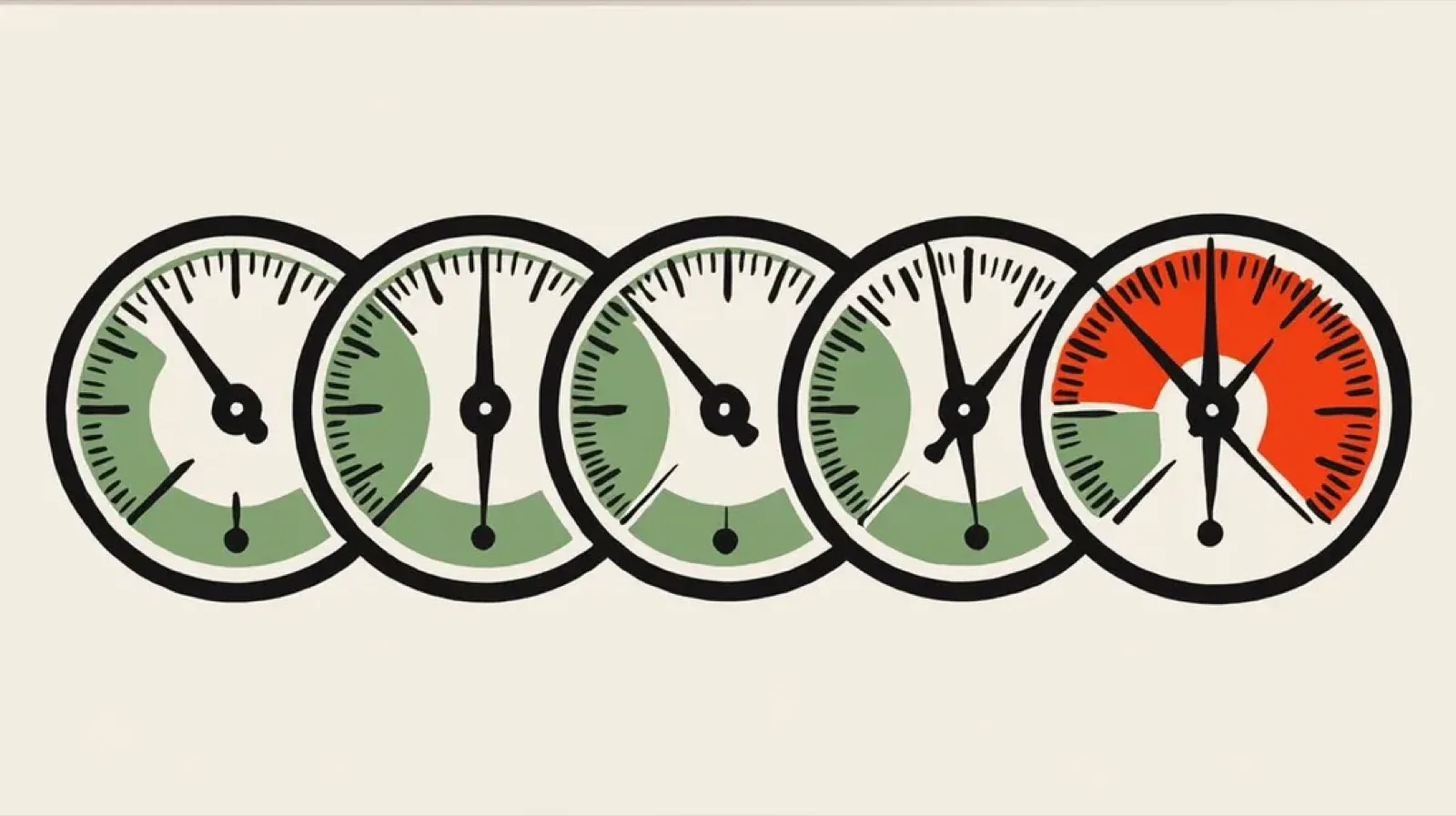
Notification observability is the practice of monitoring notification delivery, engagement, and provider health using the same tools and discipline you apply to the rest of your application infrastructure. It means tracking whether messages are delivered, opened, and acted on across email, SMS, push, and in-app channels, then surfacing that data in dashboards alongside your other application metrics. Key metrics include delivery rate by channel, bounce and failure rates, provider latency, open rate trends, and click-through rates by template. Teams can build notification observability through DIY webhook handlers that pipe provider events to Datadog or Prometheus, log aggregation from application send logs, or notification platforms with built-in observability integrations. This matters most for multi-channel systems, business-critical notifications like password resets and payment confirmations, and teams using multiple providers with fallback routing.

TCPA SMS Opt-Out Rules and the Cross-Channel Gap
The FCC's new TCPA opt-out order takes effect November 25, 2026. Informational opt-outs can be scoped to a category, marketing opt-outs still cover all marketing, and STOP still doesn't reach your email, push, or chat. Here's what changes and how to close the cross-channel gap.