The Courier Blog

How to Send Transactional Emails Using SendGrid with Notification Infrastructure
Transactional emails are automated emails triggered by a user taking an action on your website or application. This tutorial walks you through a simple use case for building transactional notifications with SendGrid via Courier’s API.

How to Send Password Resets via SMS and email using Node.js and Next.js
When you’re building a web application, it’s important that end users have a simple way to reset their passwords and to receive those token notifications on their preferred channel (sms, email, etc). Let's see how to build this using Node.js, Next.js and its new app router, Vercel KV and Courier.
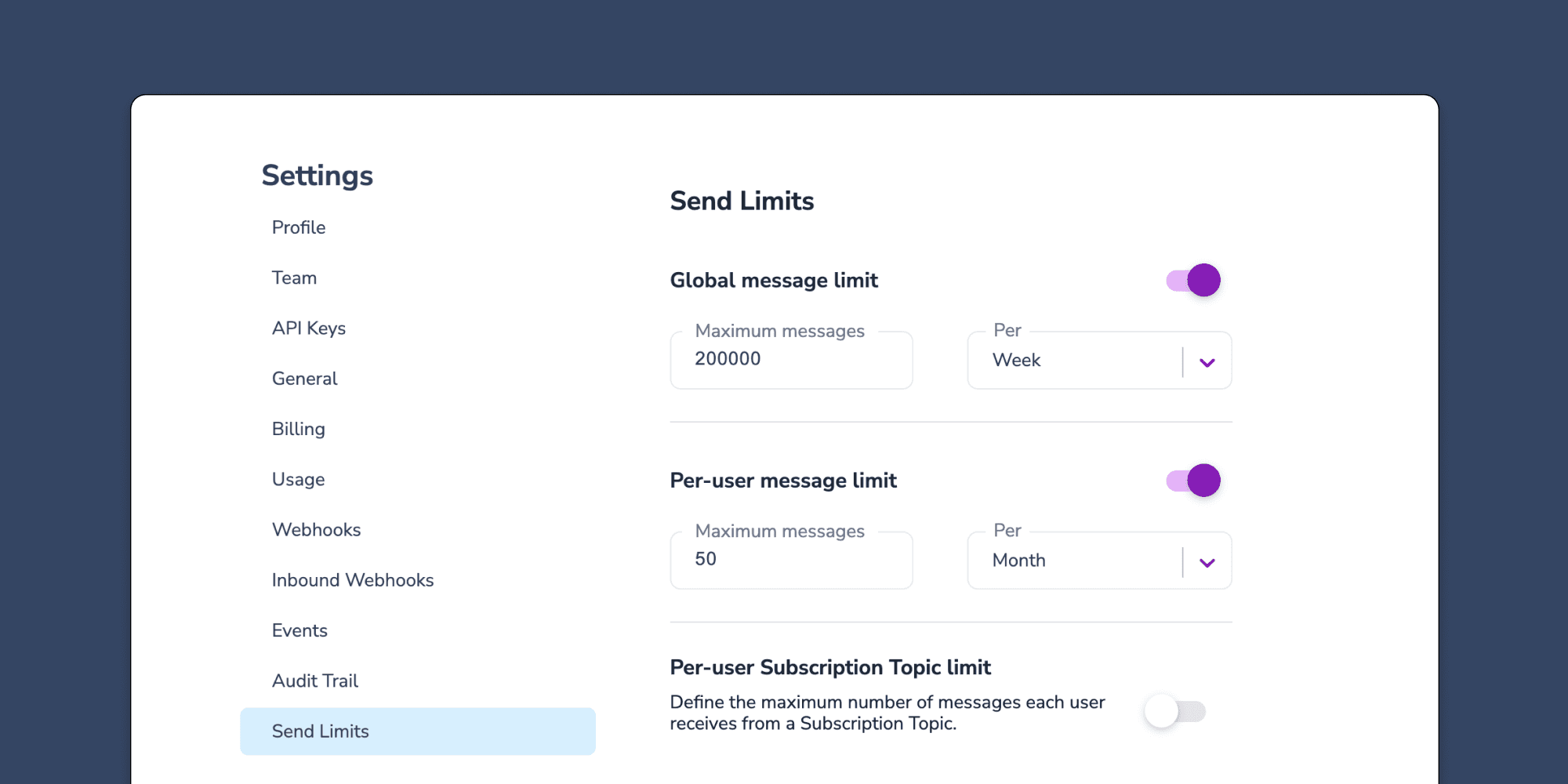
Controlling notification send limits in Courier
Send limits are a new addition to the Courier app that allow you to manage notification rate limits. This means you can set a maximum limit on the number of notifications you can send over a certain time period. The advantages of using send limits are twofold: you can save money by imposing spending caps on notifications, and you can improve the customer experience of your app by avoiding bombarding users with too many notifications at once. Send limits can be applied in a variety of ways, including system-wide notification limits, as well as specific limits for individual users or notification topics. For instance, you can set an overall limit of 200,000 notifications per week. This article will explore the various types of notification rate limits available, explain when send limits are useful, and provide guidance on how to set them up.
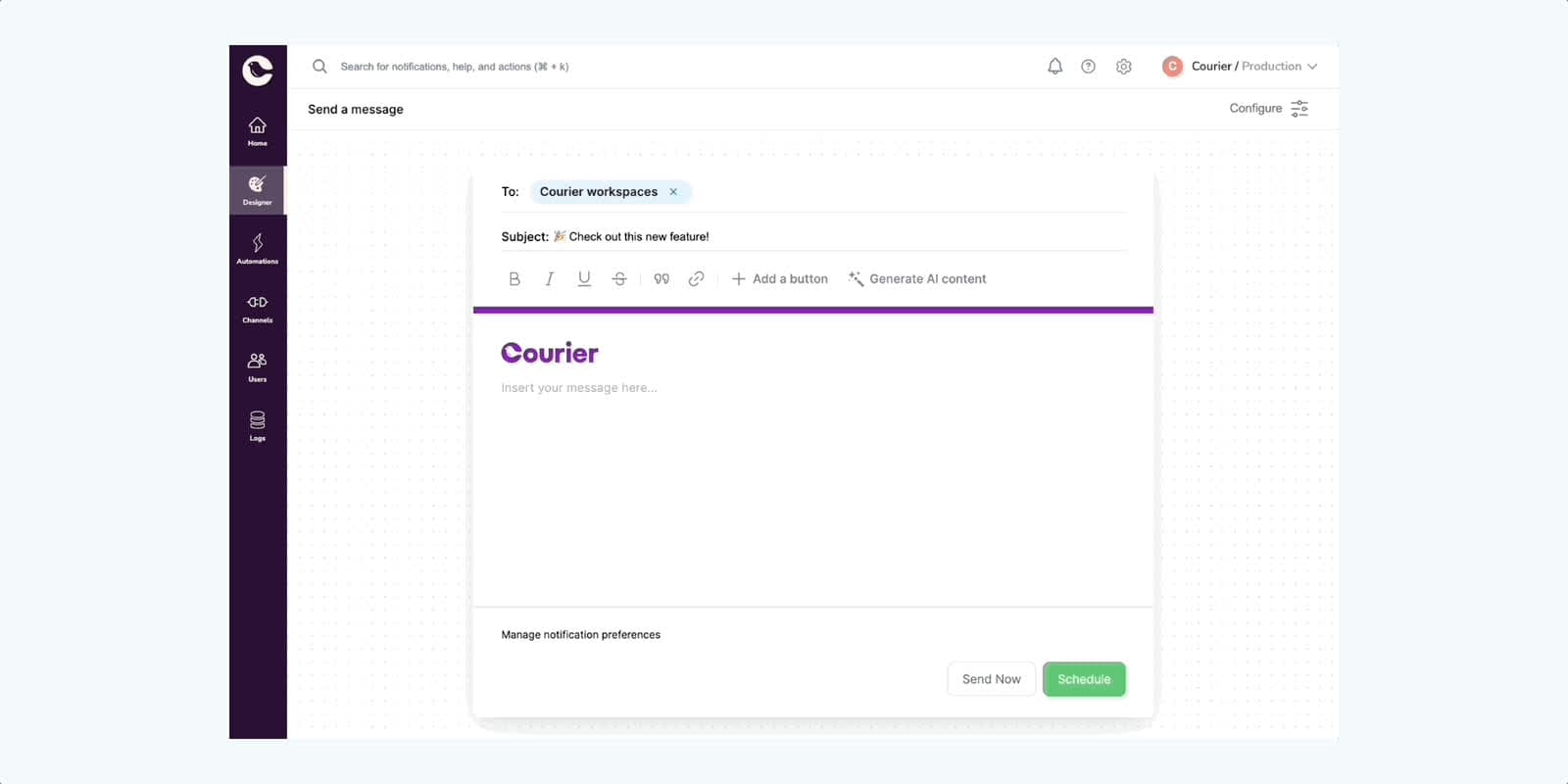
Courier One-Time Send is here — for everybody
One-Time Send is a powerful feature designed to simplify and expedite the process of sending one-time notifications through Courier. It's one piece of a [web app redesign](https://www.courier.com/blog/designing-the-future-of-courier) that we started recently (dark mode shown coming soon). Based on invaluable feedback from our customers during the closed beta, we have refined and improved One-Time Send to make it even more efficient and user friendly.
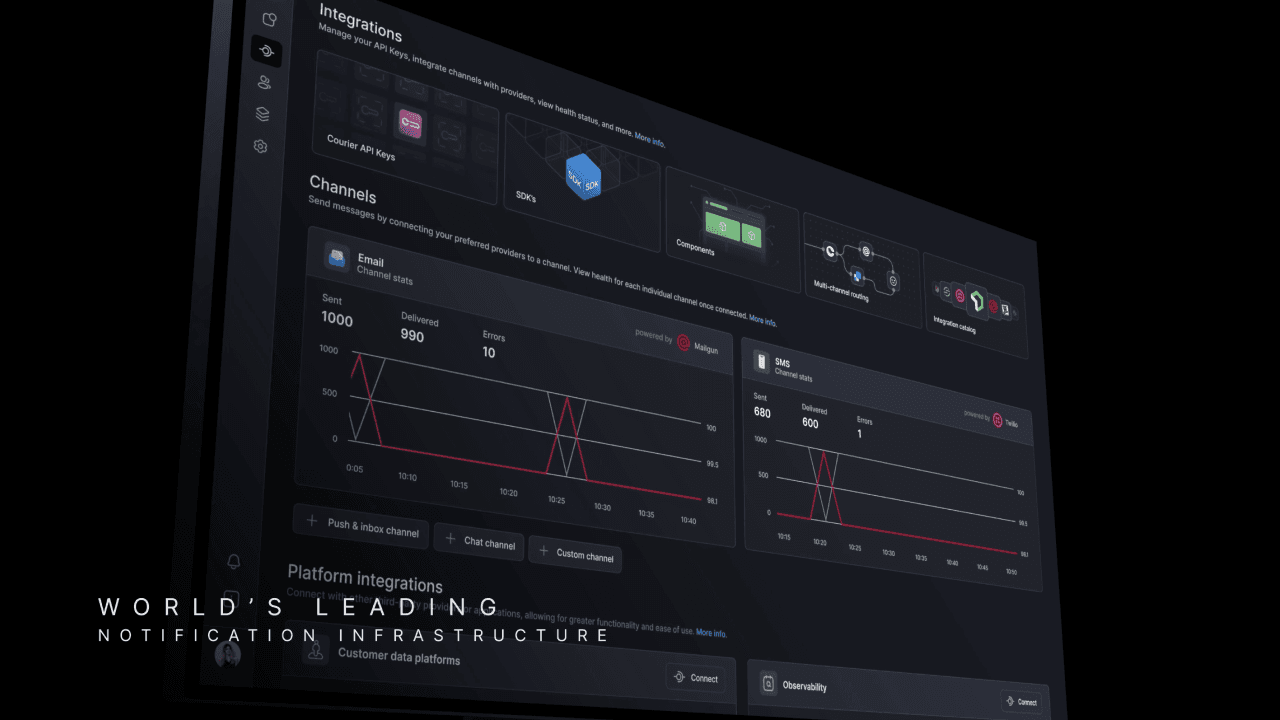
Designing the future of Courier
Today, we are embarking on a significant redesign of Courier's interface consisting of some new things, some old things in new places, and an overall reorganization of the information architecture. Here's a sneak peek 👀 This redesign aims to address the challenges that come with the growth of our platform, where increased size and number of features leads to increased complexity, resulting in a product that may not be as intuitive for new users. We believe that this update will take us closer to a simpler and more organized Courier, setting the stage for more exciting improvements in the future. We hope you like the new look! 💜
New Datadog integration for Courier notification logs and metrics
The ability to unify all notification metrics and logs across channels and providers into an easy-to-use dashboard is a core advantage of Courier’s notification infrastructure. However, with product notifications so critical to the entire application experience, it’s important to connect that data back to central cloud observability platforms that look across the entire stack. This gives platform engineering teams a complete understanding of application health and lets them quickly troubleshoot even the most complex issues. Today, we’re incredibly excited to announce our first observability integration with Datadog. [Datadog](https://www.datadoghq.com/) is a tool for collecting metrics and other data from applications and viewing them in a centralized place. Datadog’s dashboards and monitoring tools build a more accurate picture of the health of your application and how it changes over time. Our integration with Datadog is easy to spin up when you use our “dashboard starter kit.” This consists of some pre-configured JSON to set up a simple dashboard in Datadog for your Courier data. Our Datadog integration is currently only available on Courier’s Business plan, much like our other production-focused features such as [template analytics](https://www.courier.com/docs/platform/analytics/analytics-overview), [Okta integration for SSO](https://www.courier.com/docs/platform/workspaces/okta-integration), and [advanced user preferences](https://www.courier.com/docs/platform/preferences/preferences-overview).
Streamline your workflow with CourierJS: Our new client-side SDK
We are thrilled to announce the release of our first client-side SDK for Courier, written for JavaScript. This new addition expands our existing SDK offerings, which include Java, Python, Node, Go, Ruby, and PHP, and makes it even easier for developers to integrate Courier into their projects. By enabling direct calls to Courier within your JavaScript code, you can eliminate the need to use a back-end service as an extra layer between your front end and the Courier API, saving valuable time and resources. With the initial release, we're introducing three new API calls: the `identify` call for tying a user to actions they perform, such as logging in or updating their profile, and the `subscribe` and `unsubscribe` calls for subscribing and unsubscribing to lists. By simplifying these key interactions, CourierJS enhances the overall experience of using Courier.

How to Implement Push Notifications in Android with Courier’s SDK and Firebase
Push notifications are essential for mobile engagement, but setting them up with Firebase across Android apps can get complicated. Courier’s Android SDK simplifies token management, user state sync, notification permissions, and delivery tracking—so you can build faster with Firebase and Courier together.
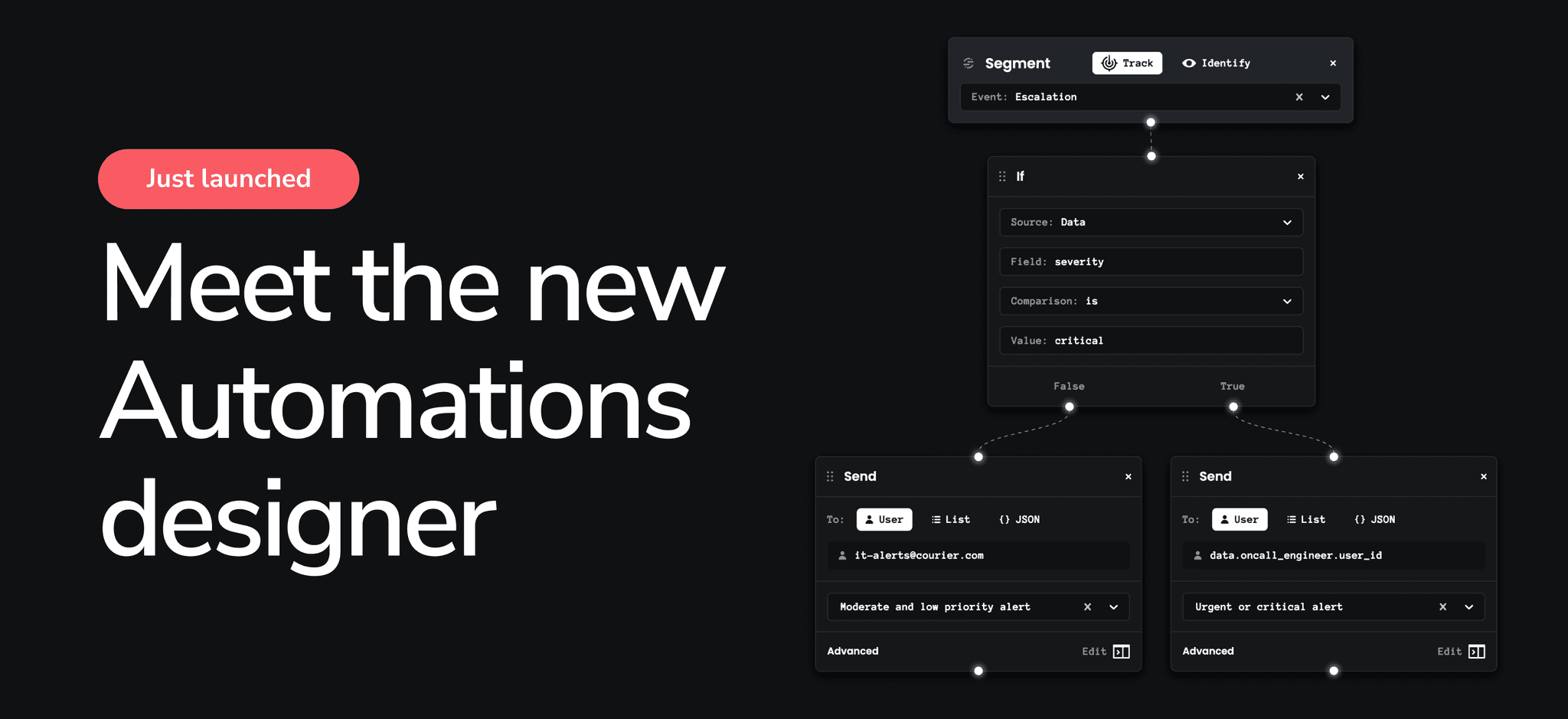
Introducing the new and improved Automations designer
[Courier Automations](https://www.courier.com/blog/announcing-courier-automations) lets you build smart notification workflows. With Automations, notifications can be scheduled, driven by events, canceled, and more. We’ve just completed a big redesign of the automations UI — before this overhaul, notifications were restricted to linear workflows. This made it difficult to build more advanced automations, however the new automations UI, based on [React Flow](https://reactflow.dev/), allows you to build more sophisticated workflows, including those requiring branching logic. In this article, we explain the differences in functionality between the old and new UI, how the new UI helps developers as well as product managers, and how the migration will affect you if you’re already using the automations designer. For those who are new to Courier automations, we explain the background of what automations are for and how to use them. We also cover how to use the new UI, while providing some useful real-world examples to help you get started.