Topic
Product News
54 articles
What is new in Courier: releases across Journeys, Inbox, Design Studio, Preferences, and the MCP server.

Introducing the AI Node in Courier Journeys
The AI node is a new step inside Courier Journeys that classifies users, branches on the result, and writes per-channel copy from a single prompt. Here's what it does, how to set one up, and when it's worth using over a regular condition node.
Using Claude Design, Claude Code, and Courier AI to Create a Multichannel Onboarding Series in 30 Minutes
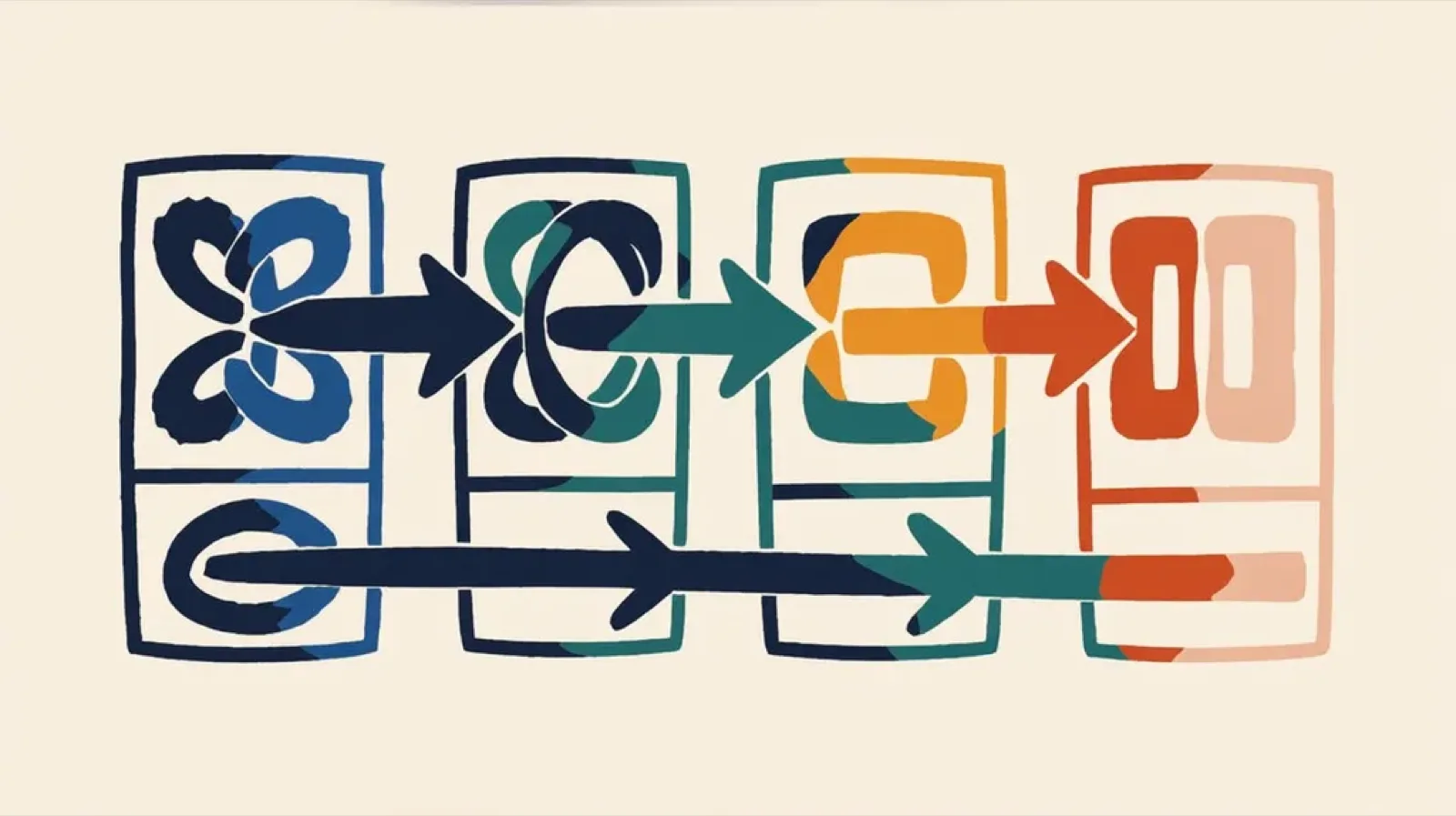
A walkthrough of building a four-part multichannel onboarding series (email, in-app inbox, mobile push, and Slack) in 30 minutes using Claude Code and Cowork to orchestrate, Claude Design to mock each channel, the courier-template-builder skill to translate mocks into Elemental JSON, the Courier MCP to publish templates, and the Courier CLI to test sends. Covers the strategy behind the sequence and recommendations for anyone doing the same.
Build with AI: let your agent handle notifications end to end
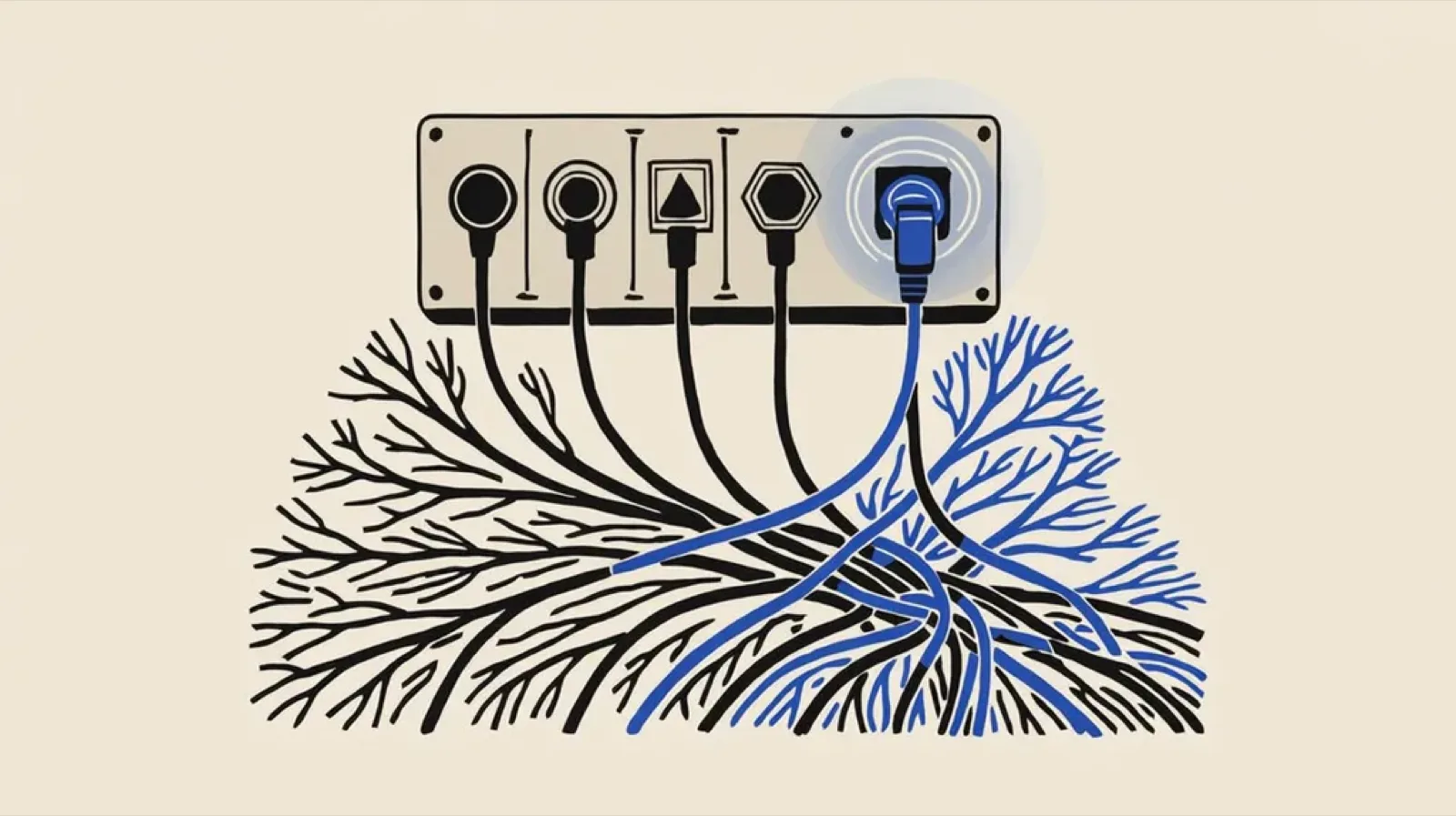
Courier's Build with AI toolkit gives coding agents direct access to your notification infrastructure. Four integration points, one goal: let your agent send messages, debug deliveries, manage users, and follow notification best practices without context-switching. Works with Claude Code, Cursor, and any agent that can run shell commands or call MCP tools.

Customer Journeys Then and Now
Most customer journey platforms don't use product data. They use marketing data. Open rates. Click-throughs. Maybe a segment based on what plan someone's on. That's not a journey. That's a drip campaign with extra steps. I spent years building behavior-based lifecycle programs at Yahoo. The decisioning was sophisticated. The organizational overhead to ship it was not. The infrastructure layer has finally caught up. Here's what behavior-based journeys looked like then, what most teams settled for, and what's actually possible now.

Journeys: AI-powered orchestration for customer messaging
Journeys is Courier's visual workflow builder for multi-step customer messaging. Orchestrate flows with branching, timing, personalization & built-in AI agents, then deliver across every channel and debug each run node by node.

Introducing Design Studio: a new way to craft customer messages
Introducing Design Studio, Courier’s new multi-channel message builder. Create notifications for email, SMS, push, inbox, Slack, and Teams in one editor with drag-and-drop blocks, HTML support, previews, test sends, and version history.

Notification Observability with OpenTelemetry & Courier (plus Grafana Support)
Courier now exports notification logs and metrics over OpenTelemetry, so teams can monitor delivery, failures, and automation health in Grafana, Datadog, and other observability platforms alongside the rest of their stack.

Help Users Navigate In-App Notifications Faster with Tabs in Courier Inbox
As your product grows, notifications pile up fast—and a single “everything” list turns into noise. Tabs for Courier Inbox let you organize in-app notifications into focused views (like Comments, Mentions, or Reactions) so users can find what they need faster, without you building custom filtering UI.

Your Notifications Now Have Two Audiences: Humans and AI Agents
AI agents are now filtering, summarizing, and acting on notifications before users ever see them. In late 2024, Anthropic released the Model Context Protocol. By mid-2025, MCP had become the connective tissue for AI agents that take actions on behalf of users. Google followed with A2A. Agentic browsers like Perplexity Comet and Opera Neon started treating the web as something to navigate programmatically. Your notification strategy needs to account for machine interpretation, not just human attention.