Topic
Product News
54 articles
What is new in Courier: releases across Journeys, Inbox, Design Studio, Preferences, and the MCP server.
How to Use WhatsApp Typing Indicators on Twilio (Public Beta Guide)
Twilio now supports typing indicators for WhatsApp. When your backend takes a few seconds to generate a response, you can show users that something's happening instead of leaving them staring at a silent chat. The indicator appears when you call the new /v2/Indicators/Typing endpoint, automatically marks the message as read, and disappears after your response arrives or 25 seconds pass. This guide covers the API details, implementation patterns for Node.js and Python, when to use typing indicators, and current beta limitations.
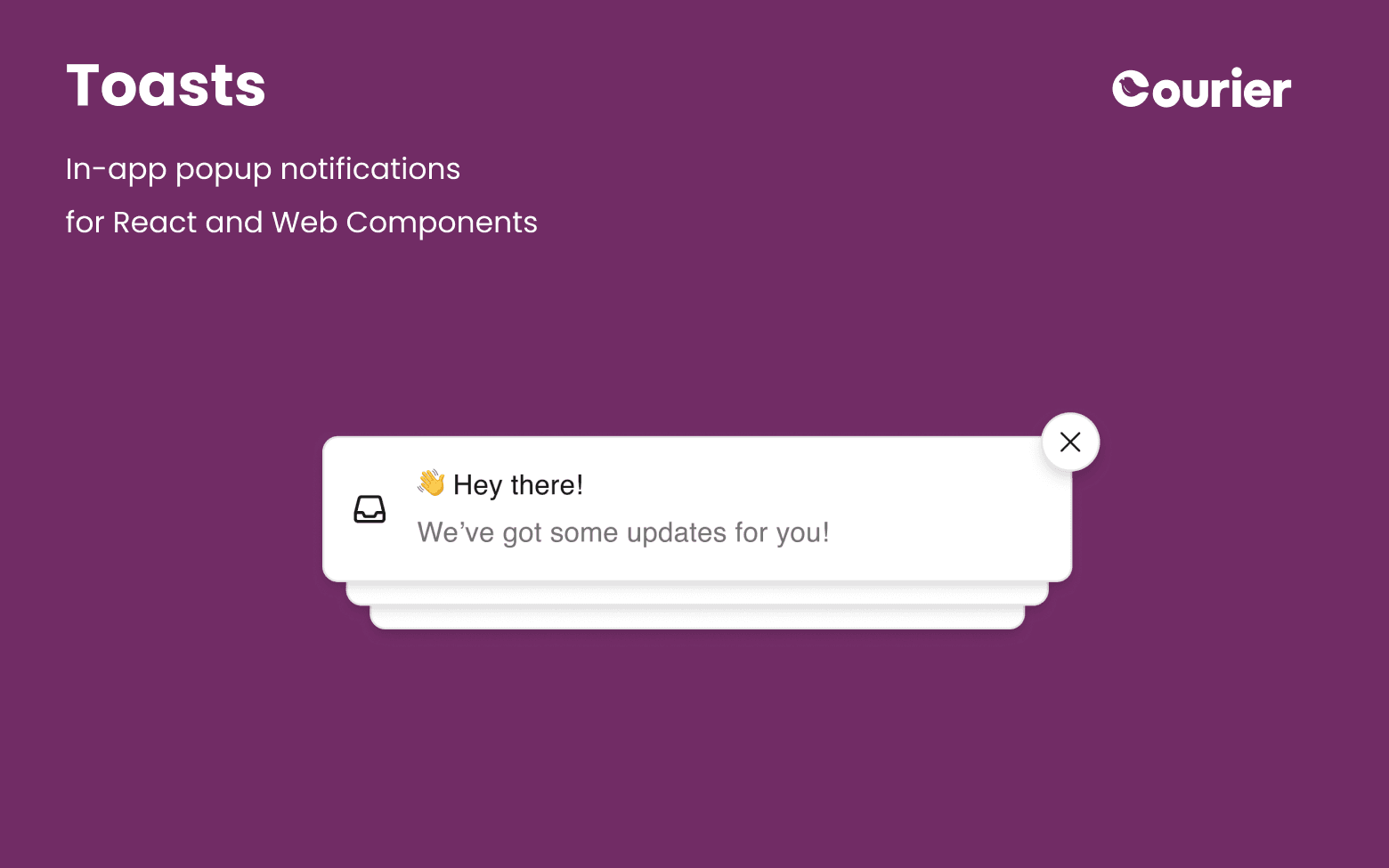
Announcing Toasts for In-App Product Notifications
Courier Toasts has been completely rebuilt for Web Components and React. Ship polished toast experiences without building notification infrastructure yourself. Deliver real-time, customizable in-app notifications powered by a single message feed.
How To Build Notifications with AI + Courier MCP
Courier's new MCP server revolutionizes notification development by bringing AI-powered assistance directly to your IDE. Unlike traditional notification platforms, with Courier MCP you can work entirely in your coding environment using natural language to send messages, manage users, and integrate SDKs. Compatible with Cursor, Claude Code, VS Code, OpenAI API, and Windsurf. No context switching between docs and tools—just describe what you need and let AI handle the implementation with deterministic accuracy and built-in safety controls.

Introducing Courier Analytics: See How Your Notifications Perform
Courier’s new Analytics page gives you visibility into your notifications like never before. See which templates are sent most often, track delivery, opens, clicks, and errors, and drill into performance by channel and provider. It’s the fastest way to understand how your notifications are working—and where they need improvement.
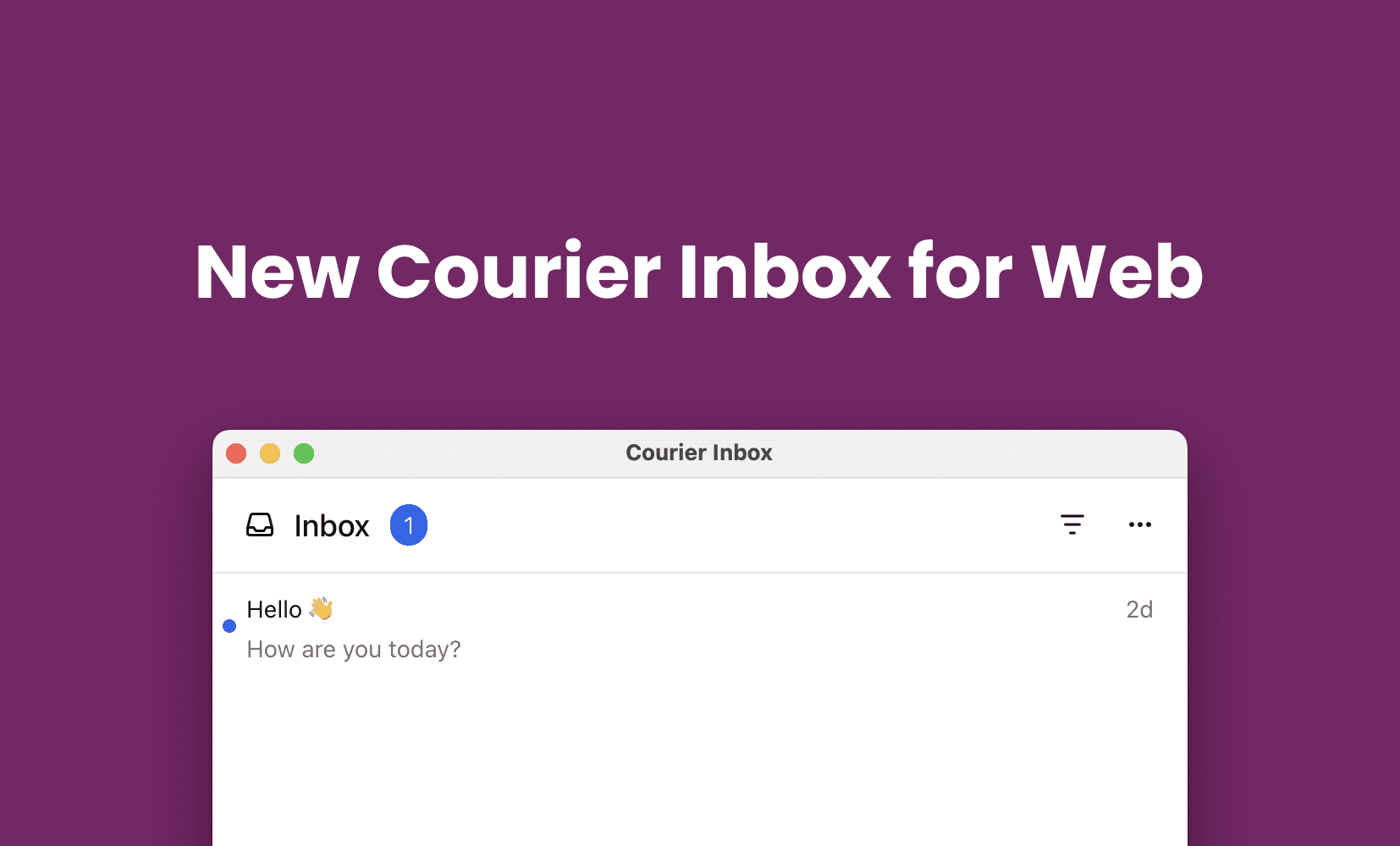
The New Courier Inbox for Web — Faster, More Flexible In-App Notifications
Courier Inbox for Web has been rebuilt for speed, flexibility, and easy integration. Add real-time in-app notifications to your app in minutes with full UI control.

Top 6 Email Service Providers for Transactional Notifications in 2025
Comprehensive guide to the 6 best email service providers for transactional notifications in 2025. Compare SendGrid for high-volume enterprise delivery, Mailgun for developer APIs and routing control, Resend for React-based templates, AWS SES at $0.10/1000 emails for cost efficiency, Postmark with <2 second delivery for critical notifications, and SMTP for universal compatibility. Learn why most teams need multiple ESPs, how to meet new SPF/DKIM/DMARC requirements for Gmail, Yahoo, and Outlook.

What’s Next for Courier Create: Push, SMS, In-App, Internationalization, and More
Courier Create makes it easy to embed a powerful notification editor into your app. Now, we’re expanding what’s possible—adding support for push, SMS, in-app notifications, internationalization, test sends, and more.

Courier Create: Embed a Custom Notification Editor in Your App
Courier Create lets you embed a powerful template designer and email editor directly into your React app. Give your customers full control over notification content, branding, and delivery across all channels — without building custom infrastructure or managing fragile integrations.
Courier Inbox iOS SDK 5.7.3 – Improved Reliability and New Listener API
Courier Inbox for iOS just got a major upgrade. Version 5.7.3 includes better background socket handling, a rebuilt datastore, and a new listener API to help you build fully custom in-app notification experiences.