Topic
Product News
54 articles
What is new in Courier: releases across Journeys, Inbox, Design Studio, Preferences, and the MCP server.
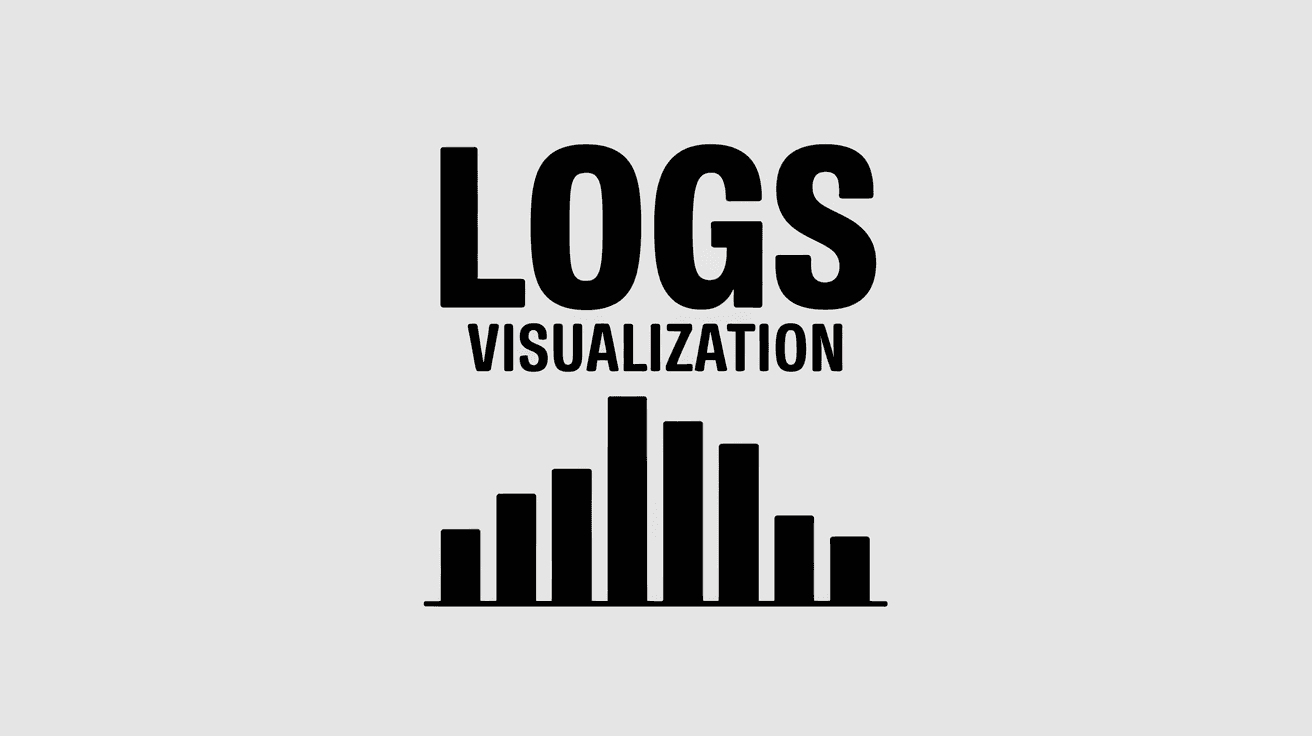
Better Observability and Faster Debugging with the New Logs Visualization
Debugging notifications used to mean hunting through logs to find patterns. The new logs histogram in Courier gives you an instant view of message trends, making it easy to spot spikes, failures, and diagnose issues faster.
A More Secure Way to Authenticate AWS SES in Courier – IAM Role Support
Courier now supports IAM Role authentication for AWS SES, offering a more secure, keyless way to send emails. This method eliminates long-term access keys, reduces security risks, and simplifies credential management with automatic rotation.
APNS Security Update 2025: Courier Customers Are All Set!
Apple’s APNS Security Update takes effect on March 29, 2025, requiring updated server certificates. After thorough testing, we’re excited to confirm that Courier customers are unaffected. Notifications sent via APNS with P8 keys or P12 certificates work seamlessly—no changes required. Read on to ensure your app is prepared.
Smart Notification Scheduling with Delivery Windows
Timing is everything. Courier’s new Delivery Window feature ensures your notifications arrive at the perfect moment—no more off-hours pings or complex scheduling code. Define the rules, and Courier handles the rest, adapting seamlessly to time zones and user preferences.
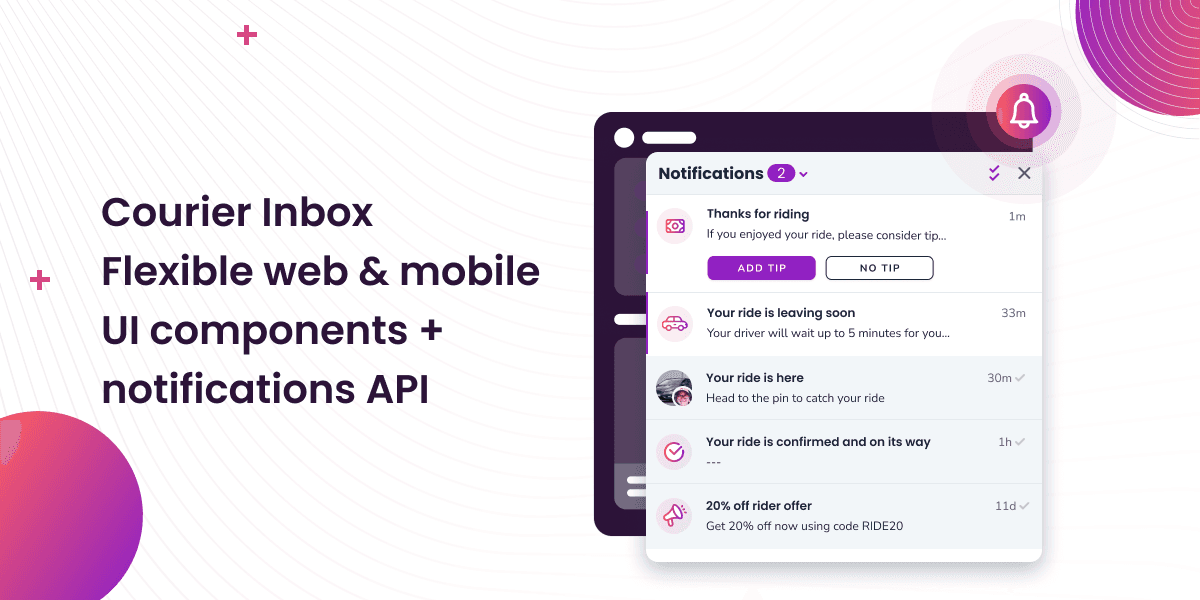
Courier Inbox for web and mobile, a complete notification center
A notification center inside of web and mobile apps is now an expectation. It’s a way to reach specific audiences or users with tailored messages and a way to boost engagement by bringing people back into the app. While Courier has been adding Inbox capabilities over the last couple years, we’re excited to announce a complete set of SDKs that span web and mobile. You can drop in a full-featured inbox to give your users a best-in-class notification center inside your app that works seamlessly with your existing notification flows.
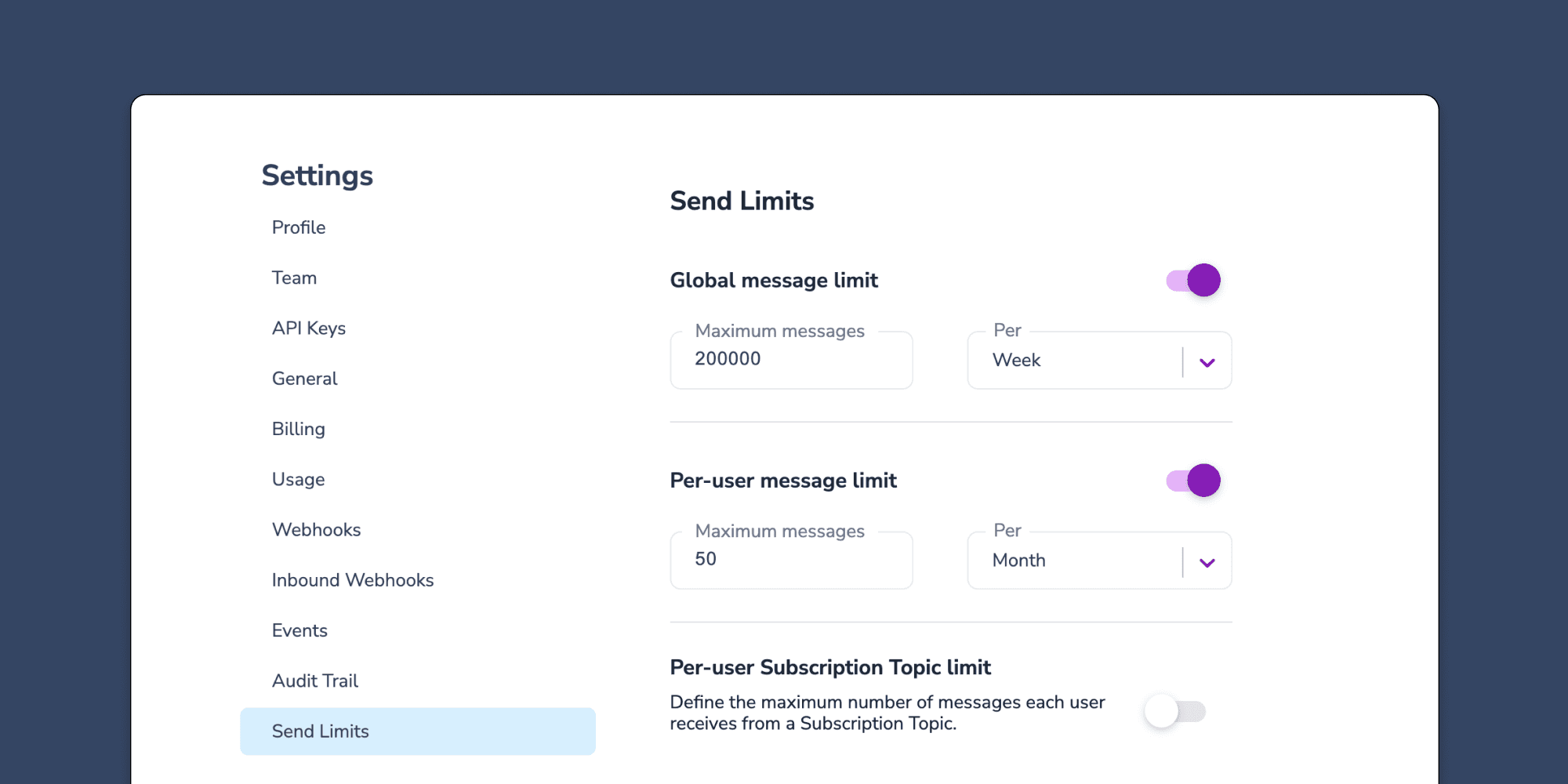
Controlling notification send limits in Courier
Send limits are a new addition to the Courier app that allow you to manage notification rate limits. This means you can set a maximum limit on the number of notifications you can send over a certain time period. The advantages of using send limits are twofold: you can save money by imposing spending caps on notifications, and you can improve the customer experience of your app by avoiding bombarding users with too many notifications at once. Send limits can be applied in a variety of ways, including system-wide notification limits, as well as specific limits for individual users or notification topics. For instance, you can set an overall limit of 200,000 notifications per week. This article will explore the various types of notification rate limits available, explain when send limits are useful, and provide guidance on how to set them up.
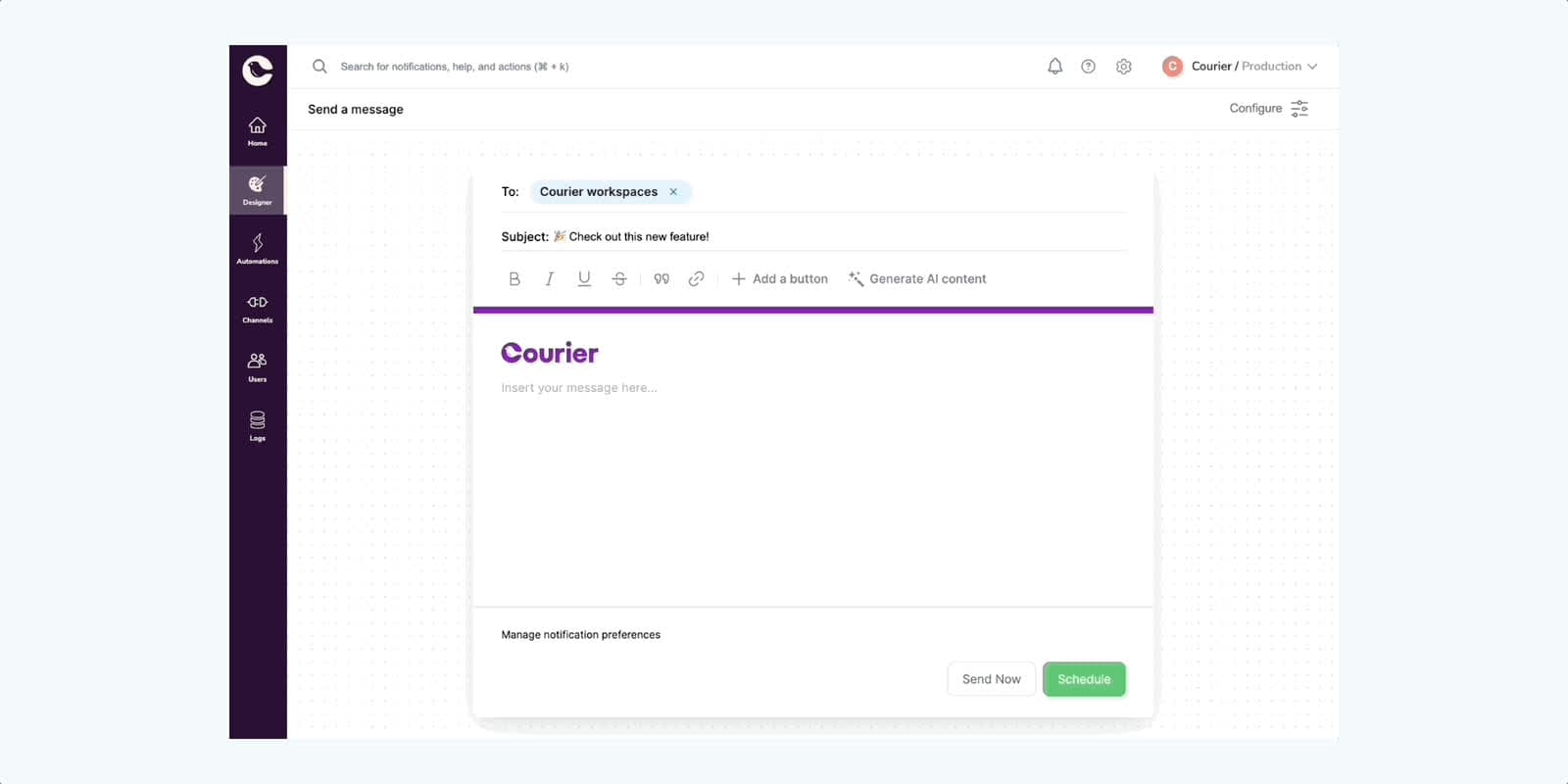
Courier One-Time Send is here — for everybody
One-Time Send is a powerful feature designed to simplify and expedite the process of sending one-time notifications through Courier. It's one piece of a [web app redesign](https://www.courier.com/blog/designing-the-future-of-courier) that we started recently (dark mode shown coming soon). Based on invaluable feedback from our customers during the closed beta, we have refined and improved One-Time Send to make it even more efficient and user friendly.
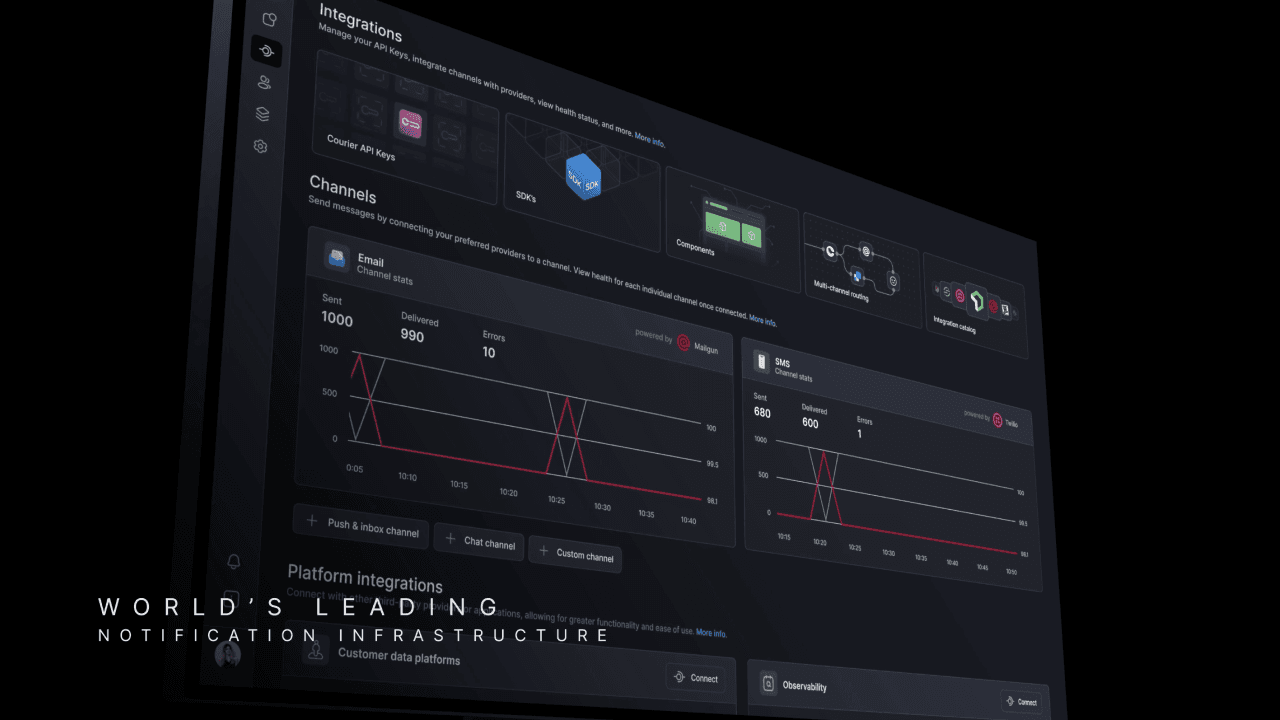
Designing the future of Courier
Today, we are embarking on a significant redesign of Courier's interface consisting of some new things, some old things in new places, and an overall reorganization of the information architecture. Here's a sneak peek 👀 This redesign aims to address the challenges that come with the growth of our platform, where increased size and number of features leads to increased complexity, resulting in a product that may not be as intuitive for new users. We believe that this update will take us closer to a simpler and more organized Courier, setting the stage for more exciting improvements in the future. We hope you like the new look! 💜
New Datadog integration for Courier notification logs and metrics
The ability to unify all notification metrics and logs across channels and providers into an easy-to-use dashboard is a core advantage of Courier’s notification infrastructure. However, with product notifications so critical to the entire application experience, it’s important to connect that data back to central cloud observability platforms that look across the entire stack. This gives platform engineering teams a complete understanding of application health and lets them quickly troubleshoot even the most complex issues. Today, we’re incredibly excited to announce our first observability integration with Datadog. [Datadog](https://www.datadoghq.com/) is a tool for collecting metrics and other data from applications and viewing them in a centralized place. Datadog’s dashboards and monitoring tools build a more accurate picture of the health of your application and how it changes over time. Our integration with Datadog is easy to spin up when you use our “dashboard starter kit.” This consists of some pre-configured JSON to set up a simple dashboard in Datadog for your Courier data. Our Datadog integration is currently only available on Courier’s Business plan, much like our other production-focused features such as [template analytics](https://www.courier.com/docs/platform/analytics/analytics-overview), [Okta integration for SSO](https://www.courier.com/docs/platform/workspaces/okta-integration), and [advanced user preferences](https://www.courier.com/docs/platform/preferences/preferences-overview).