Topic
Guide
64 articles
Practical guides to designing and shipping product notifications, from templates and preferences to routing and deliverability.
Push Notifications vs In-App Messages: Key Differences and When to Use Each
Push notifications reach users outside your app; in-app messages engage them inside it. Learn the key differences, when to use each, and how to run push, in-app inbox, email, and SMS from one Courier API.
Email sender requirements: a developer's guide to the Gmail, Yahoo, and Outlook rules
Gmail, Yahoo, and Outlook have converged on one set of sender rules, and they've stopped being polite about enforcement. Here's what every developer sending email needs to have in place, provider by provider, plus where the rest of the market is heading.
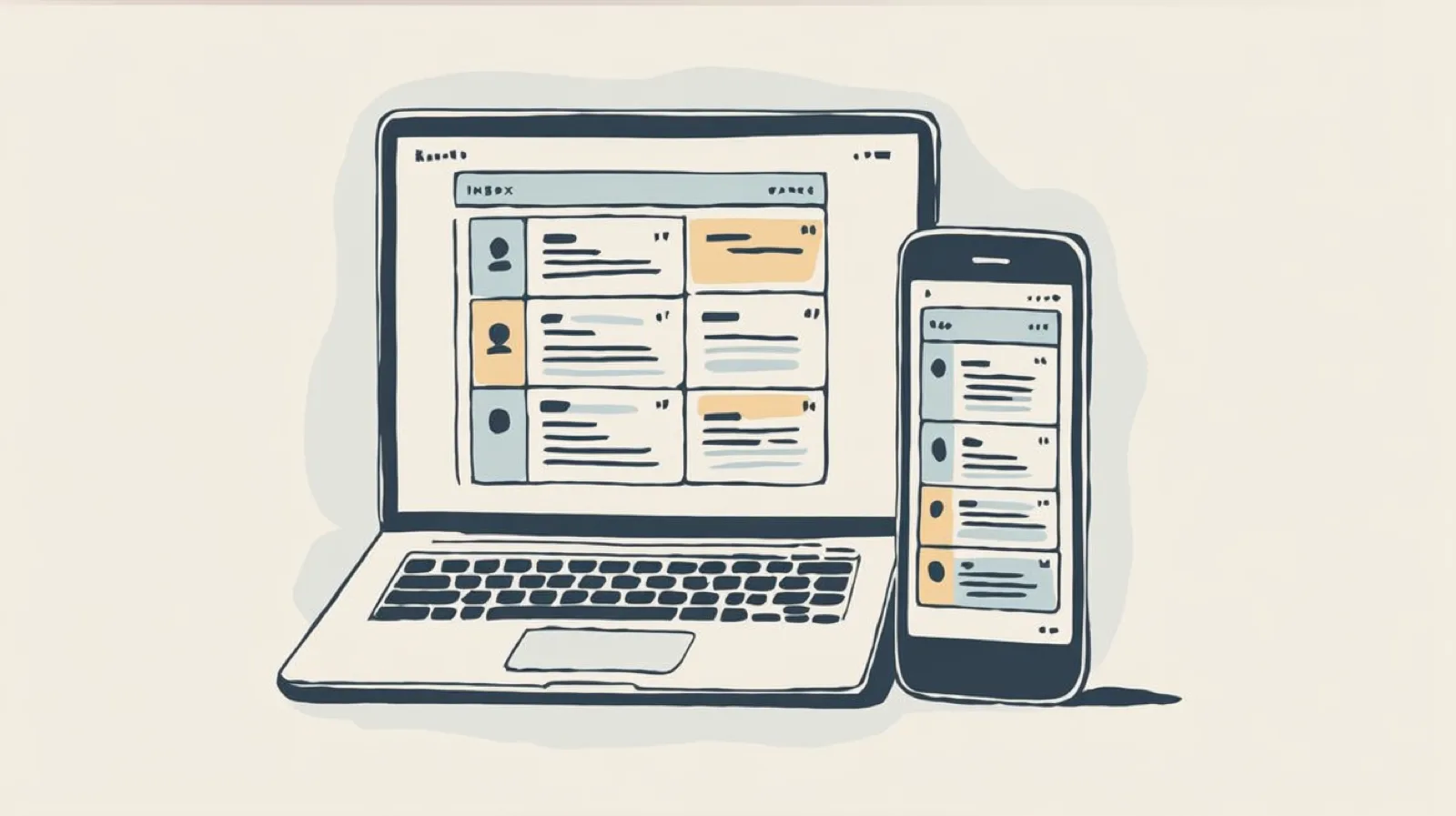
Best in-app notification centers in 2026
A developer-focused comparison of the best in-app notification centers in 2026. We cover build vs buy, then compare prebuilt UI components, real-time delivery, platform coverage, channel support, and pricing across Courier Inbox, Novu, MagicBell, Liveblocks, Braze, CleverTap, Airship, OneSignal, and Customer.io.

Top 10 push notification providers in 2026
Comparing Courier, Firebase Cloud Messaging, Apple Push Notification service, Amazon SNS, OneSignal, Expo, Airship, Braze, CleverTap, and Pushwoosh on platform reach, reliability, developer experience, and pricing, each checked against its own documentation.
Is texting patients a HIPAA violation?
The short answer: texting patients is fine until an unsecured text carries protected health information. This post draws the line with side-by-side SMS examples, covers the minimum-necessary rule and when a BAA is required, and shows the template pattern that makes it structurally impossible to leak PHI into a text.
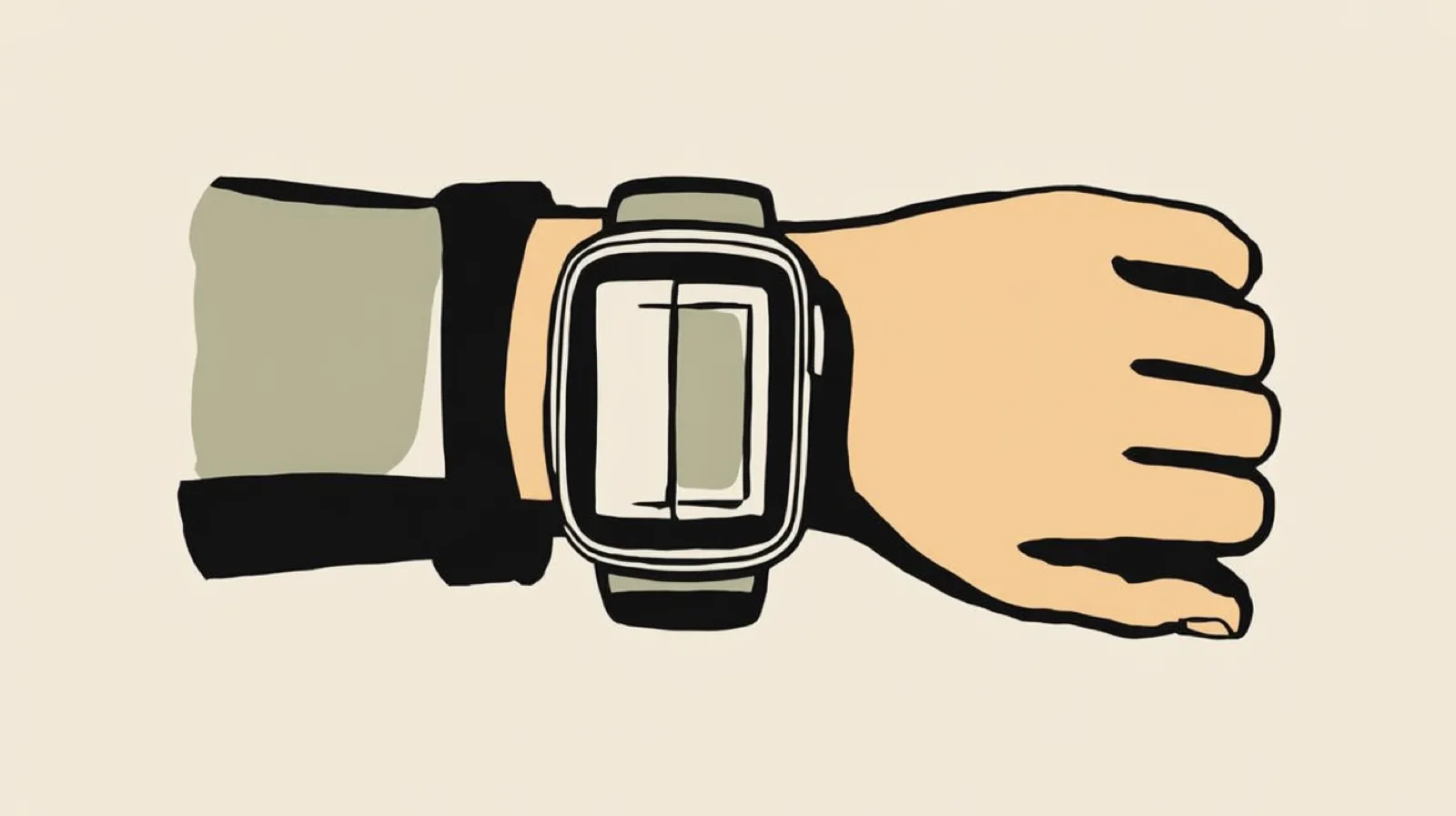
watchOS 27 Notifications: What Changed and How to Adapt Your Product Sends
Apple's watchOS 27, announced at WWDC 2026, presents Apple Watch notifications based on relevance instead of arrival time and expands contextual Smart Stack widgets. Because watch notifications mirror iPhone push, your push strategy is your watch strategy. This guide covers what product and B2B notification teams should change: setting APNs interruption levels honestly, writing glanceable payloads, routing by urgency across push, email, SMS, and in-app inbox, using widgets for status content, and handling the split audience after watchOS 27 drops Series 8, Ultra 1, and SE 2.
Your Entire Lifecycle Marketing Department, Run from Claude Fable 5
With the rollout of Claude' Fable model, one thing is becoming increasingly clear. Marketing execution (especially the long-tail work), will be done in an AI editor. In Courier, connect your agent to the MCP server or CLI, install Courier Skills, and keep a small folder of markdown context files. From there, one person with a coding agent covers the work that used to require a lifecycle marketer, an email designer, a marketing ops hire, and an engineer: building journeys, shipping templates, auditing every notification, and debugging delivery without opening a dashboard.

Human-in-the-loop for AI payment agents: building approval notifications that work
AI agents need human approval before taking consequential actions: financial commitments, irreversible changes, decisions that affect other people. This post covers how to design those checkpoints and build the notification infrastructure: multi-channel delivery, live context, escalation, and a back-and-forth question loop between reviewers and the agent.

AI Tools for Product Managers: The Modern PM Stack
The modern PM stack runs on AI at every step: Cursor and Claude Code for build, Pencil and Claude Design for prototyping, Courier for notifications and agent communication, Segment for routing product events and engagement data, PostHog for analytics and LLM evals, and a knowledge system like Notion for shared memory across humans and agents.