Topic
Integrations
30 articles
Connecting email, SMS, push, and chat providers to your product: setup walkthroughs and the tradeoffs between them.

How to Design an In-App Notification Center: UX tips and examples
A design-focused guide to building an in-app notification center people actually use. Covers the UX decisions that matter (entry point, information hierarchy, read state, grouping, empty states, inline actions, real-time, accessibility), then shows three ways to execute in Courier Inbox: brand-match with a theme, take over individual pieces with render props, or go fully headless with the `useCourier` hook. Ends with a pre-ship checklist.

The Future-Proof Multichannel Notification System: Built for Humans and AI Agents
Multichannel delivery is now table stakes. In an AI world, future-proof means a notification system both your team and AI agents can build and run.
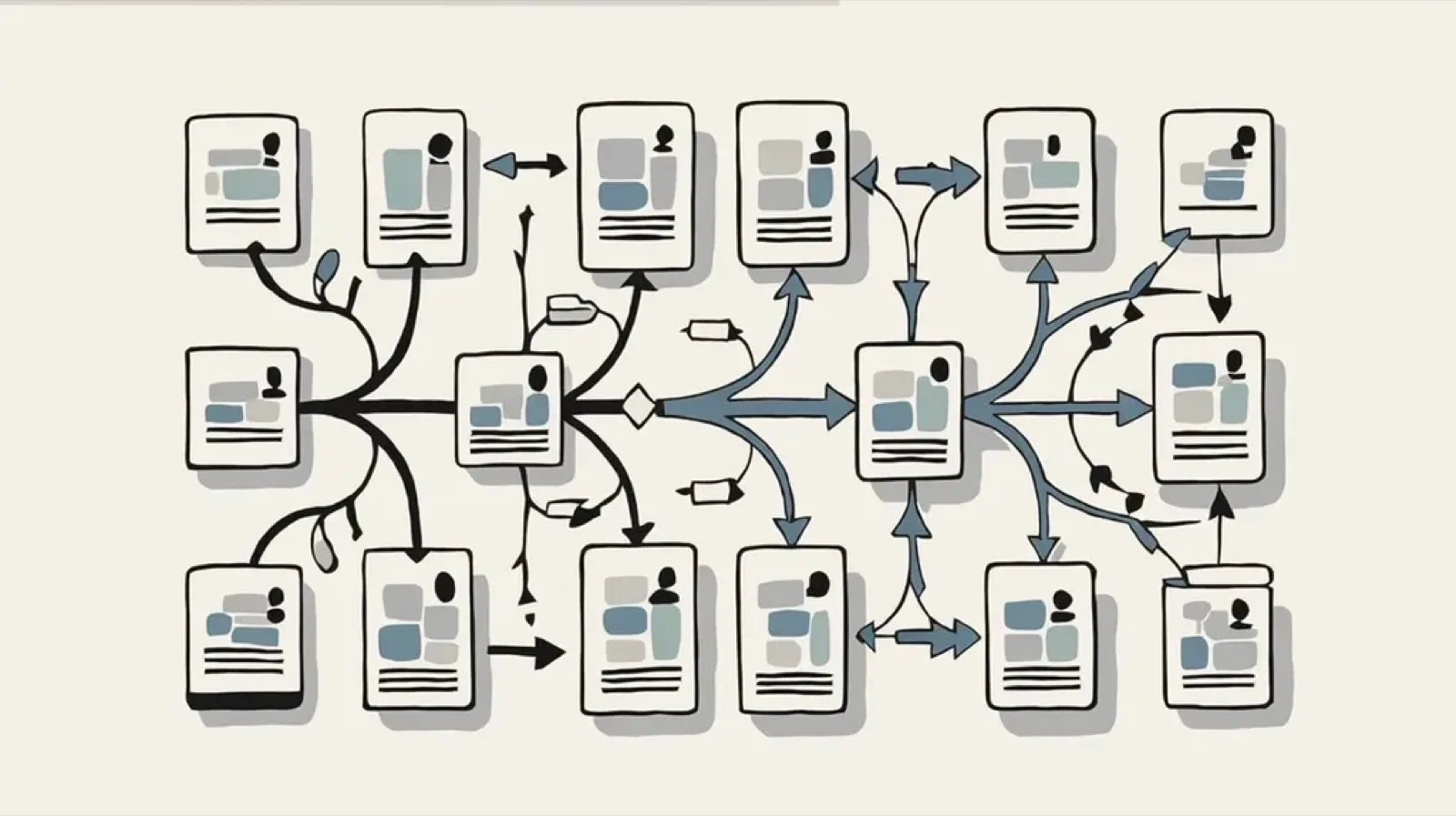
Design Studio + Journeys: The Engineering Integration Guide
This is the engineering guide for setting up Design Studio and Journeys. When you move notification logic to Courier, your architecture shifts from a push model to an event model. Your backend stops rendering templates and managing provider APIs directly, and starts emitting events. This guide covers both integration paths (direct API and Segment), how to structure the data object so PMs can build without asking for backend changes, error handling and idempotency, how to use test environments safely, and the specific code you can delete from your repo once it's running.

Customer Engagement Orchestration: How to Unify New Messaging Channels in One Platform
Customer engagement orchestration lets you manage notifications across WhatsApp, Slack, Teams, in-app inboxes, and SMS through a single API instead of maintaining separate integrations. This guide covers why B2B companies are moving to orchestration platforms, compares modern messaging channels (including Stream Chat for marketplaces), and explains how to evaluate solutions. Includes channel comparison table and guidance on when orchestration infrastructure makes sense versus building your own.

Notification Observability: How to Monitor Delivery, Engagement, and Provider Health
Notification observability is the practice of monitoring notification delivery, engagement, and provider health using the same tools and discipline you apply to the rest of your application infrastructure. It means tracking whether messages are delivered, opened, and acted on across email, SMS, push, and in-app channels, then surfacing that data in dashboards alongside your other application metrics. Key metrics include delivery rate by channel, bounce and failure rates, provider latency, open rate trends, and click-through rates by template. Teams can build notification observability through DIY webhook handlers that pipe provider events to Datadog or Prometheus, log aggregation from application send logs, or notification platforms with built-in observability integrations. This matters most for multi-channel systems, business-critical notifications like password resets and payment confirmations, and teams using multiple providers with fallback routing.

Multichannel Notification Template Management: Version Control, Migration, and Cross-Channel Previews
AI agents are reshaping how products communicate with users. By 2026, 40% of enterprise applications will embed agents that need to send notifications across email, SMS, push, Slack, Teams, and in-app channels autonomously. Managing templates across all these channels with Git-based workflows doesn't scale. This guide covers how teams handle version control and rollback for multichannel templates, which platforms enable designer collaboration without deploys, whether Figma design systems can connect to notification builders, how to migrate templates using APIs and MCP-assisted workflows, how to preview messages across channels side-by-side, open-source options that integrate with SendGrid, Twilio, Firebase, and Slack, and how to localize content from one dashboard. Platforms covered include Courier, Novu, Knock, SuprSend, Dyspatch, Email Love, and React Email, with honest assessments of limitations for each.

Top 8 Transactional Email Solutions for Developers in 2026
Transactional emails are the messages your users are waiting for: password resets, order confirmations, shipping updates, and two-factor codes. Unlike marketing emails, they're triggered by user actions and need to arrive fast. With Gmail, Yahoo, and Microsoft now enforcing strict authentication requirements (DMARC, SPF, DKIM), choosing the right transactional email provider matters more than ever. Non-compliant emails face permanent rejection. This guide compares 8 solutions for 2026: Courier for multi-channel orchestration across email, SMS, push, and Slack. SendGrid for scale and analytics. Postmark for speed (under 2 seconds average delivery). Resend for React/Next.js teams. Amazon SES for cost-conscious AWS shops. Plus Mailgun, Mailtrap, and SMTP2GO. We cover pricing, deliverability, developer experience, and when each provider makes sense. If you're building a product where notifications will eventually span multiple channels, start with Courier. If you genuinely only need email, we break down the tradeoffs.
React Native Push Notifications: FCM, Expo, and Production-Ready
React Native lets you ship to iOS and Android from one codebase, but push notifications still require platform-specific infrastructure. This guide covers implementing push with Firebase Cloud Messaging (FCM) for bare React Native and Expo Push for managed workflows. Both get basic push working, but production apps quickly hit limitations: no delivery confirmation, no fallback channels, no user preferences, and debugging is guesswork. Learn why teams add a notification orchestration layer to handle token lifecycle, multi-channel coordination, user preferences, and delivery observability. Includes code examples for authentication, in-app inbox components, preference centers, and multi-channel routing with automatic fallbacks.
Twilio Integrations with Courier: SMS, SendGrid, Segment
Twilio owns critical notification infrastructure: SMS for billions of messages, SendGrid for email at scale, and Segment for customer data aggregation. Using them together means maintaining three APIs, three credential sets, and zero coordination between channels. Courier solves this by providing a single integration point for all three Twilio products. Connect your accounts, use one API to send across SMS and email, trigger notifications from Segment events, and orchestrate multi-channel delivery with routing rules and failover built in.