Topic
User Experience
17 articles
The design side of notifications: timing, frequency, preference centers, and how to avoid notification fatigue.
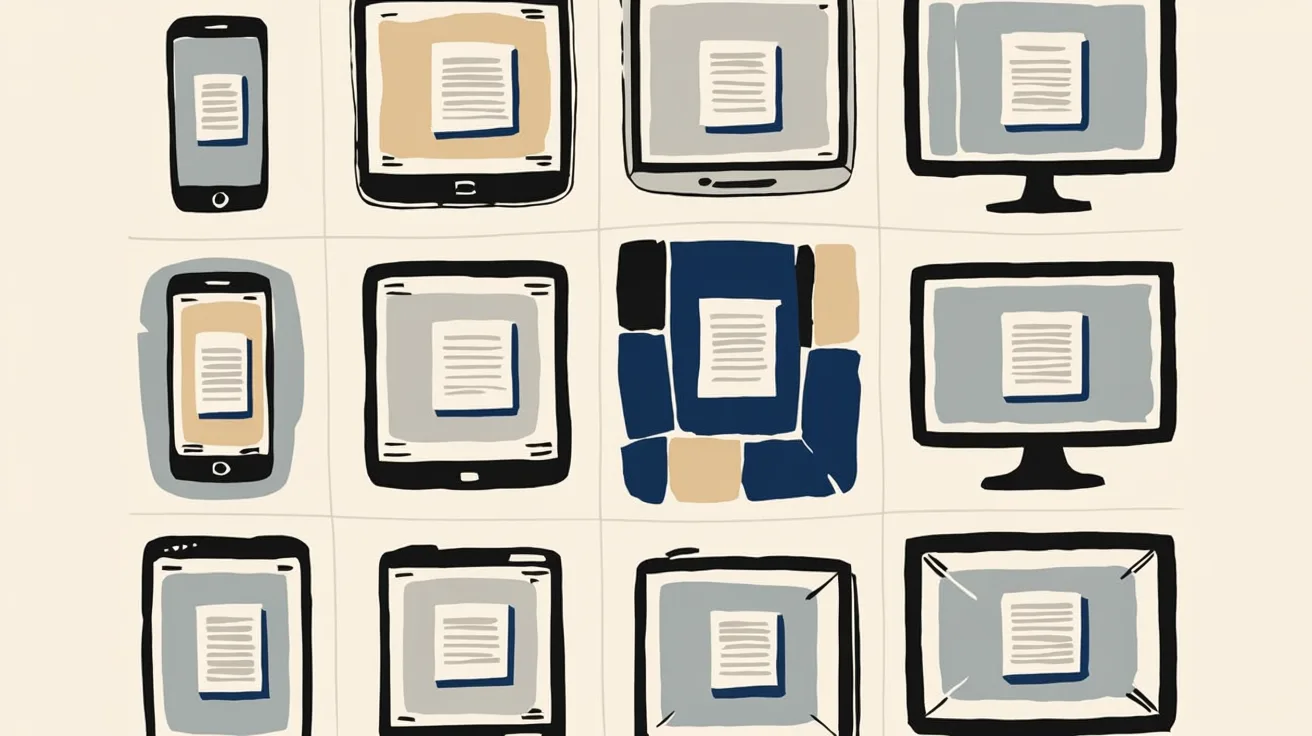
Introducing Cross-Device Email Preview: see your email on real devices before you send
Cross-Device Email Preview renders your template on the real clients you pick, from Outlook on Windows to dark mode on iPhone, and returns a screenshot of each one. Pick from 96 clients across 21 apps without leaving Design Studio.

New settings page, easier to use, with new background colors
Courier settings has been redesigned. Workspace pages and developer pages are grouped separately, every page says what it's for, and the app now comes in light or dark with nine background colors.
How to send messages and not piss off your customers
Every notification looks reasonable in isolation. Your customers don't experience them one at a time, they experience all of them before lunch. Here's why sending less beats sending more.
Embed a notification preferences center with one web component
Courier's new @trycourier/courier-ui-preferences package ships a <courier-preferences> Web Component that drops a complete notification preferences center into any web app, framework or not. Users opt in and out of topics, choose which channels deliver each one (email, push, SMS, and more), and set per-topic digest schedules. It supports light and dark theming, custom channel labels, and reuses your existing Courier Inbox auth. React developers get the same UI bundled in @trycourier/courier-react v9.2.0 as the CourierPreferences component, no extra install needed.

5 Best Platforms for Product Messages in 2026
Product messages are a requirement for every SaaS product, but most teams outgrow their initial setup fast. You start with one email provider, add push, then SMS, and suddenly you're maintaining multiple integrations with no shared routing, no preference management, and every copy change requires a deploy. This guide compares five platforms that solve different versions of this problem: Courier for cross-channel messaging with AI tooling, Resend for developer-friendly transactional email, Customer.io for marketing-adjacent journeys, Supabase for built-in auth emails, and Novu for open-source self-hosted infrastructure.
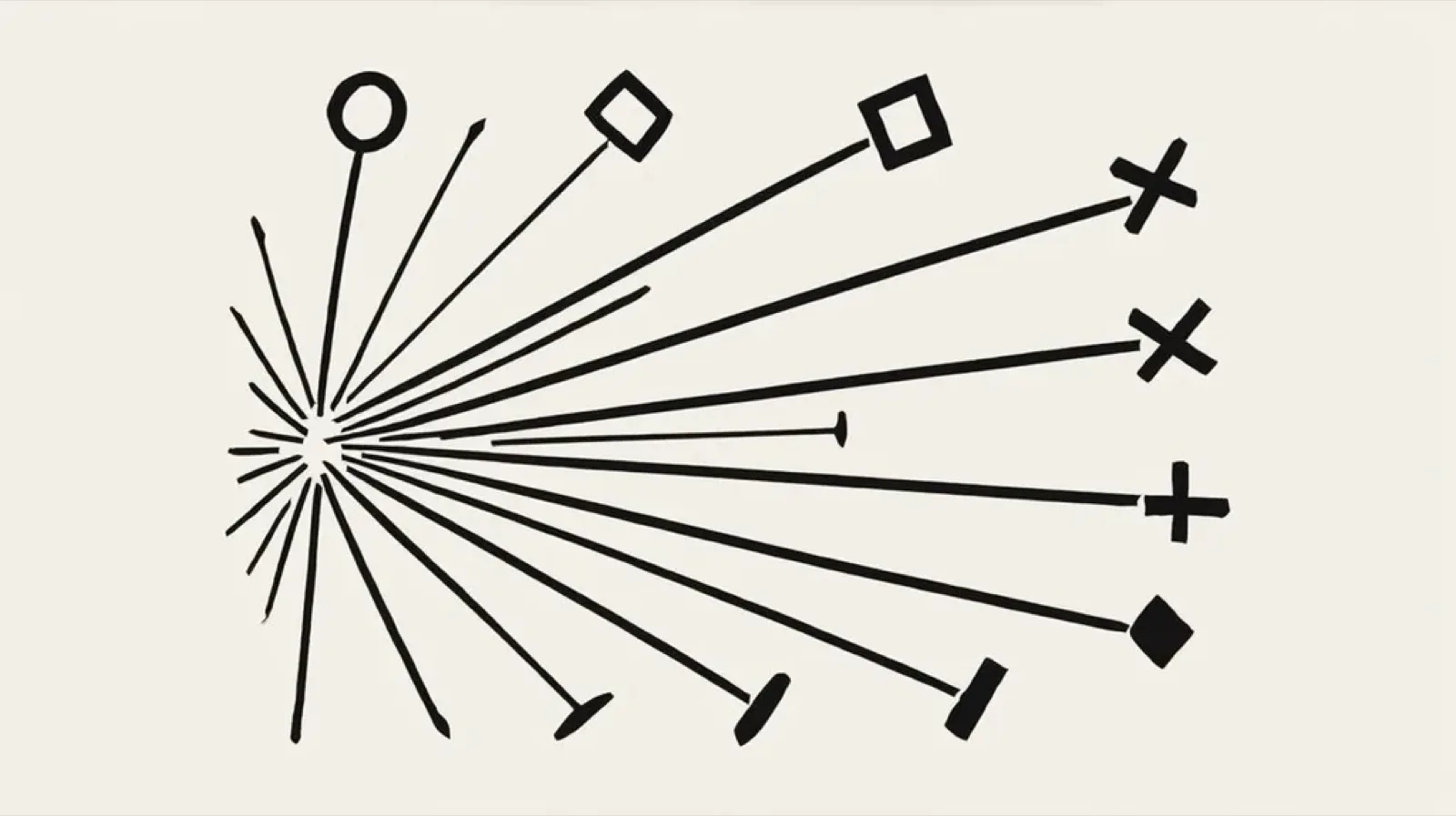
What's the Difference Between Omnichannel & Multichannel
Most teams say "omnichannel" when they mean "multichannel," and in most cases the distinction doesn't matter much. But if you truly want to provide an exceptional customer engagement experience you should know the difference. Both involve sending messages across email, push, SMS, Slack, and in-app. They terms diverge when those channels know about each other. Multichannel means you can reach users on multiple channels. Omnichannel means those channels share state, so a user who reads a push notification won't get the same message via email an hour later. This guide breaks down the real distinctions, when the difference actually matters, and which messaging platforms deliver true omnichannel coordination.

Personalization Beyond "Hello {{firstName || "there"}}!"
Using someone's name matters, just not for the reason most teams think. It builds familiarity over time but doesn't change what people do. The teams getting real results have moved past names to sending based on what users do and when it matters to them. This guide breaks down five tiers of personalization, shows where the gains actually come from, and helps you figure out where to focus. No machine learning needed for the tiers that matter most.
Cross-Channel Notification State: Why Read Receipts Are Harder Than They Look
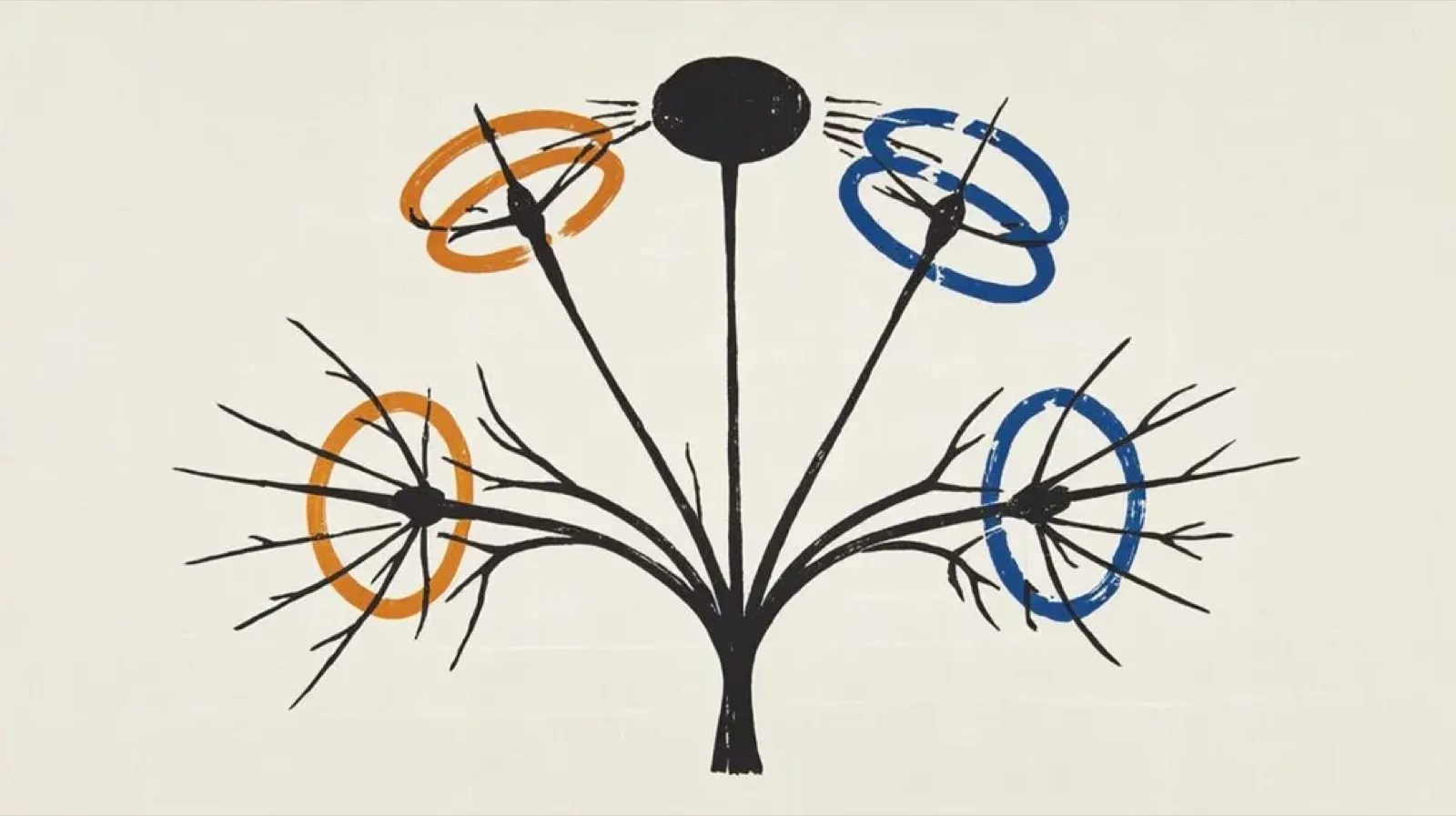
When a user opens your email, does your app know? For most products, the answer is no. Each channel tracks its own state. Email has read receipts. Push has delivery confirmation. In-app has its own unread count. They don't talk to each other. Users notice. This guide covers the three approaches to notification state management (channel-first, central-first, event-first), when to use each, and how to implement cross-channel sync without overengineering. Includes state diagrams and practical implementation patterns.

The First 48 Hours: Onboarding Notifications That Keep Users Around
The first 48 hours after signup are when users decide if your product is worth their attention. Every notification you send is an audition. Most teams blow it by sending too much too fast: welcome email, feature announcement, tip, CEO note. Day one and you've already trained users to ignore you. This guide breaks down what to send (and what not to send) in the critical first 48 hours, with timing frameworks, example sequences, and the one metric that matters more than open rate. Includes templates for signup confirmation, activation prompts, and day-two follow-ups.