The Courier Blog

How to Reduce Notification Fatigue: 7 Proven Product Strategies for SaaS
Notification fatigue erodes user trust and drives churn. This guide outlines seven proven product strategies to reduce notification overload while maintaining engagement.

Best Notification Infrastructure Software: 5 Platforms Compared
The best notification infrastructure keeps product and lifecycle messages flowing across email, SMS, push, in-app, Slack, and Teams without a pile of provider integrations to maintain. This guide compares five platforms across two groups, developer-focused notification infrastructure (Courier, Knock, Novu) and marketing-led engagement platforms (Customer.io, Klaviyo), on channels, developer experience, drop-in components, self-hosting, and pricing.
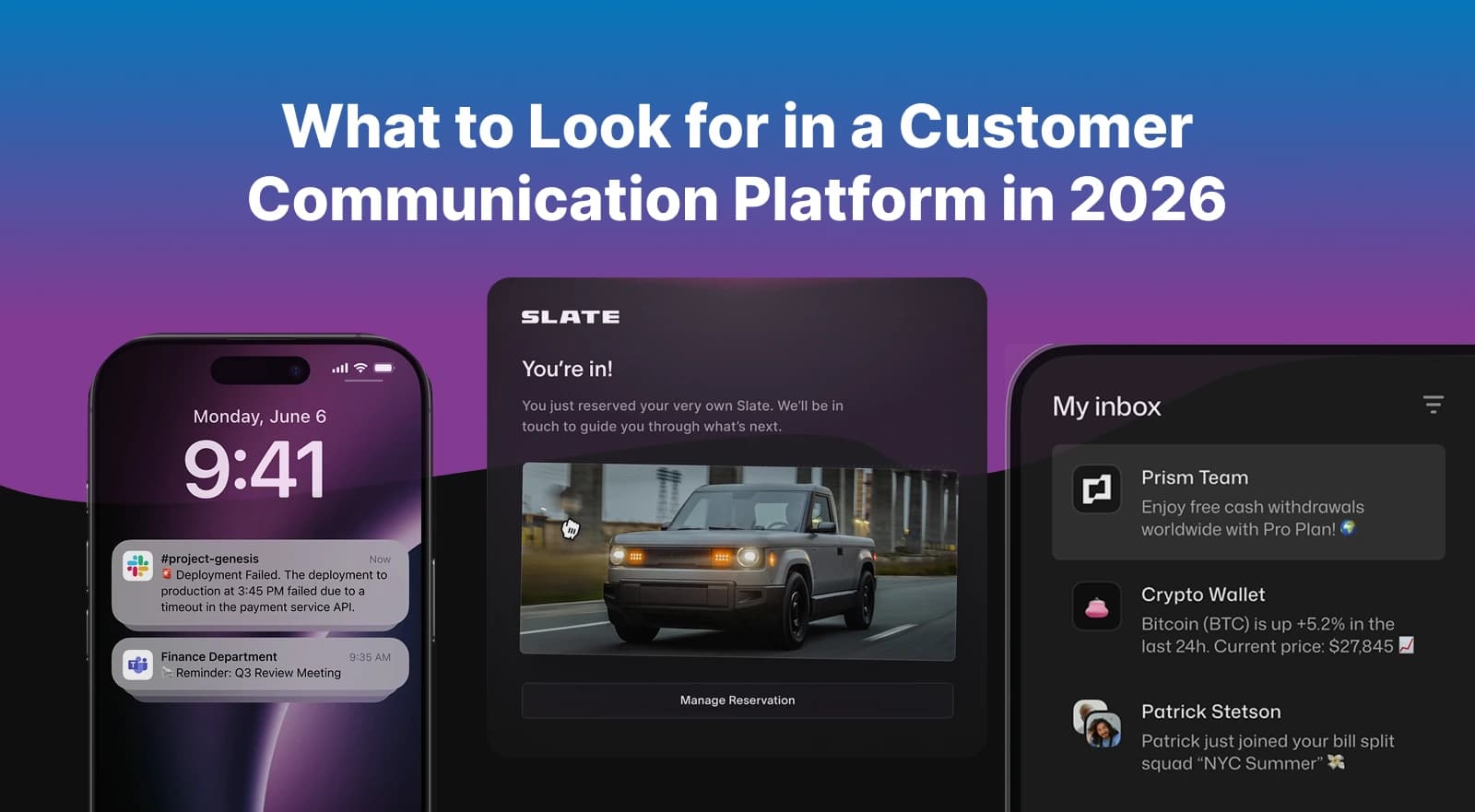
Customer Communication Platforms: What to Look for in 2026
Customer communication has evolved beyond batch-and-blast campaigns. Modern platforms must handle real-time event triggers, smart channel routing, visual journey orchestration, and compliance across multiple channels. This guide breaks down what to look for when evaluating customer communication platforms in 2026. We cover B2B customer journeys, business messaging (Slack, Teams, WhatsApp), drop-in preference centers, CDP integration, and analytics that actually help you improve. Includes comparisons of Courier, Customer.io, Braze, and infrastructure-first alternatives.
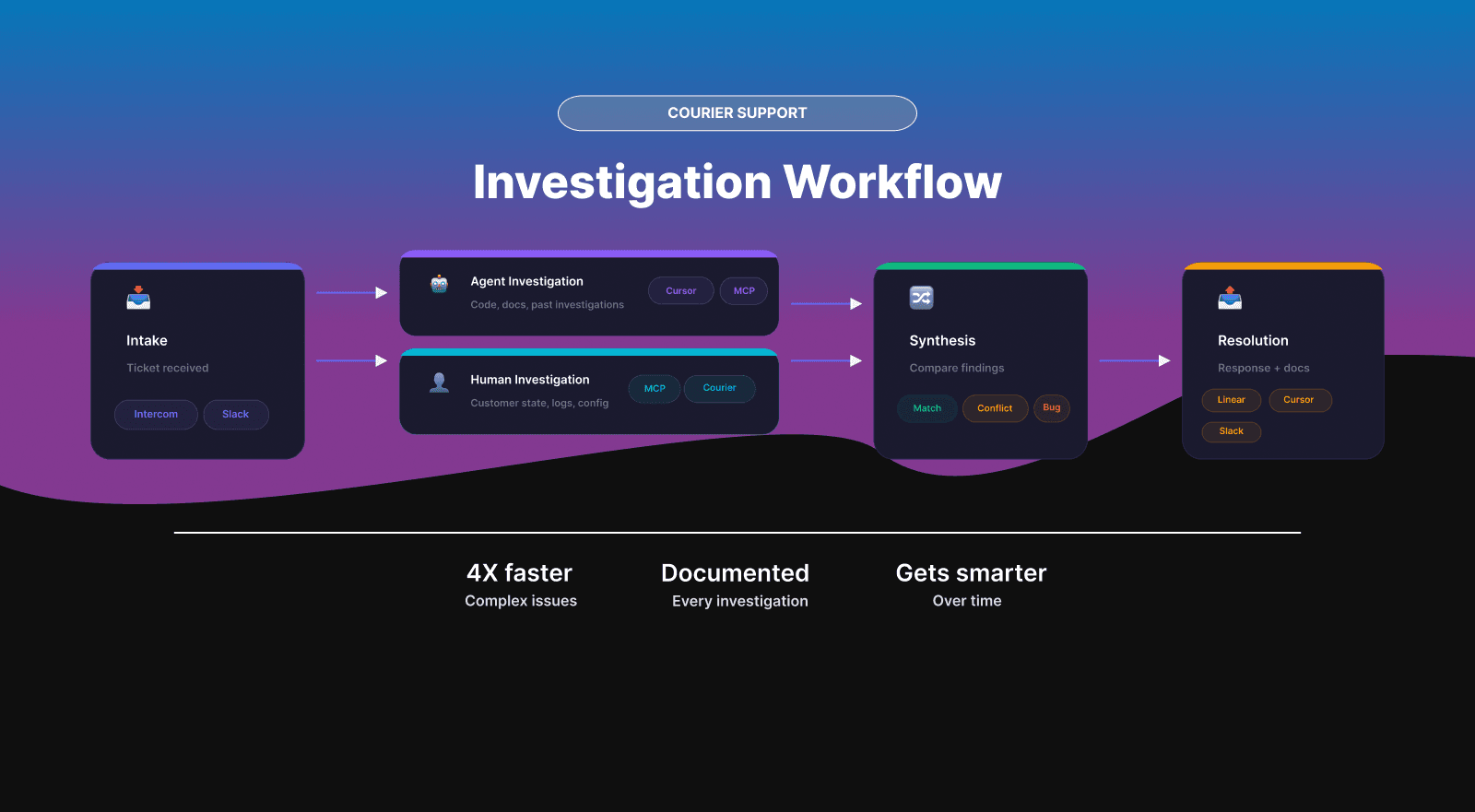
How We Investigate Support Tickets at Courier
Courier's support team resolves complex issues 4X faster using parallel investigation. Here's how it works: when a ticket comes in, an AI agent starts exploring the codebase while the support engineer examines actual customer data. The agent traces code paths and searches past investigations. The human reads event logs and forms hypotheses based on real state. Running both simultaneously catches mismatches fast—the agent sees what could cause a problem, the human sees what actually happened. This post breaks down the workflow, tools, and documentation structure that makes it repeatable.
Top Platforms for Preference Management in 2025
73% of users unsubscribe from poorly targeted notifications. The problem: preference logic is scattered across marketing platforms, product notification systems, and multiple providers that don't talk to each other. Most preference tools handle marketing OR product notifications, not both. This guide compares 9 platforms for 2025, evaluating integration depth, compliance support (GDPR, CAN-SPAM, TCPA), and multi-channel capabilities across email, SMS, push, chat, and in-app. Includes SDK references, implementation examples, and MCP setup for AI-assisted configuration. Best for teams planning Q1 notification infrastructure improvements.
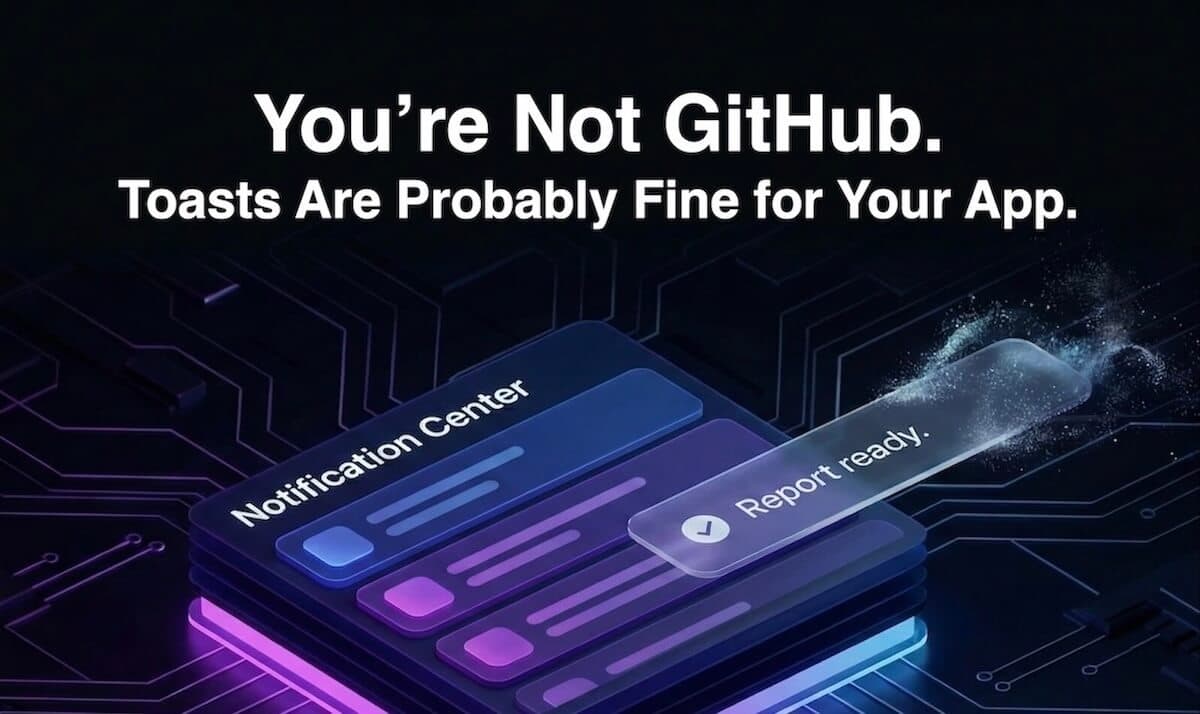
You’re Not GitHub. Toasts Are Probably Fine for Your App.
Toasts caught a lot of heat after GitHub removed them for accessibility reasons. But most products aren’t GitHub. With a proper notification center, toasts can still earn their place.
Twilio Integrations with Courier: SMS, SendGrid, Segment
Twilio owns critical notification infrastructure: SMS for billions of messages, SendGrid for email at scale, and Segment for customer data aggregation. Using them together means maintaining three APIs, three credential sets, and zero coordination between channels. Courier solves this by providing a single integration point for all three Twilio products. Connect your accounts, use one API to send across SMS and email, trigger notifications from Segment events, and orchestrate multi-channel delivery with routing rules and failover built in.
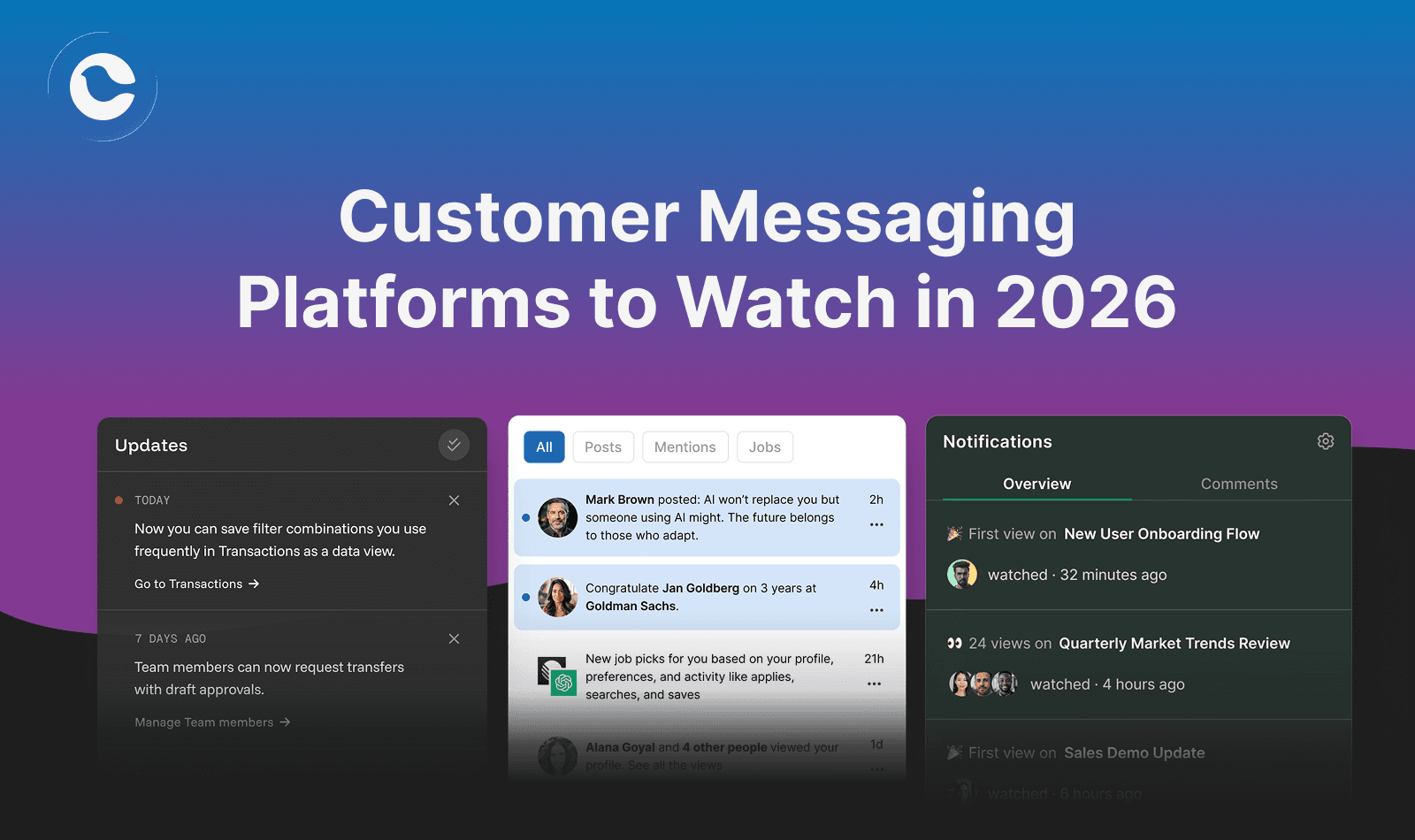
Customer Messaging Platforms to Watch in 2026
Customer messaging platforms are shifting from campaign-first tools to real-time, behavior-driven infrastructure. Heading into 2026, the platforms gaining ground prioritize API-first architecture, visual journey orchestration, and intelligent channel routing. Leaders include Courier (developer-first with visual Journeys and embedded components), Knock (workflow-first batching), Customer.io (behavioral automation), and Novu (open-source). Key trends to watch: AI-assisted content, cross-channel preference intelligence, and tighter CDP integration.
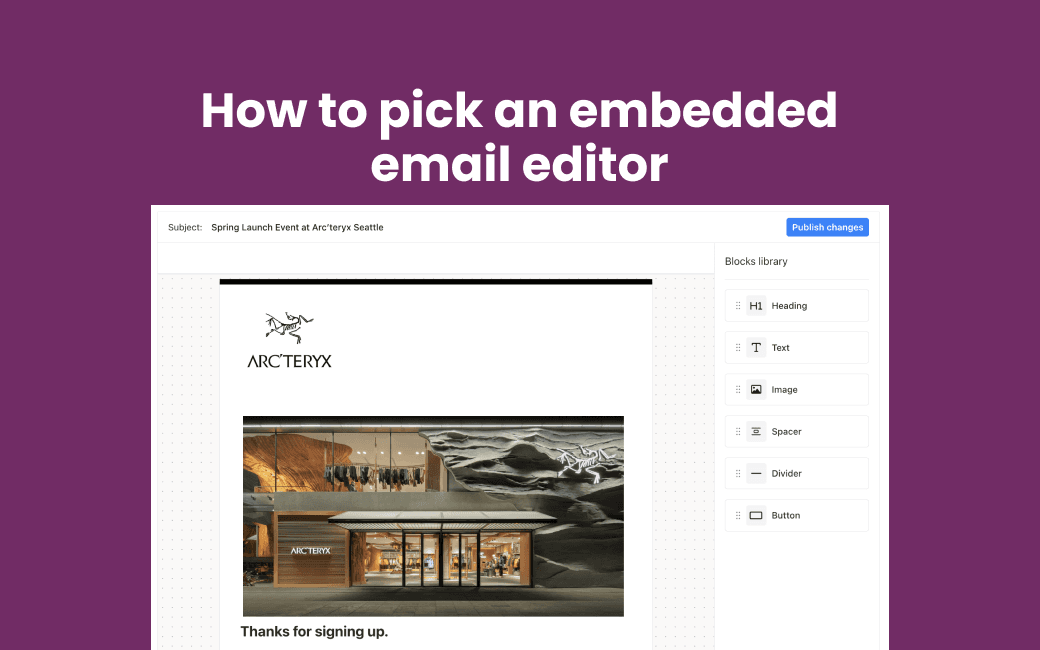
Stripo vs Unlayer vs Courier Create: Embedded Email Editor Comparison for SaaS Platforms
SaaS platforms often embed Stripo or Unlayer to let customers design emails, but those tools stop at content. If you need customer-owned notifications across email, SMS, push, and in-app with delivery built in, Courier Create is designed for the full job.