Topic
Product Management
46 articles
Notification strategy for product teams: what to build, what to buy, and how to decide between transactional and marketing sends.
Your Notification Center, Your Competitive Edge
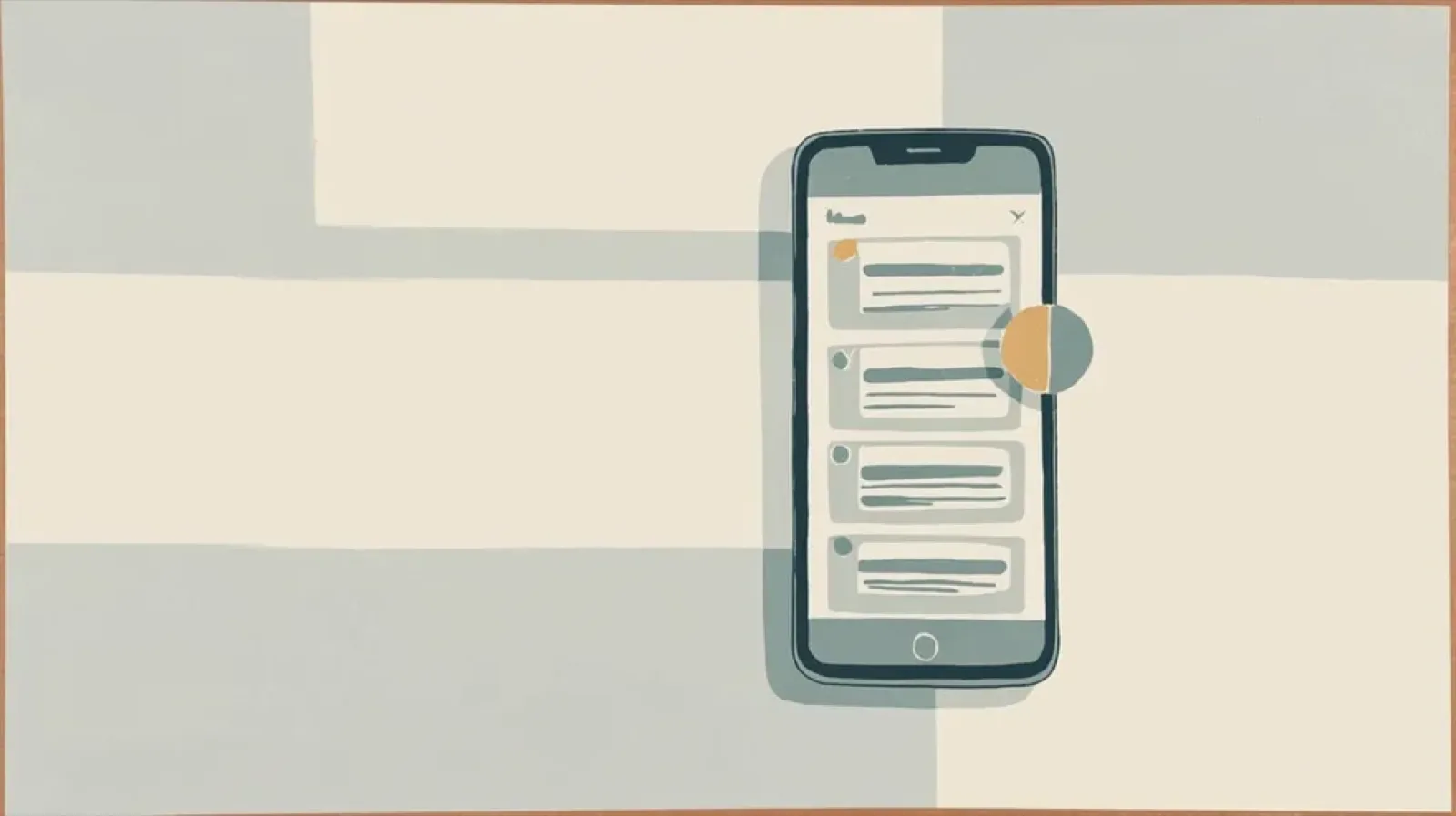
The in-app inbox is the most valuable notification surface you own. Every other channel has a gatekeeper: push, email, and SMS all run through someone else's filters. The inbox is the one surface where you set the rules. Courier Inbox ships as a drop-in component backed by a hosted API that stores messages, syncs read state across devices in real time, and integrates with your other channels. SDKs for React, Web Components, React Native, Flutter, iOS, and Android. Install it with an AI coding agent or a few lines of code. Theme it, customize the renderers, or go fully headless.

5 Mistakes Teams Make Building Customer Journeys
Most journey problems don't announce themselves. They show up as rising unsubscribe rates, softer engagement, and a sense that messaging used to work better. This post breaks down five mistakes teams repeat when building customer journeys: shipping too many without coordination, building journeys with no exit criteria, treating channels as interchangeable, letting the org chart dictate the flow, and using time delays where event triggers belong. Each section names a specific fix you can apply before you ship the next sequence.

5 Best Platforms for Product Messages in 2026
Product messages are a requirement for every SaaS product, but most teams outgrow their initial setup fast. You start with one email provider, add push, then SMS, and suddenly you're maintaining multiple integrations with no shared routing, no preference management, and every copy change requires a deploy. This guide compares five platforms that solve different versions of this problem: Courier for cross-channel messaging with AI tooling, Resend for developer-friendly transactional email, Customer.io for marketing-adjacent journeys, Supabase for built-in auth emails, and Novu for open-source self-hosted infrastructure.

How to Use Claude Code on Mobile to Design, Test, and Ship Multichannel Notifications
A walkthrough of using Claude Code's mobile app with Courier's MCP server and CLI to design, test, and ship a multichannel product announcement from a phone. Covers the full workflow: drafting the content outline, creating notification templates using Courier's elemental format, building channel-specific variants for email, Slack, push, and SMS, customizing brand styling through the API, iterating on design with test sends, getting team approval, and publishing with custom routing rules. The whole thing took a couple hours, mostly cold start and design iterations.

How to build B2B customer journeys
In B2B the account is the unit of value, not the person. Twelve people share one login, the person who trips the event is rarely the one who should hear about it, and consumer lifecycle flows get all of that wrong. Here's how to build customer journeys in Courier that reason about accounts: account fields on the payload schema, the four trigger types, per-customer settings read from tenant data, a send node addressed to an admin instead of the user who clicked, experiments bucketed by account, and one call that cancels every run on an account the moment it converts.

Audit Notifications with Cursor or Claude Code
Most teams can't answer a basic question about their own product: what notifications are you sending, and are they working? This post walks through a full notification audit using Courier's CLI and MCP server from inside your coding environment. You'll inventory every template, pull delivery logs to surface failures, trace messages end to end, inspect rendered content for stale copy, map the data feeding each notification, break down delivery health by tenant, check preference coverage, and build a hit list of notifications to kill, revise, or batch. All from the command line. Takes about an afternoon.
How Product Teams Build, Test and Ship Multichannel Notifications in Design Studio
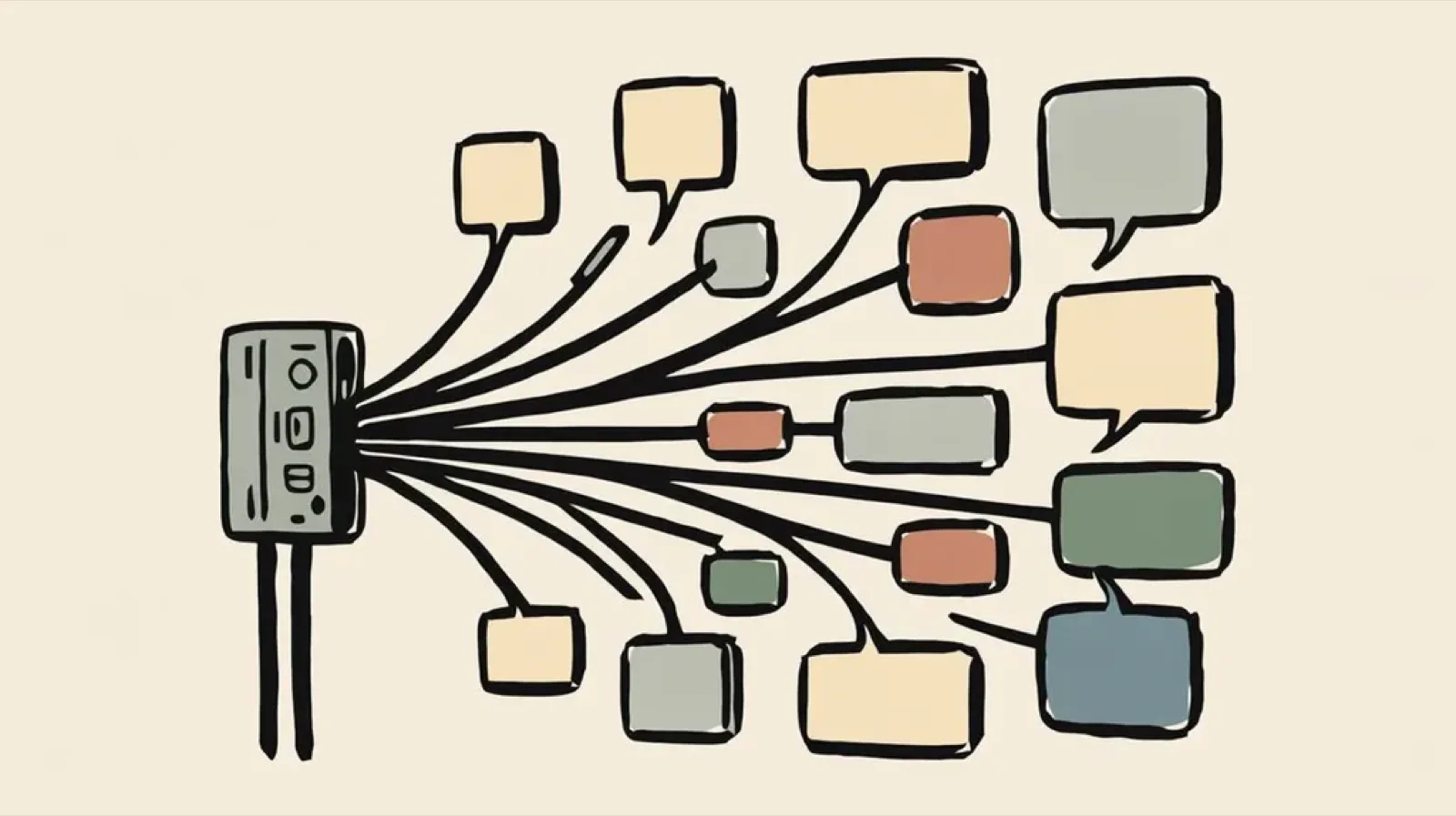
Product teams need to build, test, and ship notifications across multiple channels without filing an engineering ticket every time. Courier's Design Studio is the workspace for that: a template builder, visual channel routing, omnichannel testing, and publishing in one place. This post walks through the traditional template designer paradigm, how it splits effort across too many tools, and outlines a path for product and growth teams to ship transactional, product, and marketing notifications from a single workspace.
Customer Engagement Platforms Are Splintered. Message Orchestration Is the Fix
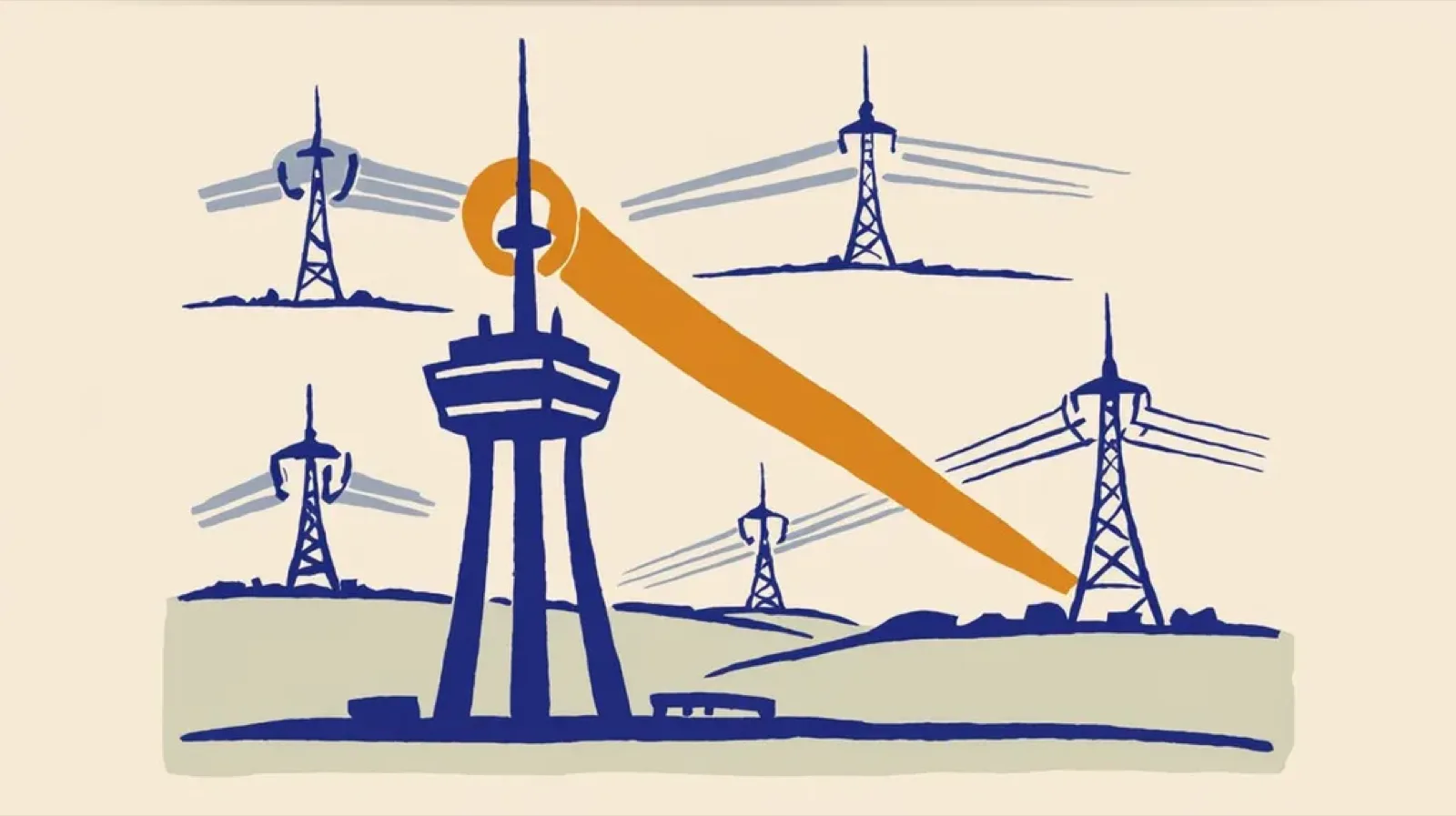
Customer engagement platforms are splintered. Some are built for campaigns, others for support automation, and others treat messaging as a transactional delivery problem. The result is collisions, blind spots, and message fatigue. The highest-leverage fix is solving the lifecycle-to-product and transactional vector with a message orchestration layer: one system that routes, suppresses, prioritizes, and observes messages across channels. Think air traffic control for user communications.

What are transactional notifications? Transactional email examples, transactional push, and more.
Transactional notifications are automated messages triggered by user actions or system events, like password resets, order confirmations, and payment alerts. Unlike marketing messages, they require no opt-in and have legal protections under CAN-SPAM. This guide covers what transactional notifications are, how they work across email, SMS, and push channels, real-world examples for each, and how to stay compliant. Whether you're building your first notification system or auditing an existing one, this breakdown will help you understand what belongs in each category and how to route messages correctly.